
Description
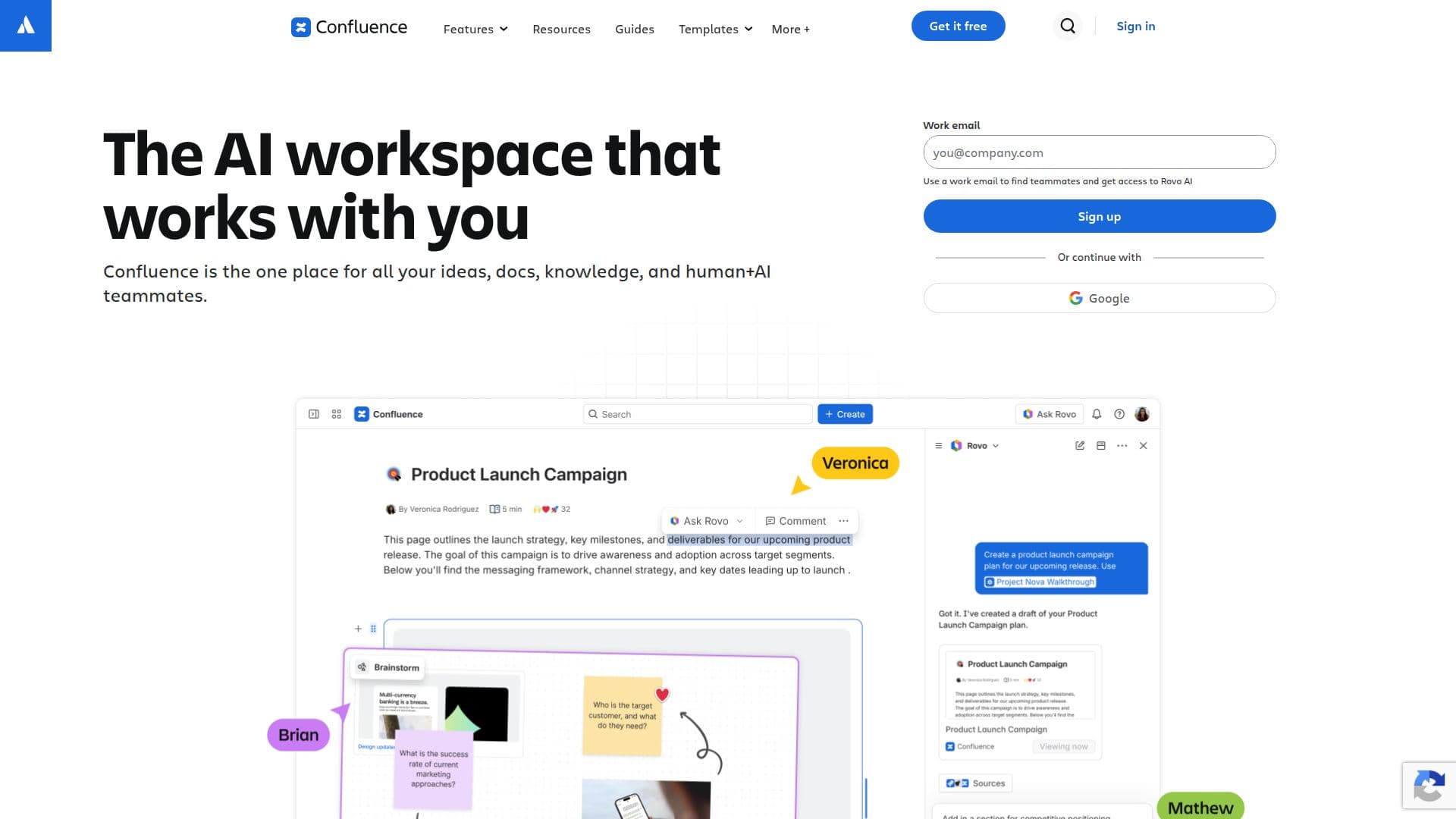
Confluence is your team workspace for creating and sharing knowledge. It leverages AI to draft, summarize, and find answers, allowing projects to move faster. The platform is designed to accelerate collaboration and streamline workflows, making it easier for teams to stay organized and informed.
Read More
At its core, Confluence serves as an AI-powered workspace that supports every stage of work. Users can transform ideas into actionable tasks, get context and answers, and visualize complex information through various formats such as timelines, charts, and slides. This flexibility ensures that teams can communicate effectively and understand intricate concepts with ease.
One of the standout features of Confluence is its ability to unlock knowledge across all apps, tools, and data sources, providing relevant and accurate answers in seconds. AI agents within Confluence assist users in managing their tasks, turning notes into polished presentations, and creating interactive prototypes from specifications. This integration of AI not only enhances productivity but also helps teams handle their workflows more efficiently.
Confluence is tailored for diverse work styles, offering live documents, whiteboards, databases, and multimedia integration. It allows teams to organize their work into meaningful categories through spaces, making it easier to manage projects and share information. The platform also supports external collaboration, enabling users to invite guests and share view-only pages, which is particularly useful for disseminating information to clients or stakeholders.
With various pricing plans, including a free tier, Confluence is accessible to teams of all sizes. The free plan allows up to 10 users with essential features, while paid plans offer increased storage, automation capabilities, and enhanced support. This scalability makes Confluence a suitable choice for startups, small businesses, and large enterprises alike, ensuring that teams can grow and adapt their workflows as needed.
- CategoryAI Knowledge Management
- Pricing ModelFreemium
- DeploymentCloud
- PlatformsWeb, Mobile
Confluence's Core Features
AI-powered drafting and summarization
Integration with Jira for automated reporting
Real-time collaboration tools
Customizable templates for various projects
Unlimited pages and spaces in Premium and Enterprise plans
Automated workflows with varying rule runs per plan
External guest collaboration capabilities
Advanced analytics and insights
How to use Confluence?
Draft: Use AI to create initial content quickly.
Summarize: Generate concise summaries of lengthy documents.
Visualize: Transform content into charts or slides for better understanding.
Collaborate: Invite team members and guests to work on projects together.
Confluence's Use Cases
- Project Management
- Knowledge Base
- Documentation
- Team Collaboration
- Client Engagement