Description
Mosaic by Kolekti is designed to elevate Confluence pages from ordinary to exceptional, fostering brilliant work through enhanced content presentation. This toolset empowers teams to create visually impactful and engaging documentation, thereby increasing knowledge retention and driving action across all pages. It addresses the common challenge of bland, uninspiring Confluence content by providing a comprehensive toolkit that makes complex information easy and enjoyable to navigate.
Read More
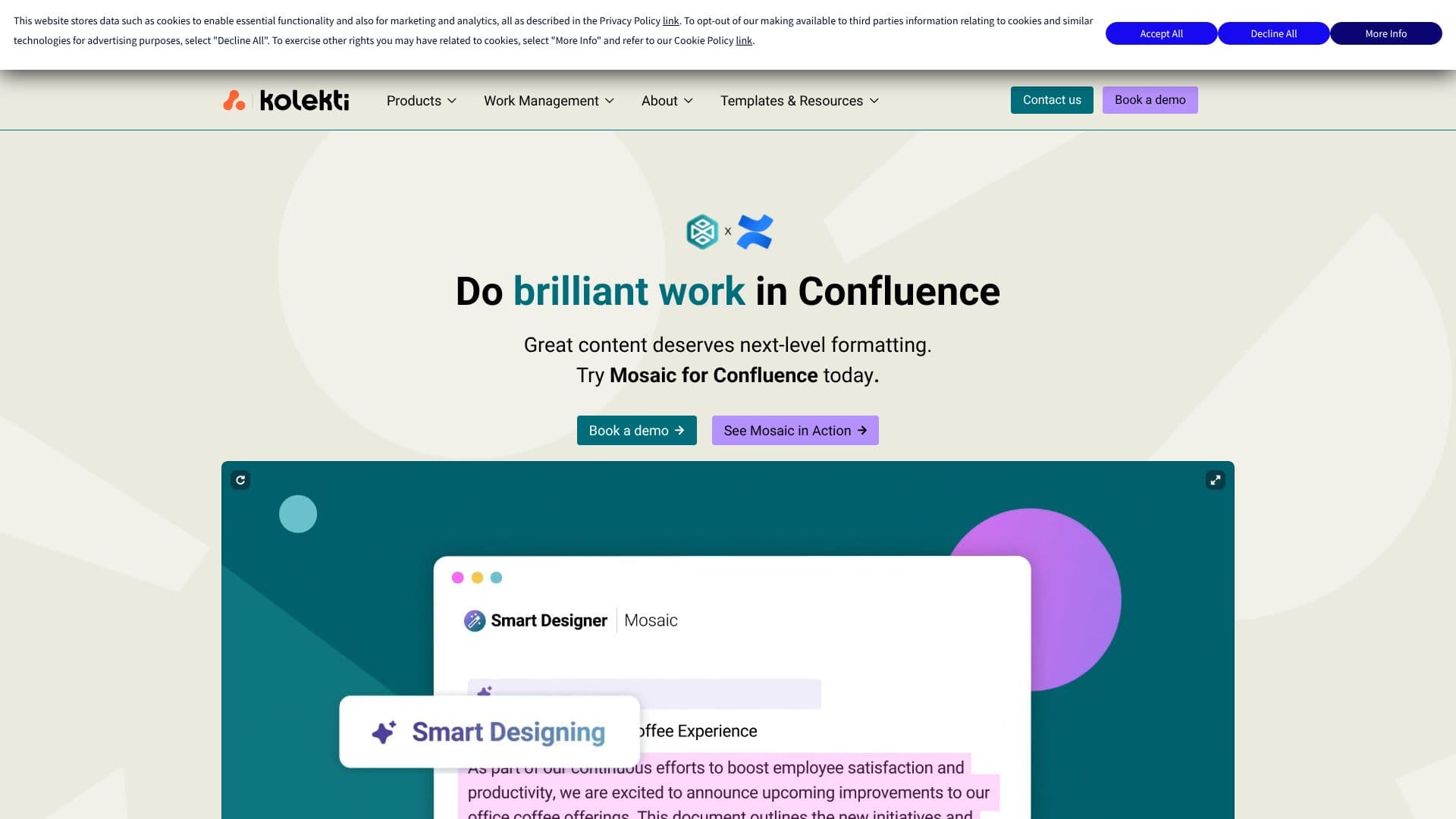
Mosaic offers a robust Macros Toolkit, consolidating essential formatting features into a single application. This includes macros for Tabs, Advanced Cards, Buttons, LaTeX, and Numbered Headings, enabling users to craft visually appealing content with ease. Beyond individual macros, the Smart Designer feature revolutionizes page formatting by automatically transforming dull content with a single click, significantly reducing manual effort and time spent on repetitive design tasks.
To further inspire creativity and efficiency, Mosaic provides a library of ready-built, professional templates. These templates offer instant inspiration and eliminate the need to start from a blank page, catering to a wide range of use cases with fully customizable designs. This feature is particularly beneficial for teams looking to establish brand consistency and professional polish across their documentation.
Mosaic is available in different editions to cater to diverse organizational needs. The Advanced Edition offers deeper brand controls, enhanced security compliance, and features for smarter bulk space management, making it ideal for enterprises seeking brand-perfect consistency and enterprise-ready security. For organizations requiring stringent compliance, Mosaic for Atlassian Government Cloud provides FedRAMP-style security and robust data control. Additionally, Kolekti offers a Confluence Migration Hub to assist teams transitioning from Data Center to Cloud environments.
Forms for Confluence is another key offering, providing a seamless and secure way to collect, report, and analyze data directly within Confluence. This feature allows for the creation of polls and quizzes, with responses connectable to Jira, further integrating data management into the Confluence workflow. Mosaic aims to maximize Confluence investments by boosting adoption, collaboration, and overall team productivity.
- CategoryAI Knowledge Management
- Pricing ModelPaid
- DeploymentCloud
- PlatformsWeb
Kolekti Mosaic's Core Features
Enhances Confluence pages with advanced formatting and design.
Increases knowledge retention and action across documentation.
Simplifies navigation of complex information.
Empowers all team members to create stunning pages.
Maximizes Confluence investment through improved adoption and collaboration.
Offers a Macros Toolkit with features like Tabs, Advanced Cards, Buttons, LaTeX, and Numbered Headings.
Includes a Smart Designer for automatic page content formatting.
Provides a library of ready-built, customizable templates.
Offers an Advanced Edition with deeper brand controls and enterprise security.
Provides Mosaic for Atlassian Government Cloud with FedRAMP-style security.
Includes a Confluence Migration Hub for Data Center to Cloud transitions.
Introduces Forms for Confluence for data collection, reporting, and analysis.
Allows creation of polls and quizzes with Jira integration.
How to use Kolekti Mosaic?
Configure: Select and apply desired macros, templates, or use the Smart Designer.
Design: Utilize the Macros Toolkit for specific formatting needs like tabs, cards, and headings.
Automate: Employ the Smart Designer to instantly format page content.
Template: Choose from pre-built templates for inspiration and consistency.
Collect Data: Use Forms for Confluence to create surveys, polls, or quizzes.
Analyze: Report on form submissions with charts directly on Confluence pages.
Integrate: Connect form responses to Jira for streamlined workflows.
Optimize: Leverage advanced features for brand consistency and enterprise security.
Kolekti Mosaic's Use Cases
- Enhance Documentation
- Streamline Content Creation
- Improve Knowledge Sharing
- Standardize Page Design
- Collect Feedback
- Manage Projects
- Onboarding New Employees
- Data Reporting