Description
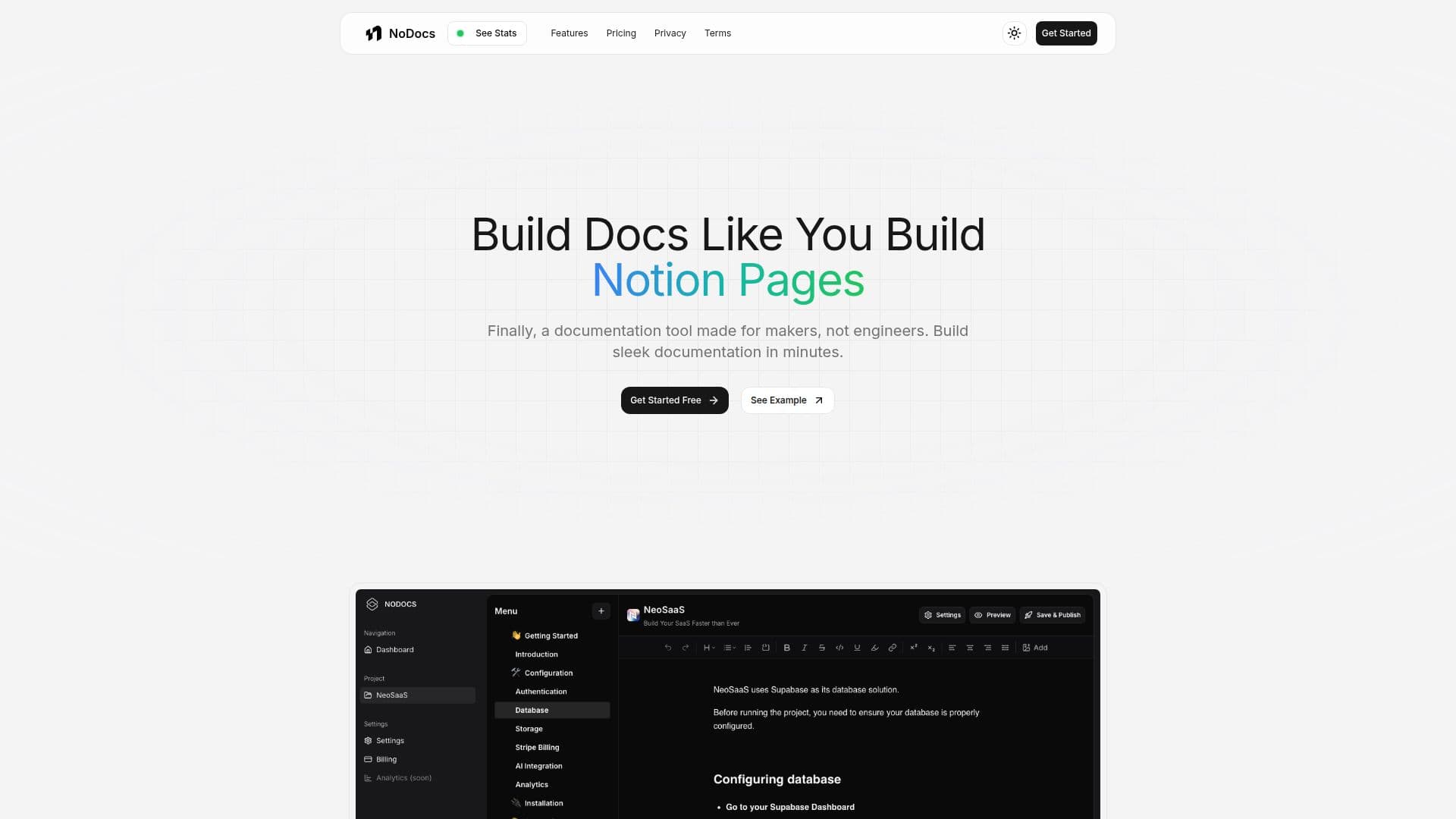
NoDocs is a no-code documentation builder that lets you create beautiful documentation without writing any code. Built for makers rather than engineers, it uses a clean, familiar Notion-like editor so you can ship sleek docs in minutes.
Read More
You can structure your documentation across multiple pages, publish instantly with a single click, and use your own custom domain for a branded look. The tool emphasizes simplicity and speed, and AI-powered writing suggestions are noted as a coming feature.
NoDocs offers a free plan for a single project with up to 5 pages on a NoDocs domain, a Pro plan with multiple projects, unlimited pages, white-label branding, and custom domain support, and a Plus plan that adds unlimited projects, searchable docs, and priority support.
- CategoryProductivity
- Pricing ModelFreemium
- DeploymentCloud
- PlatformsWeb
NoDocs's Core Features
No-code documentation builder
Notion-like editing experience
Multi-page project structure
One-click publishing
Custom domain support
White-label branding on paid plans
Searchable docs on the Plus plan
How to use NoDocs?
Create a project: Start a new documentation project in NoDocs.
Write your docs: Use the Notion-like editor to add and structure content across pages.
Customize: Apply branding and connect your own custom domain on a paid plan.
Publish: Go live instantly with one-click publishing.
NoDocs's Use Cases
- Product documentation
- Knowledge bases
- Branded docs
- Maker projects