
Description
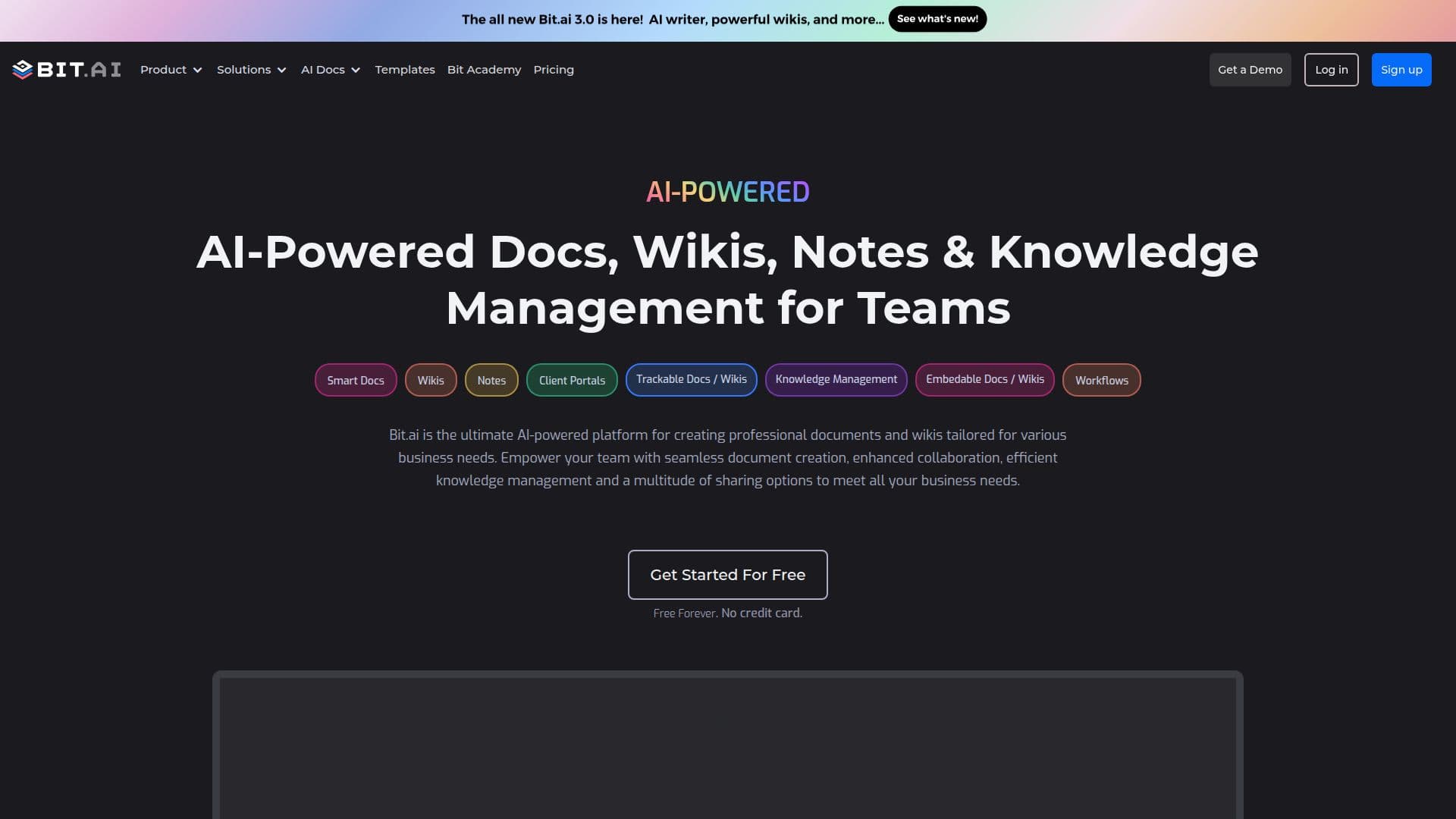
Bits AI is a comprehensive document collaboration platform designed to enhance productivity and streamline knowledge management for teams. It offers AI-powered tools to create professional documents and wikis tailored to various business needs. The platform supports seamless document creation, enhanced collaboration, and efficient knowledge management, allowing users to stack elements like text, video, spreadsheets, surveys, and diagrams without restrictions.
Read More
Bits AI features an intuitive editor for creating interactive documents and wikis that can handle various content types and media formats, providing more context and ease of understanding. The AI Genius Assistant Writer maximizes productivity by helping users create custom templates, outlines, and research assistance.
The platform supports real-time collaboration with co-editing, comments, and notifications, ensuring everyone stays on the same page. It organizes team knowledge across scalable workspaces, folders, documents, and wikis, making it suitable for globally distributed teams.
Bits AI integrates with over 100 industry-leading software and custom apps, enriching documents with digital content like files, videos, maps, charts, and forms. Its smart search functionality saves time by delivering instantaneous results across workspaces, folders, and documents.
Users can share documents and wikis via live links, trackable links, and website embeds, with options for lead capture forms, password protection, and automatic destruction. The platform also supports creating client portals and virtual data rooms with secure data sharing and permission controls.
- CategoryAI Knowledge Management
- Pricing ModelFreemium
- DeploymentCloud
- PlatformsWeb
Bits AI's Core Features
AI-powered document creation
Interactive living documents
Real-time collaboration
AI Genius Assistant Writer
Scalable workspaces
100+ integrations
Smart search functionality
Document sharing system
Client portals
Custom templates
Document tracking
Advanced design options
Robust search capabilities
Permission controls
Secure data sharing
How to use Bits AI?
Configure: Set up workspaces and folders
Use: Create and collaborate on documents
Integrate: Connect with external apps
Optimise: Use AI Genius for productivity
Bits AI's Use Cases
- Tech Documentation
- Sales Collaboration
- Marketing Campaigns
- HR Management
- Research Projects