Description
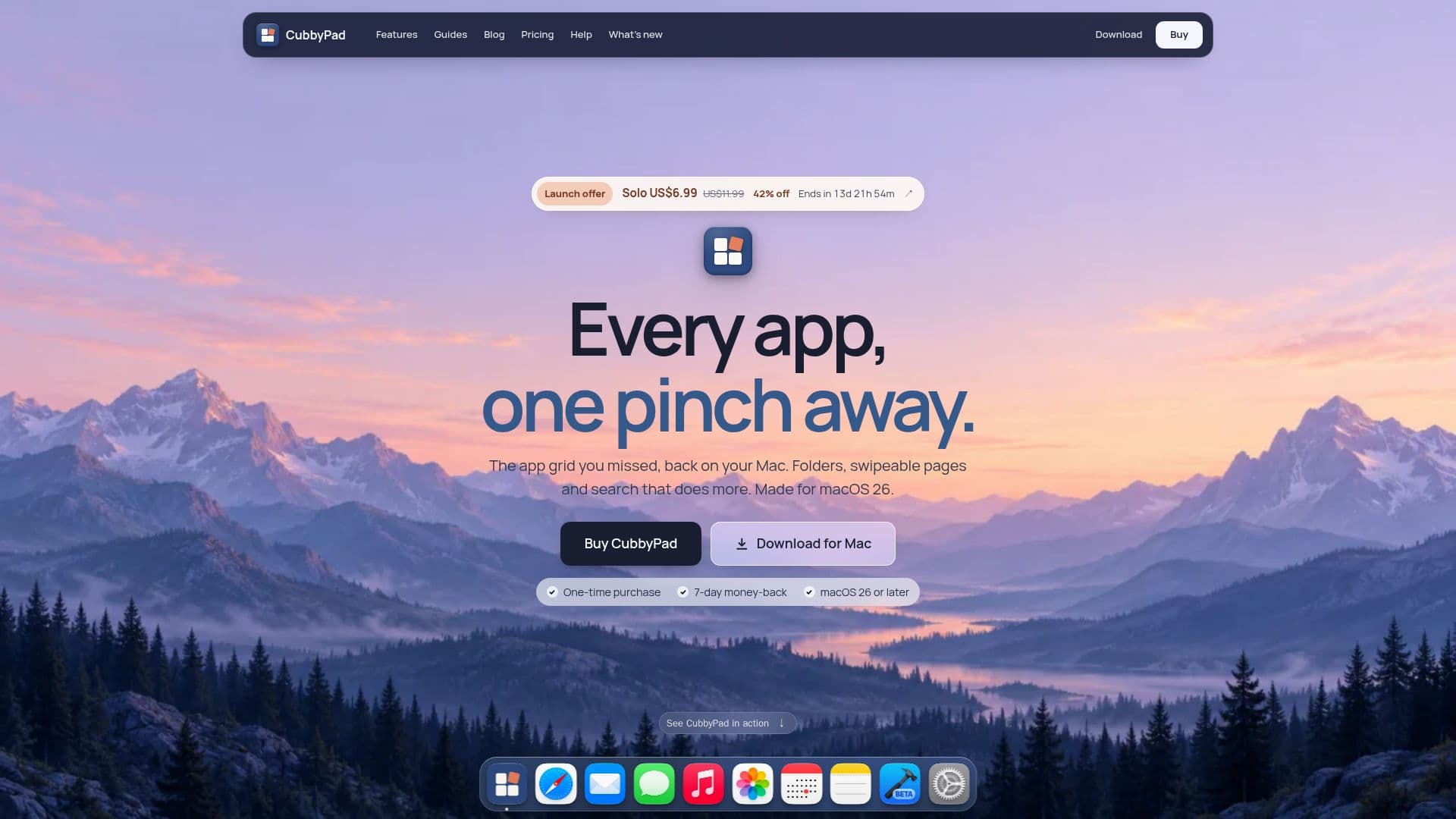
CubbyPad is an independent macOS application designed to bring back and significantly improve upon the full-screen app grid experience that was a hallmark of earlier macOS versions, akin to Apple's Launchpad. It caters specifically to users running macOS 26 Tahoe or later, offering a familiar interface with modern enhancements.
Read More
The application functions as a comprehensive app launcher, presenting all installed applications in a customizable, full-screen grid. Users can organize their apps into folders, navigate through multiple swipeable pages, and access them quickly using various methods, including the F4 key, a custom keyboard shortcut, a three-finger pinch gesture, a hot corner, or a Dock icon. CubbyPad also offers to import existing Launchpad layouts from older macOS versions or from LaunchNext, ensuring a seamless transition for users.
Beyond basic app launching, CubbyPad introduces several advanced features. Its search functionality is particularly robust, allowing users to find apps by name, initials, or even perform calculations directly within the search bar. It can also open System Settings pages based on keywords (e.g., "dark mode" for Appearance settings) and display recent files associated with a searched app. For Macs supporting Apple Intelligence, CubbyPad can leverage on-device models to suggest apps relevant to a task or respond to voice commands like "Open Safari," ensuring privacy by keeping data on the device.
Organization is a core strength, with features like smart folders that automatically update as apps are installed or removed, and the ability to undo any changes made to the grid layout. Users can sort their entire app grid by name, date, use, or icon color. CubbyPad also supports custom layouts that can switch automatically based on Focus modes or external monitor connections, and these layouts can be synced across multiple Macs via iCloud Drive. Additionally, it includes cleanup tools to identify unused apps, clear out leftover files from deleted applications, and monitor memory usage.
CubbyPad is offered as a one-time purchase, with options for a single Mac (Solo) or two Macs (Duo), and includes all 1.x updates. It emphasizes user privacy, stating that app usage data remains on the user's Mac and is used only for app suggestions, with no analytics collected. The app supports 20 languages and offers a 7-day money-back guarantee.
- CategoryOther AI Tools
- Pricing ModelOne-time purchase
- DeploymentDesktop app
- PlatformsmacOS 26 Tahoe or later
CubbyPad's Core Features
Full-screen app grid for macOS 26 Tahoe or later
Folders for organizing applications
Swipeable pages for app navigation
Advanced search with calculations and system settings access
Voice search and Apple Intelligence integration (on supported Macs)
Smart folders for automatic app organization
Undo functionality for grid changes
Customizable layouts with Focus mode integration
iCloud Drive sync for layouts across multiple Macs
Multiple opening methods: F4 key, shortcuts, pinch, hot corner, Dock
Cleanup tools for unused apps and memory management
One-time purchase with 1.x updates included
7-day money-back guarantee
Privacy-focused: app usage data stays on device
Supports 20 languages
How to use CubbyPad?
Install CubbyPad: Download the DMG, drag CubbyPad to Applications, and approve the first launch in System Settings > Privacy & Security.
Activate License: Copy your license key from the order page or email, then paste and activate it in CubbyPad's Settings > License.
Configure Opening Method: Choose your preferred way to open CubbyPad, such as the F4 key, a custom keyboard shortcut, a three-finger pinch, a hot corner, or the Dock/menu bar icon.
Organize Apps: Drag icons to rearrange them, drop one app onto another to create a folder, or use smart folders for automatic organization.
Utilize Search: Start typing to find apps, perform calculations, open System Settings, access recent files, or use voice commands for quick actions.
Customize Layouts: Create and switch between different app arrangements, link them to macOS Focus modes, and sync them across your Macs via iCloud Drive.
CubbyPad's Use Cases
- Efficient App Launching
- Application Organization
- Enhanced App Search
- Personalized Workflows
- Cross-Mac Consistency
- System Cleanup
- Voice-Controlled Access