
Description
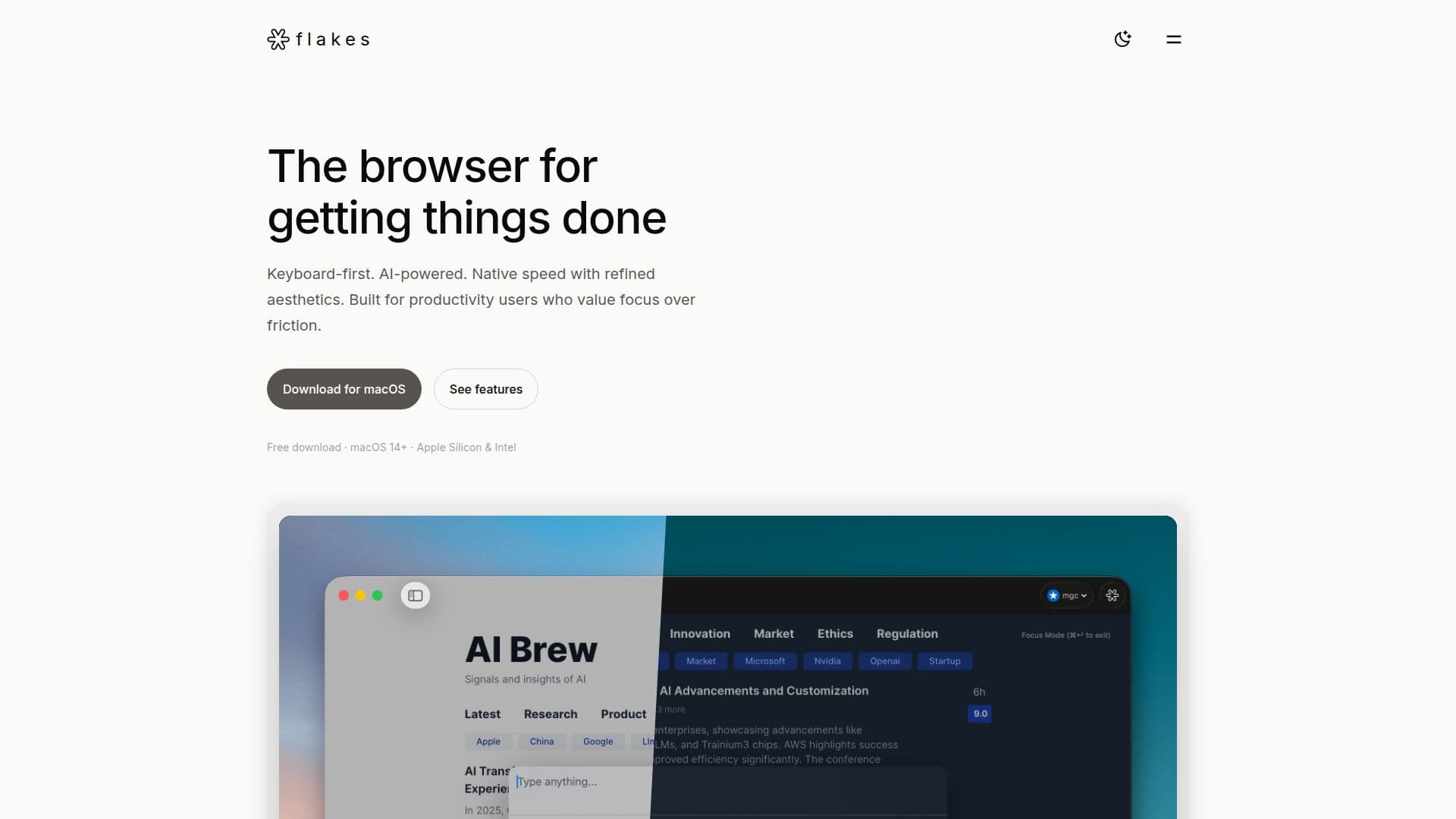
Flakes is a keyboard-first, AI-powered browser for macOS built for productivity users who value focus over friction. It strips away address-bar clutter and tab overload, keeping the user and the content front and center, with a focus mode, smart history, and distraction-free browsing.
Read More
Navigation is designed around the keyboard: Vim-style movement with h/j/k/l, link hints with f, and a command palette opened with Cmd+K to search history, run commands, open URLs, or ask the AI without hunting through menus. Drift AI reads open tabs and gives direct answers across all of them, offers real-time translation, and supports deeper conversations about any content being viewed.
Built natively with SwiftUI and WebKit, Flakes has an instant cold start, smooth scrolling, and a minimal memory footprint, feeling like a true macOS app. Privacy is built in with ad blocking by default, optional AI features, and a private mode that leaves no history and is isolated in memory. Flakes is a free download for macOS 14+ on Apple Silicon and Intel and is still early, built by a small team.
- CategoryBrowser & Web Automation
- Pricing ModelFree
- DeploymentDesktop app
- PlatformsmacOS
Flakes's Core Features
Keyboard-first Vim-style navigation (h/j/k/l, link hints with f)
Command palette with Cmd+K for search, commands, and AI
Drift AI that understands and answers across your open tabs
Real-time translation and deep conversations about content
Focus mode with Cmd+Enter to hide everything but content
Native SwiftUI and WebKit build with fast cold start
Built-in ad blocking with a minimal memory footprint
Private mode that leaves no history and is isolated in memory
How to use Flakes?
Download Flakes: Install the free browser on macOS 14+ (Apple Silicon or Intel).
Use the command palette: Press Cmd+K to search, run commands, open URLs, or ask AI.
Navigate by keyboard: Use Vim-style h/j/k/l and press f for link hints.
Ask Drift AI: Get direct answers across your open tabs and translate pages in real time.
Focus: Press Cmd+Enter to hide everything but the content you are reading.
Flakes's Use Cases
- Distraction-free browsing
- Keyboard-driven productivity
- Cross-tab answers
- Real-time translation