
Description
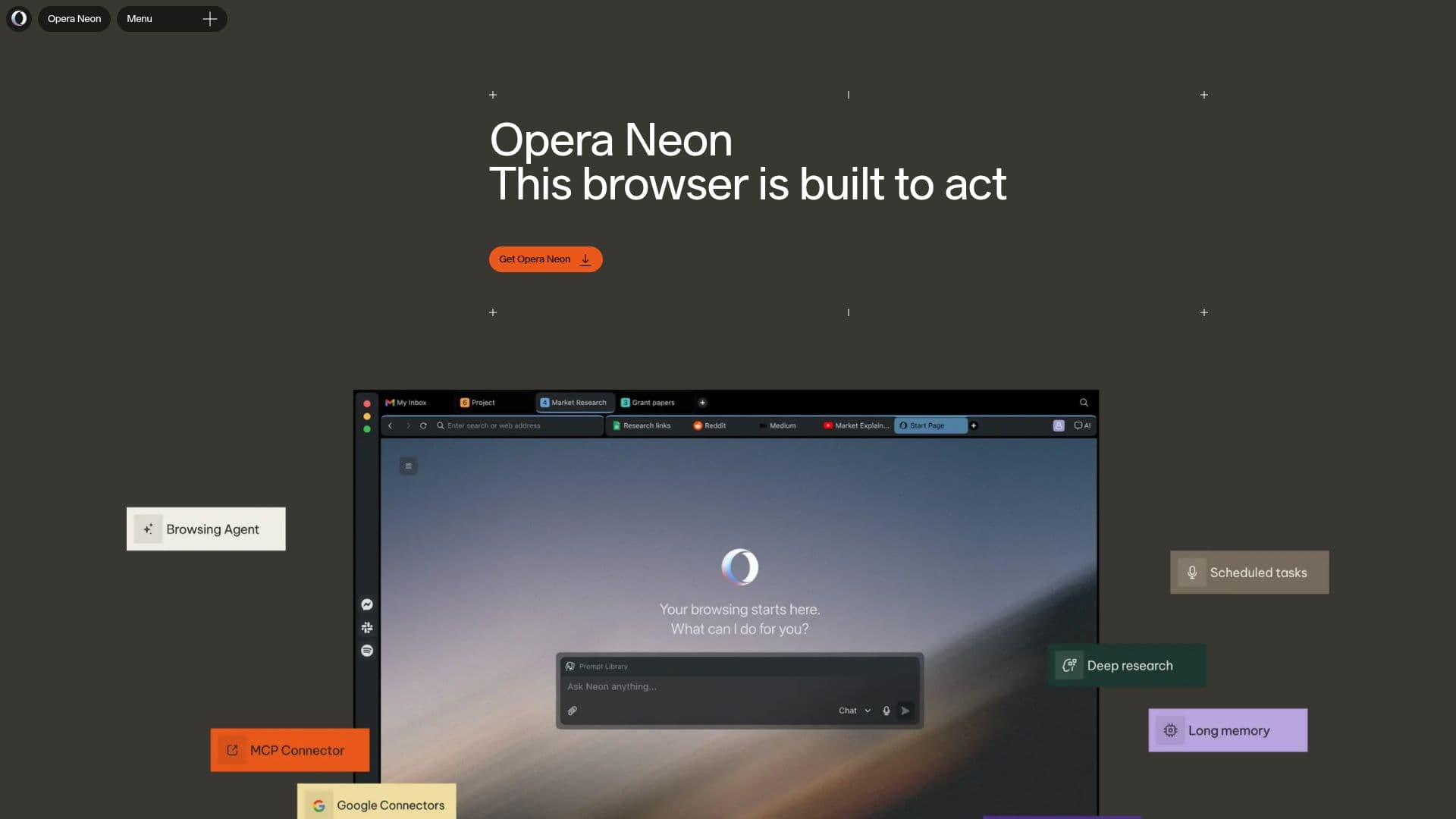
Opera Neon is a browser built to act, offering a unique agentic experience that understands user intent and assists with tasks. Developed by Opera, a company with 30 years of experience in browser innovation, Neon is designed to move users faster through the web by managing tabs, interpreting content, and executing commands. It integrates various agents within the browser, each tailored for specific outcomes, from shaping quick agendas to conducting deep research and generating documents. This allows users to transition seamlessly from small tasks to significant outputs without rebuilding workflows.
Neon operates where your tabs, sources, notes, and decisions reside, reading pages, carrying context, comparing inputs, and structuring results. It connects tools, brings in browser context, and runs workflows through MCP and CLI paths, making the browser a central part of your system rather than just a window.
Privacy and protection are integral to Neon, continuing Opera's tradition of embedding privacy features like ad blocking and VPN directly into the browser. This ensures that advanced AI and agentic capabilities are delivered within a framework of practical control and everyday protection.
Opera Neon is available for free download, with additional functionalities unlocked through a subscription priced at $19.90 per month. This subscription enhances the browser's capabilities, allowing agents to access top world LLMs and perform more complex tasks. Neon is compatible with Windows and macOS, making it accessible to a wide range of users looking to enhance their browsing experience with AI-driven tools.
Opera Neon Browser's Core Features
Agentic browser capabilities
Task assistance and automation
Advanced tab management
Built-in ad blocking
Free VPN
Integration with MCP and CLI
Privacy-focused design
Subscription-based advanced features
How to use Opera Neon Browser?
Install: Download Opera Neon
Connect: Link existing agents via MCP or CLI
Activate: Subscribe for advanced functionalities
Use: Execute tasks and manage workflows
Opera Neon Browser's Use Cases
- Task Automation
- Research
- Privacy Browsing
- Workflow Integration
- Document Generation