
Description
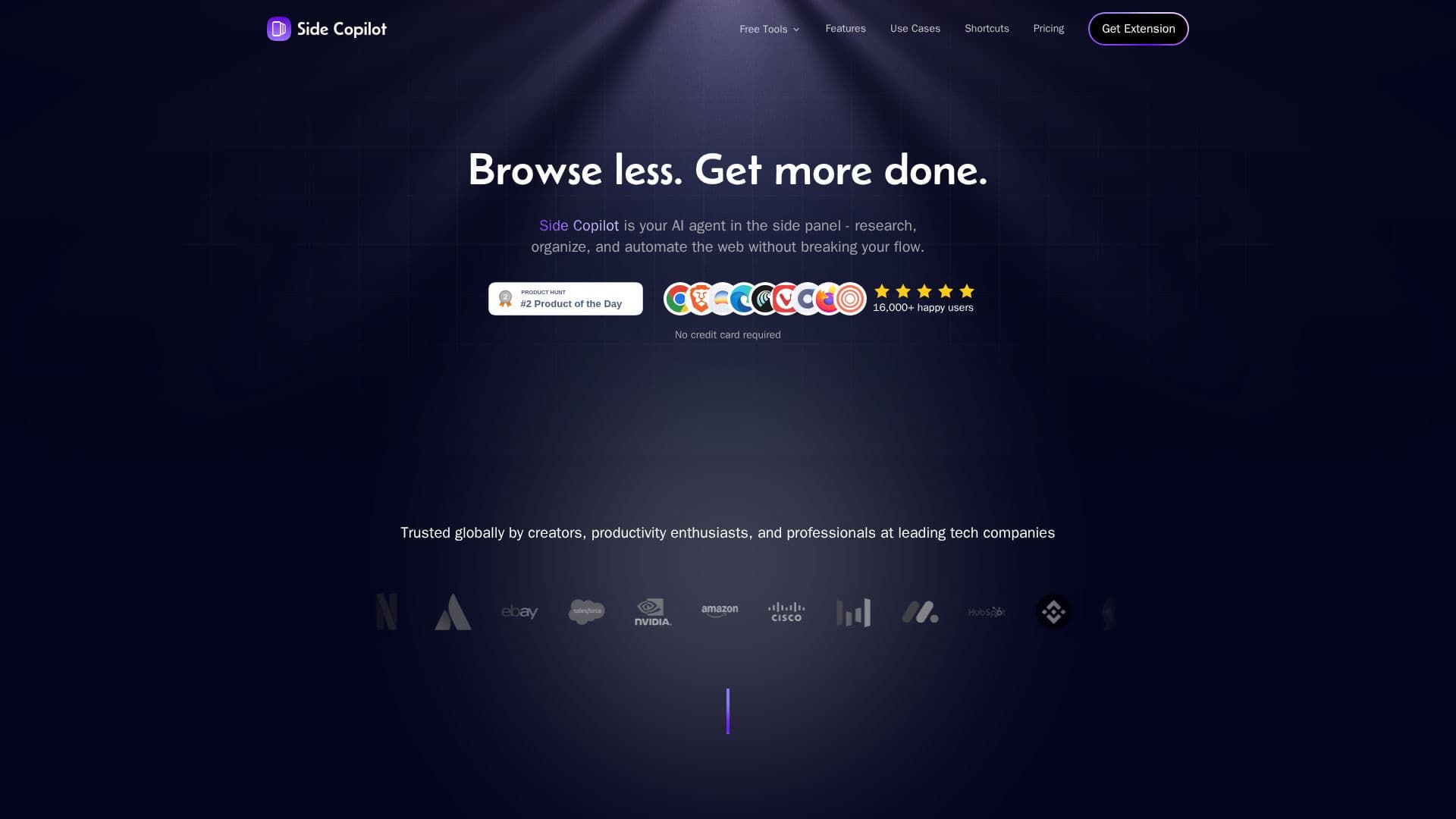
Side Copilot is an AI agent that lives in the browser side panel to help users research, organize, and automate the web without breaking their flow. Its agent mode can take actions to automate the browser, including grouping tabs, managing windows, searching browser history, and researching topics through natural language.
Read More
At its core is a vertical tabs manager that displays open tabs in a side panel, making them easier to scan, identify, and switch between. Tabs are neatly organized into separate Spaces for contexts such as work, social media, shopping, study, or hobbies within the same window, so users can focus on one space at a time. Spaces are saved automatically and can be synced across browsers and devices, including Chrome, Edge, Brave, Vivaldi, Comet, Firefox, and Zen, by logging into an account.
Users can ask the AI to manage tabs, tab groups, and windows, and to summarize browsing history and more. Side Copilot works within the Chrome ecosystem as a side-panel extension that coexists with the browser window. It offers up to 5 free Spaces, with a $39 lifetime option.
- CategoryBrowser & Web Automation
- Pricing ModelFreemium
- DeploymentBrowser extension
- PlatformsChrome
Side Copilot's Core Features
AI agent in the browser side panel
Vertical tabs manager for scanning and switching tabs
AI-powered tab grouping into Spaces
Agent mode to automate grouping tabs, managing windows, and searches
Browsing history search and summaries
Spaces for work, social, shopping, study, and hobbies in one window
Sync of saved Spaces across browsers and devices
Natural-language control of tabs, groups, and windows
How to use Side Copilot?
Install the extension: Add Side Copilot to Chrome or another supported browser.
Open the side panel: Access the vertical tabs manager in the side panel.
Group with AI: Use AI-powered grouping to sort tabs into Spaces automatically.
Organize Spaces: Separate work, social, shopping, and study contexts in one window.
Sync across devices: Log in to save and sync your Spaces across browsers and devices.
Side Copilot's Use Cases
- Tab management
- AI tab grouping
- Context separation
- Multi-tab research
- Browser automation