
Description
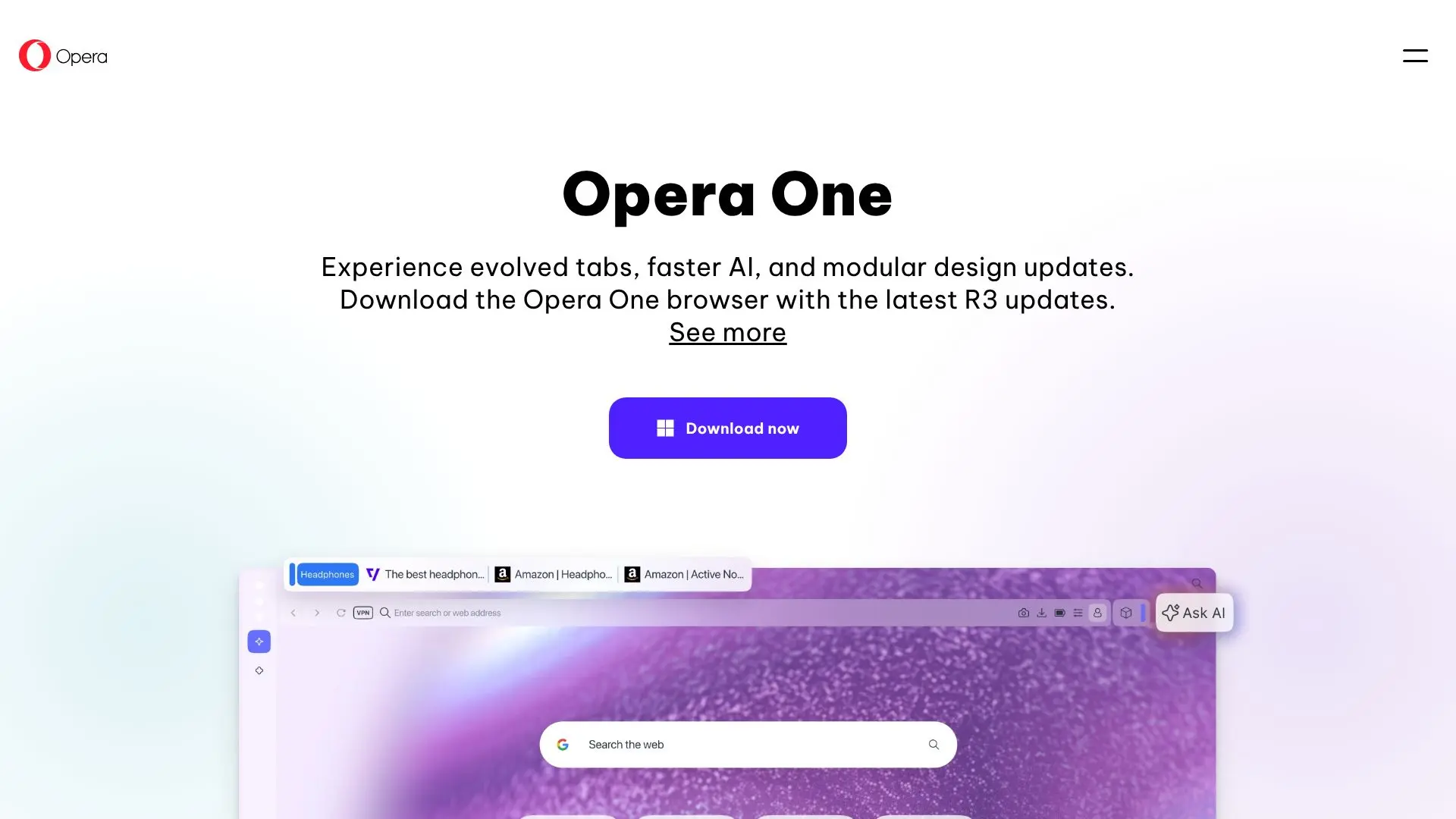
Opera One, with its latest R3 updates, introduces significant enhancements to the user experience, focusing on evolved tabs, advanced AI capabilities, and a modular design. The browser aims to provide a more intuitive and efficient way to navigate the web.
Read More
Evolved Tabs, a core feature, organizes browsing into 'Tab Islands.' This update brings highly requested customization options, allowing users to name their tab islands for thematic grouping and assign distinct handle colors for quick identification. This system promotes a cleaner workflow and more intuitive tab management, especially for users who juggle numerous tabs.
The AI engine within Opera One has been upgraded for speed and quality. The new version boasts faster processing and better models, delivering higher-quality answers more quickly. The user interface for interacting with the AI is refined and easy to use, and these AI features are available completely free. Users can interact with Opera AI in a right-side panel while simultaneously using sidebar applications on the left. Integrated AI options are also available when highlighting content, offering context-aware assistance.
Opera One's modular design includes a handy sidebar that provides one-click access to favorite apps and Google services like Gmail and Google Calendar. The Split Screen feature has also been enhanced, offering more versatility with options for horizontal or vertical splits, supporting up to four pages simultaneously. Joined pages are streamlined with a single address bar and tab for reduced clutter.
Further personalization is available through Immersive Themes, which allow users to alter the browser's look, sound, and feel. These updates collectively aim to create a more personalized, efficient, and enjoyable browsing environment for all users, whether for work, play, or general web exploration.
- CategoryBrowser & Web Automation
- Pricing ModelFree
- DeploymentCloud
- PlatformsWeb
Opera One's Core Features
Tab Island customization for intuitive tab grouping
Naming functionality for tab islands
Color-coding for tab island handles
Upgraded AI engine for faster responses
Improved AI models for higher-quality answers
AI in right-side panel for simultaneous interaction
AI page context awareness for precise answers
Modular design with a convenient sidebar
One-click access to apps and Google services
Enhanced Split Screen feature with up to four pages
Streamlined joined pages in Split Screen
Immersive themes for browser personalization
How to use Opera One?
Configure: Customize Tab Islands by naming them and assigning colors.
Integrate: Add Google services like Gmail and Calendar to the sidebar.
Utilize: Access AI features in the right-side panel or via content highlighting.
Organize: Use Split Screen for up to four pages, horizontally or vertically.
Personalize: Apply Immersive Themes to change the browser's appearance and sound.
Opera One's Use Cases
- Tab Management
- AI Assistance
- Multitasking
- Personalization
- Productivity
- Web Browsing