
Description
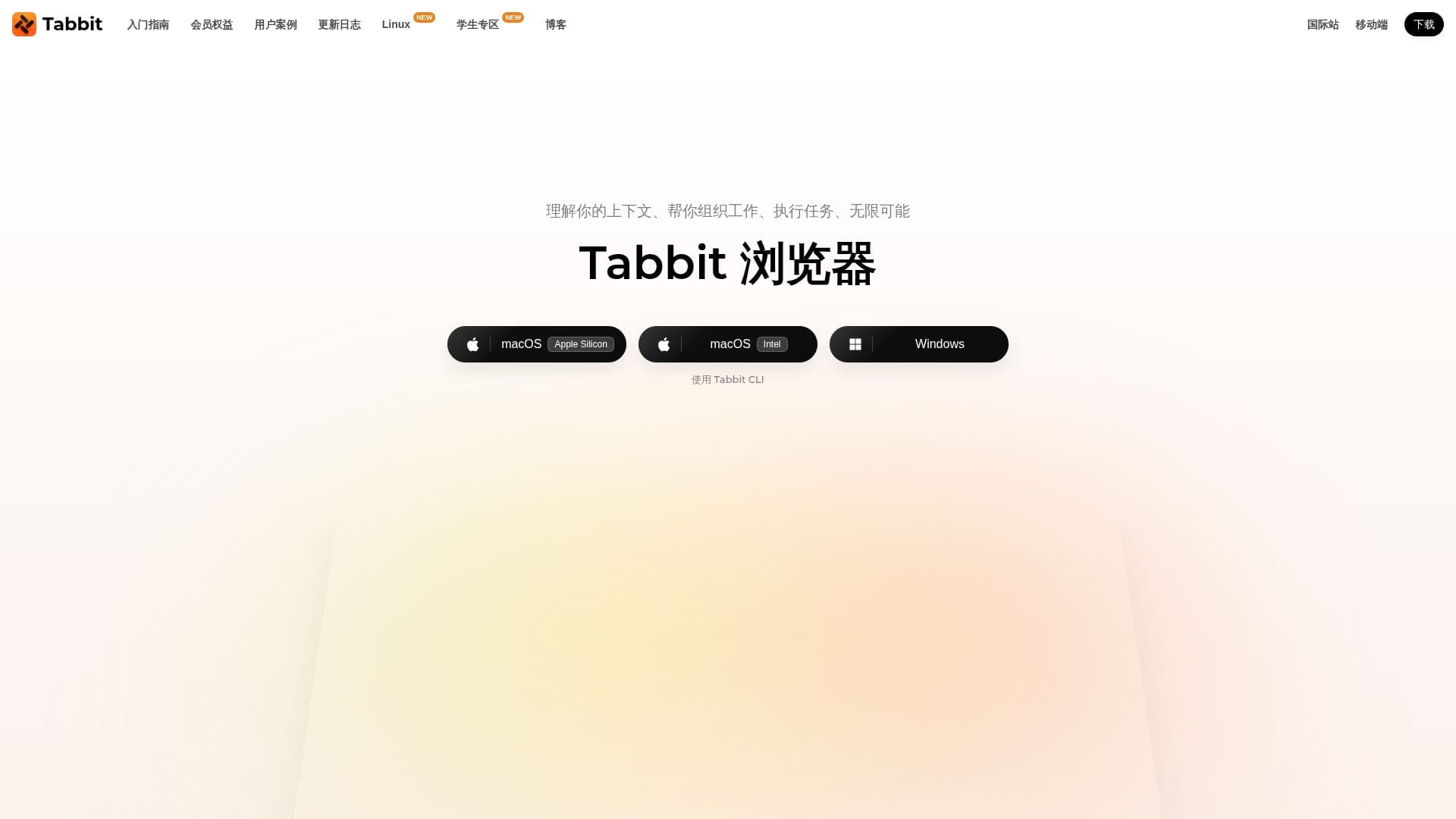
Tabbit is a next-generation AI-native browser designed to understand your context intelligently. It allows users to seamlessly integrate web pages, screenshots, and files into conversations, making it easier to reference and discuss content. The browser automates repetitive tasks through its Agent feature, which can open pages, fill forms, and execute actions automatically. Users can customize shortcuts to enhance productivity and manage tabs through intelligent grouping.
Read More
Tabbit supports a variety of leading AI models, including MiniMax M3, DeepSeek V4.0, Kimi K2.6, GLM 5.2, Doubao-Seed-2.0, Qwen3.5-Plus, and LongCat, allowing users to switch between them freely. This flexibility makes it suitable for various scenarios such as content creation, research, and data analysis. The browser is compatible with macOS, Windows, iOS, Android, and HarmonyOS, ensuring a wide range of accessibility.
The browser offers features like one-click citation of any text, screenshot, webpage, or file, providing precise and customized answers. It also includes an intelligent customer service feature that autonomously understands operational norms and generates consistent responses. Tabbit's privacy commitment ensures that users have control over their data, promising that the internet should serve individuals without exploiting personal information.
Tabbit is available for free, making it accessible to a broad audience. It is particularly beneficial for users who frequently engage in content-heavy tasks, such as podcasters, researchers, and writers, who need efficient tools to manage and process large volumes of information.
- CategoryBrowser & Web Automation
- Pricing ModelFree
- DeploymentCloud
- PlatformsmacOS, Windows, iOS, Android, HarmonyOS
Tabbit's Core Features
AI-native browser
Contextual understanding
Automated task execution
Customizable shortcuts
Intelligent tab management
Supports multiple AI models
Cross-platform compatibility
Privacy-focused
How to use Tabbit?
Install: Download and install Tabbit on your device
Configure: Set up your preferred AI models and shortcuts
Use: Integrate web pages and files into conversations
Optimize: Automate repetitive tasks and manage tabs efficiently
Tabbit's Use Cases
- Content Creation
- Research Assistance
- Data Analysis
- Task Automation
- Privacy Management