Description
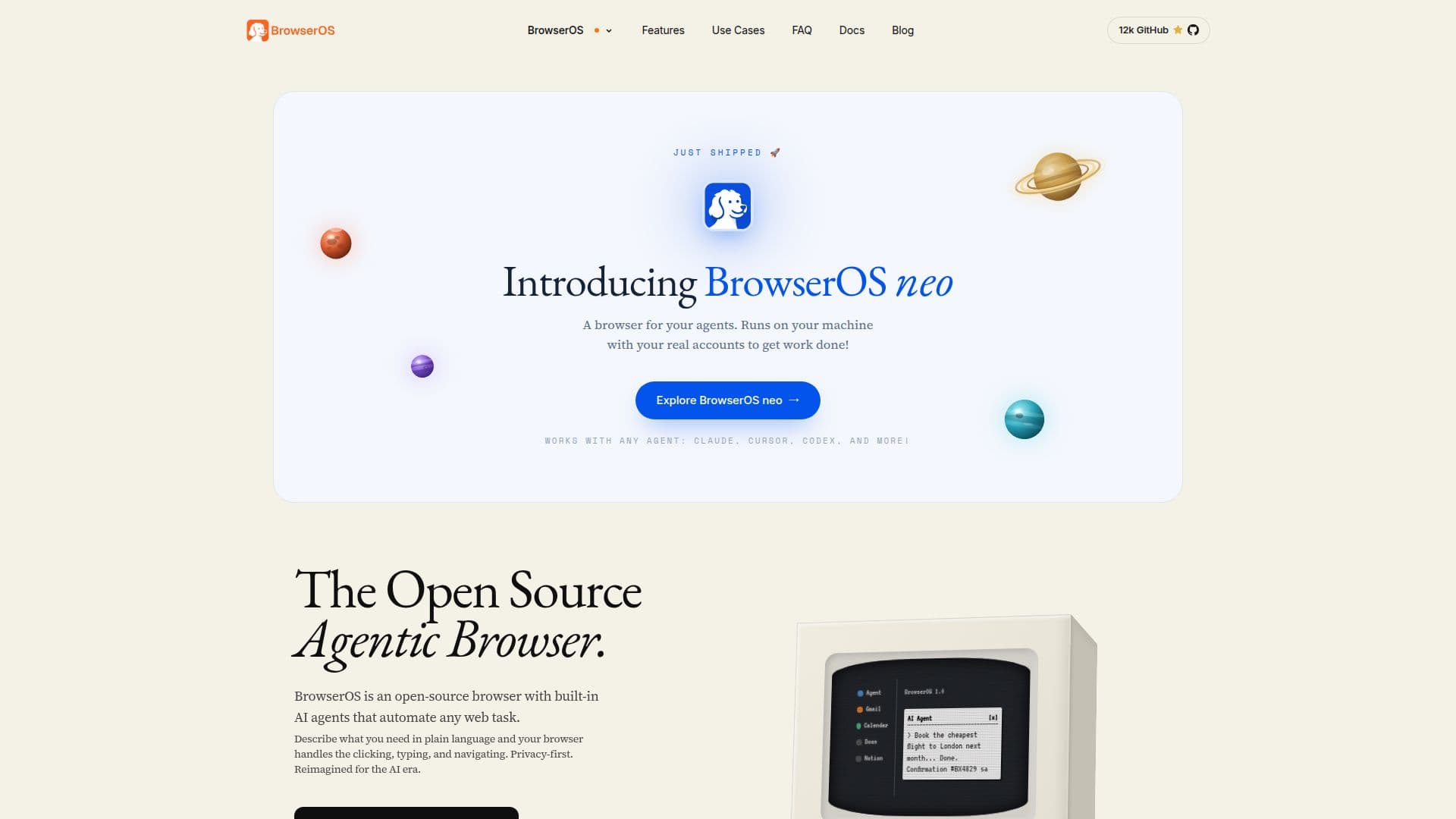
BrowserOS neo is a free, open-source browser made to be driven by AI coding agents rather than by a person directly. It's separate from the company's original BrowserOS product, a human-facing privacy browser; BrowserOS neo, previously called BrowserClaw, is built specifically for tools such as Claude Code, Claude Cowork, Cursor and Codex to carry out web tasks using the same logins a person already has.
Read More
A user downloads BrowserOS neo alongside their normal browser, and it detects AI coding tools already installed on the machine. Connecting an agent takes one click through MCP, the open protocol used by tools including Claude Code, Cursor, Codex, VS Code, Zed and GitHub Copilot. Once connected, an agent opens its own tabs inside BrowserOS neo, signed in as the user, and works through a task, such as filling a form, booking something, or checking an inbox, while the person's own tabs and windows stay untouched. Every step is visible on a dashboard, and a full session can be replayed afterward as a scrubbable video.
Agents can run in parallel, each in its own set of tabs, so multiple tasks, say one agent booking a flight while another clears an inbox, proceed at once without interfering with each other. The browser sends agents compact page snapshots instead of raw HTML and batches actions into single calls, which the company says reduces the number of tokens an agent needs to complete a task compared with driving a standard browser. All session history, screenshots and replays are stored as local files rather than sent to a company-run server.
BrowserOS neo is completely free and open source, licensed under AGPL-3.0; users bring their own AI provider API keys or existing coding-tool subscriptions. Source code is published on GitHub.
It currently supports macOS and Windows only, with system requirements similar to Chrome or Safari; there's no listed Linux build. The company, Felafax, positions it as a secondary browser for agent work rather than a replacement for a user's everyday browser, and per-agent profile isolation, keeping different agents from sharing the same logged-in session, is listed as a planned rather than current feature.
- CategoryBrowser & Web Automation
- Pricing ModelFree
- DeploymentRuns locally
- PlatformsmacOS, Windows, Linux
BrowserOS neo's Core Features
One-click MCP connection to Claude Code, Cowork, Cursor, Codex, VS Code and other MCP-compatible agents
Agents browse using the user's own logged-in accounts rather than a sandboxed session
Runs multiple agents in parallel, each isolated to its own set of tabs
Live dashboard showing what every connected agent is doing in real time
Full session replay as a scrubbable video for review or debugging
Compact page snapshots and batched actions to reduce per-task token usage
Fully local operation; session data, screenshots and replays stay on the user's disk
Free and open source under the AGPL-3.0 license
How to use BrowserOS neo?
Download BrowserOS neo: Get the free build for macOS or Windows from the website.
Let it find your agents: Open BrowserOS neo once and it detects Claude Code, Cursor or Codex already installed.
Connect via MCP: Click connect on the agent's row to link it, with no config file editing required.
Give your agent a task: Ask from your terminal or IDE for something that needs the web, like booking a flight or clearing an inbox.
Watch or replay: Follow the agent live on the dashboard, or rewind a saved session afterward.
BrowserOS neo's Use Cases
- Agent web automation
- Parallel agent workflows
- Session auditing
- Multi-tool AI browsing