Description
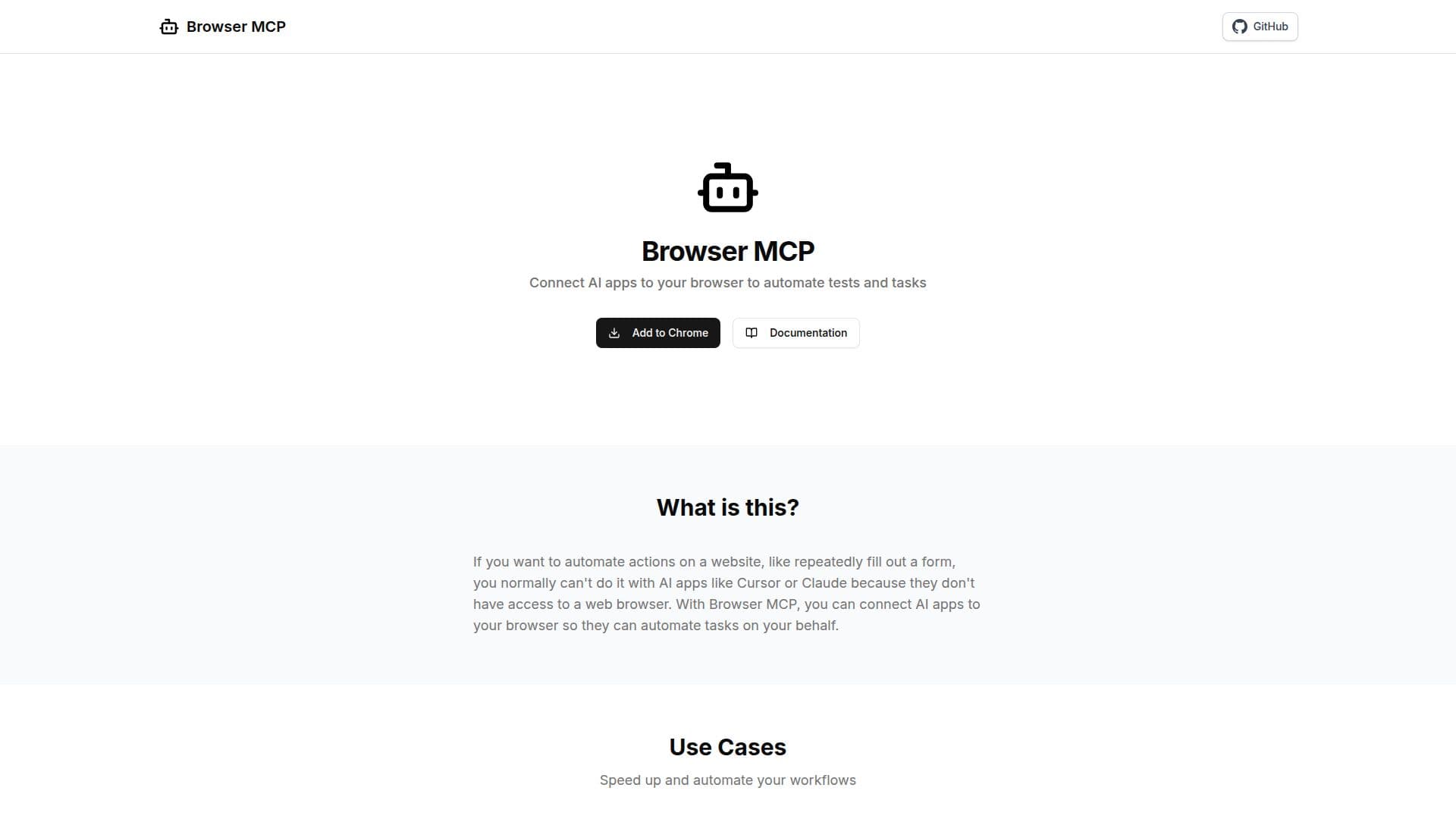
Browser MCP is a tool designed to integrate AI applications with your web browser, allowing for the automation of various tasks. It supports popular AI tools like Claude, Cursor, VS Code, and Windsurf, making it versatile for different user needs. The primary function of Browser MCP is to automate actions on websites, such as filling out forms or conducting automated testing. This is achieved by connecting AI applications to your browser, which traditionally do not have direct access to web browsers.
Read More
The tool operates locally on your machine, ensuring fast performance without network latency. This local operation also enhances privacy, as your browser activity remains on your device and is not sent to remote servers. Browser MCP uses your existing browser profile, keeping you logged into all your services, and employs your real browser fingerprint to avoid basic bot detection and CAPTCHAs.
Getting started with Browser MCP involves installing the Browser MCP extension, setting up the MCP server, and beginning to create automated workflows. The tool offers a range of browser automation capabilities, including navigating URLs, performing clicks, typing text, capturing screenshots, and more.
Browser MCP is ideal for users looking to speed up and automate workflows, conduct automated testing, and perform repetitive web-based tasks efficiently. It provides a secure and convenient solution for browser automation, leveraging AI to enhance productivity and reduce errors.
- CategoryBrowser & Web Automation
- Pricing ModelFree
- DeploymentLocal
- PlatformsWeb
Browser MCP's Core Features
Connect AI apps to browser
Automate web-based tasks
Local operation for speed
Privacy-focused automation
Use existing browser profile
Avoid bot detection
Automated testing capabilities
Supports multiple AI tools
How to use Browser MCP?
Install: Add Browser MCP extension
Configure: Set up MCP server
Automate: Create workflows
Optimize: Enhance productivity
Browser MCP's Use Cases
- Workflow Automation
- Automated Testing
- Data Collection
- Form Filling
- Browser Navigation