Description
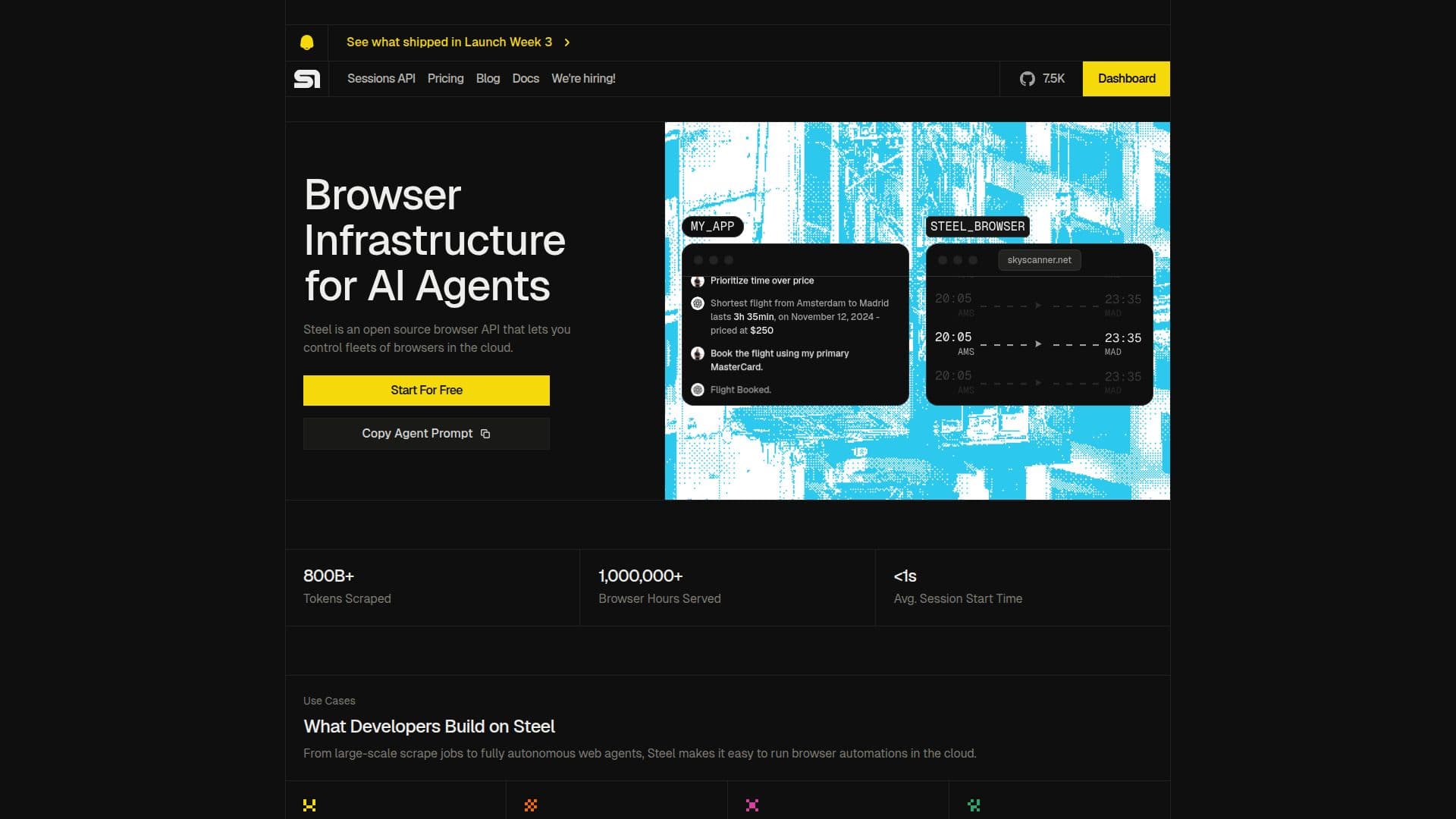
Steel.dev is a cloud browser infrastructure specifically tailored for AI agents. It is not a visual collaboration tool, iPaaS, or an AI agent itself. Instead, Steel.dev provides AI agents with isolated cloud browser sessions that come equipped with built-in anti-bot stealth, CAPTCHA solving, and session persistence. This infrastructure allows developers to run scalable cloud browser sessions efficiently, leveraging a simple developer API.
Read More
As an open-source project, Steel Browser can be self-hosted, while Steel Cloud offers a managed version that enhances scalability, stealth, proxies, and CAPTCHA solving capabilities. Steel.dev is not an AI agent but serves as the underlying infrastructure that connects to AI agents built with tools like OpenAI Agents SDK, LangChain, or custom code. This connection allows Steel to manage browser lifecycles, stealth, session persistence, and proxies seamlessly.
Steel.dev supports popular automation frameworks such as Playwright, Puppeteer, and Selenium, enabling developers to integrate their existing tools effortlessly. With an average session startup time of under one second, Steel.dev ensures that each session launches into a fully isolated cloud Chromium browser, preconfigured with proxies, cookies, and storage.
The platform is particularly beneficial for web scraping and AI automation, as it combines anti-bot stealth, CAPTCHA solving, residential proxies, and session persistence into a single API. Steel.dev also supports human-in-the-loop workflows, allowing users to monitor and take control of running sessions through a live session viewer. Persistent browser profiles enable agents to resume authenticated workflows without needing to re-login, enhancing efficiency.
Steel.dev offers a predictable pricing model based on concurrent sessions, with a free tier available through Steel Browser. The pricing structure includes various plans that cater to different usage needs, ensuring that users can find a suitable option for their requirements.
- CategoryBrowser & Web Automation
- Pricing ModelFreemium
- DeploymentCloud
- PlatformsWeb
Steel's Core Features
Open Source
Cloud Infrastructure
Anti-bot Stealth
CAPTCHA Solving
Session Persistence
Supports Playwright, Puppeteer, Selenium
Live Session Viewer
Persistent Browser Profiles
Managed Cloud Version
Sub-second Session Startup
How to use Steel?
Configure: Set up your development environment with Steel SDK.
Connect: Use the standard CDP WebSocket URL to connect your AI agent.
Launch: Initiate a cloud browser session via the Steel API.
Monitor: Use the live session viewer to observe or control sessions.
Persist: Save cookies and session tokens for future use.
Scale: Upgrade your plan for more concurrent sessions as needed.
Steel's Use Cases
- Web Scraping
- AI Agents
- Sales Automation
- Customer Service Agents
- QA Software