
Description
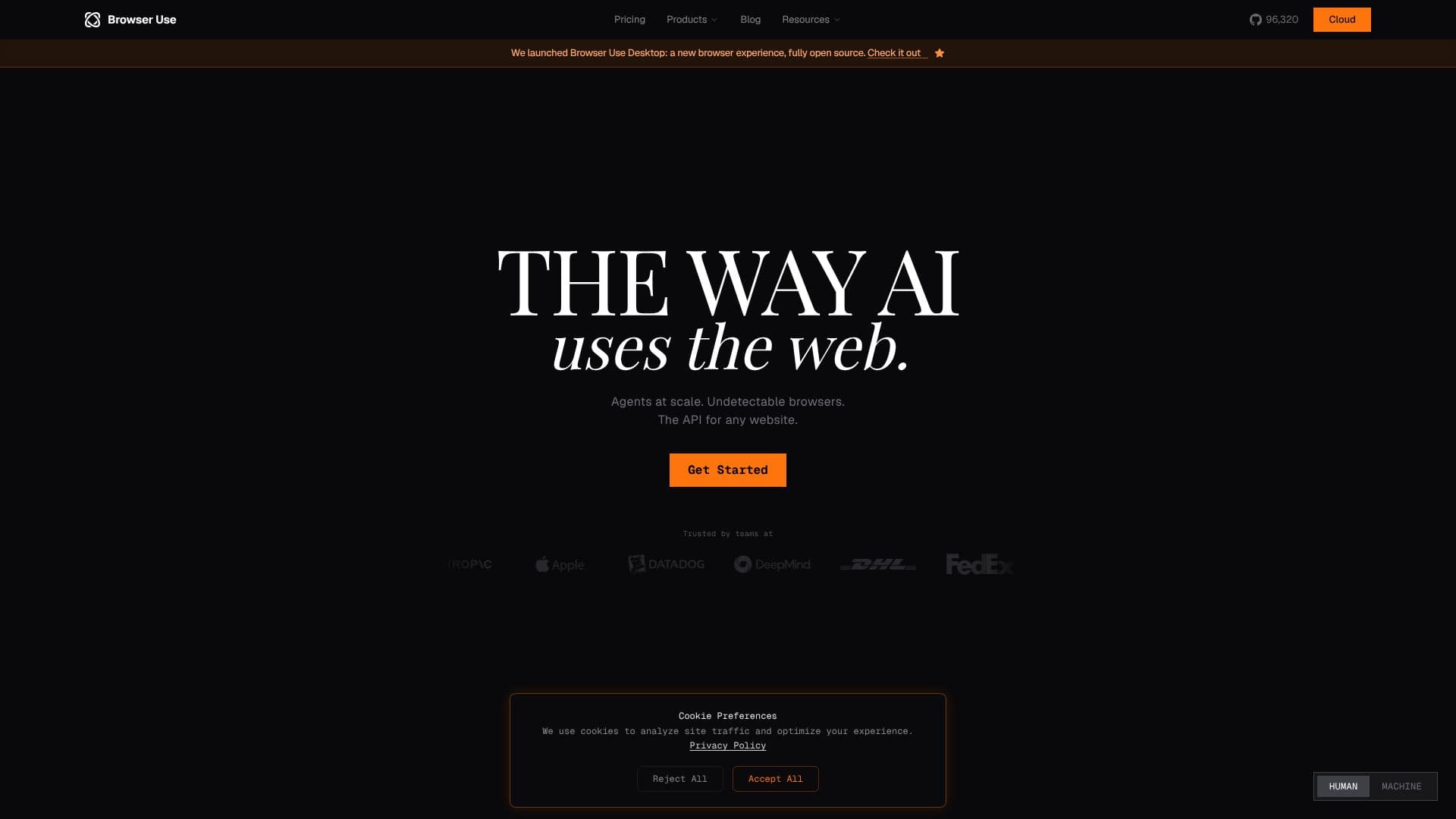
Browser Use provides a comprehensive solution for AI agents to interact with the web. It offers an open-source browser automation platform, allowing developers to build and deploy AI agents capable of completing tasks on the internet. The platform includes features like undetectable browsers, proxy integration, and tools for extraction, automation, testing, and monitoring.
Read More
Browser Use's core functionality revolves around its browser harness, which gives AI agents the ability to interact with any website. It offers a range of features, including the ability to bypass anti-detect mechanisms and solve CAPTCHAs. The platform also provides access to residential IPs across 195+ countries, ensuring agents can operate from various locations. Browser Use also offers a remote box solution, allowing users to run their Claude agent 24/7.
The platform is designed for developers, researchers, and businesses looking to automate web tasks. It is particularly useful for web scraping, data extraction, and automated testing. The platform's ability to integrate with proxies and bypass anti-detect mechanisms makes it suitable for tasks that require anonymity and location spoofing. The platform's focus on natural language processing allows users to control agents using intuitive commands.
Browser Use's value proposition lies in its ability to simplify and streamline web automation. By providing a robust set of tools and features, it enables users to build and deploy AI agents quickly and efficiently. The platform's open-source nature allows for customization and community contributions, ensuring it remains up-to-date with the latest web technologies. The platform's focus on undetectable browsers and proxy integration ensures that agents can operate without being detected or blocked.
- CategoryBrowser & Web Automation
- Pricing ModelOpen Source
- DeploymentCloud
- PlatformsWeb
Browser Use's Core Features
Open-source browser automation platform
Undetectable browsers
Proxy integration with 195+ countries
CAPTCHA solving
Web extraction, automation, testing, and monitoring
Natural language control
Custom LLMs for browser automation
Browser Harness for web interaction
Remote box for 24/7 agent operation
Bypass anti-detect mechanisms
How to use Browser Use?
Get Started: Access the platform and explore its features.
Configure: Set up your browser environment and proxy settings.
Use: Utilize the browser harness to interact with websites.
Automate: Implement automation scripts for web tasks.
Test: Test your automation workflows.
Monitor: Track the performance of your agents.
Browser Use's Use Cases
- Web Scraping
- Data Extraction
- Automated Testing
- Web Automation
- Content Monitoring
- SEO Automation
- Lead Generation