
Description
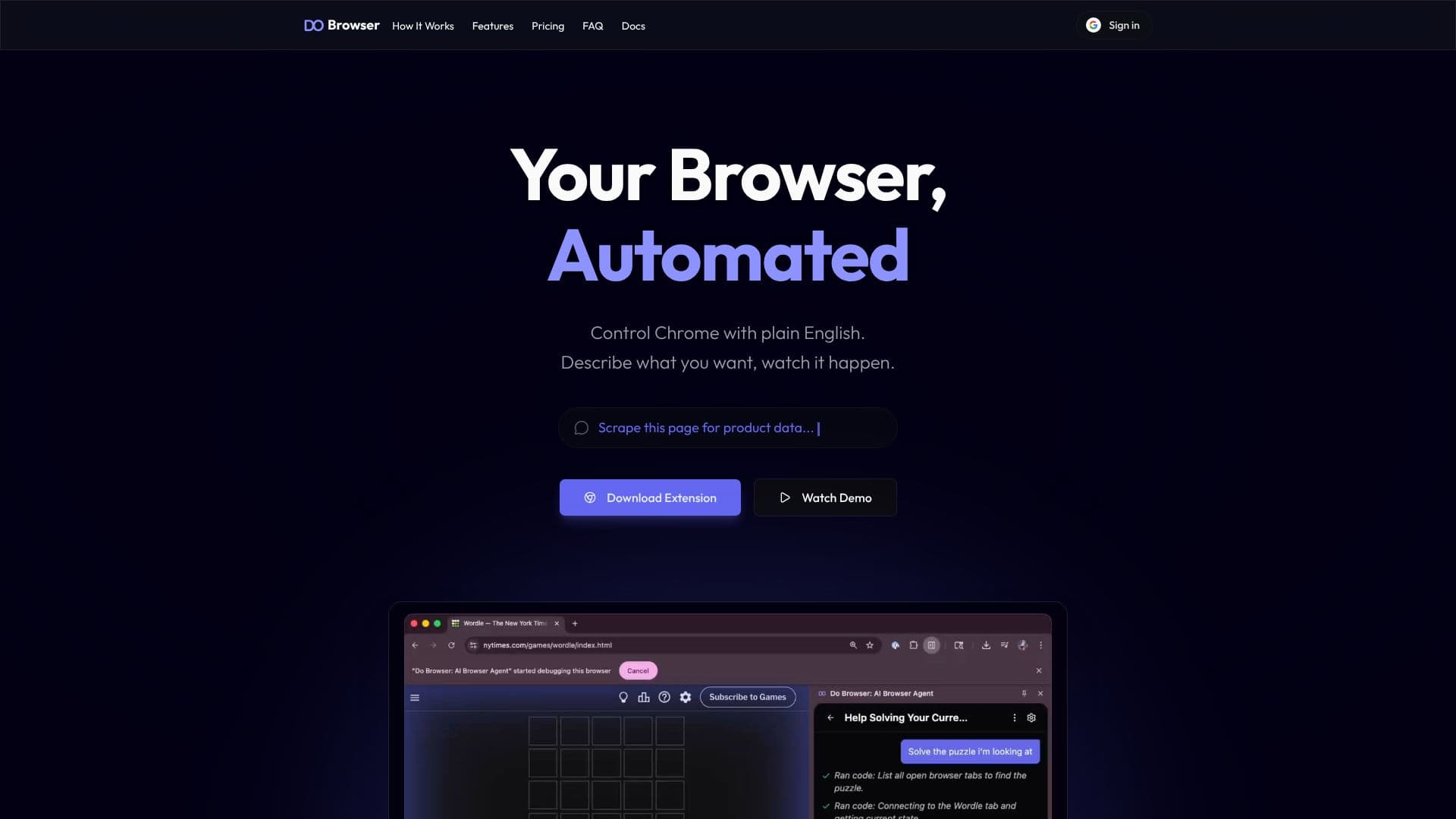
Do Browser is an AI-powered browser automation tool that allows users to control Chrome with plain English. Instead of writing scripts or using workflow builders, users simply describe what they want to achieve, and Do Browser executes the actions. This eliminates the need for manual browser interactions, saving time and effort.
Read More
The tool offers a range of capabilities, including web scraping, form filling, data extraction, and creating presentations. Users can automate tasks such as exporting LinkedIn connections to a CSV file, getting a digest of urgent messages from Slack, or creating charts from webpage data. Do Browser supports Chrome on Mac, Windows, and Linux desktops. It provides a free tier with the option to bring your own ChatGPT or Claude subscription, as well as paid hosted plans for regular and heavy usage.
Do Browser's value proposition lies in its ability to simplify and accelerate browser-based tasks. It caters to users who want to automate repetitive actions, extract data efficiently, and create custom tools without coding. The tool's user-friendly interface and natural language processing make it accessible to both technical and non-technical users. The platform offers different pricing tiers to accommodate various usage needs, from casual users to power users who require extensive automation capabilities. The tool is constantly updated with new features and integrations, such as the recent addition of Gemini 3.5 Flash & GPT-5.5 for ChatGPT.
- CategoryBrowser & Web Automation
- Pricing ModelFreemium
- DeploymentChrome Extension
- PlatformsChrome, Windows, macOS
Do Browser's Core Features
Automate browser tasks with natural language
Extract data from any webpage
Create and export files
Take actions on your behalf, from emails to form submissions
Transform ideas into stunning presentations
Build custom tools without writing code
Scrape metrics and analyze trends
Manage multiple tabs
Supports Chrome on Mac, Windows, and Linux desktops
Free tier available with bring-your-own-key option
Hosted plans with generous usage limits
Integrates with ChatGPT and Claude
How to use Do Browser?
Install the Do Browser extension for Chrome.
Describe the task you want to automate using plain English.
Watch Do Browser execute the task in your browser.
Review the results, such as extracted data or generated files.
Upgrade to a paid plan for more features and usage limits if needed.
Do Browser's Use Cases
- Web Scraping
- Form Filling
- Data Extraction
- Presentation Creation
- Automated Reporting
- Social Media Management