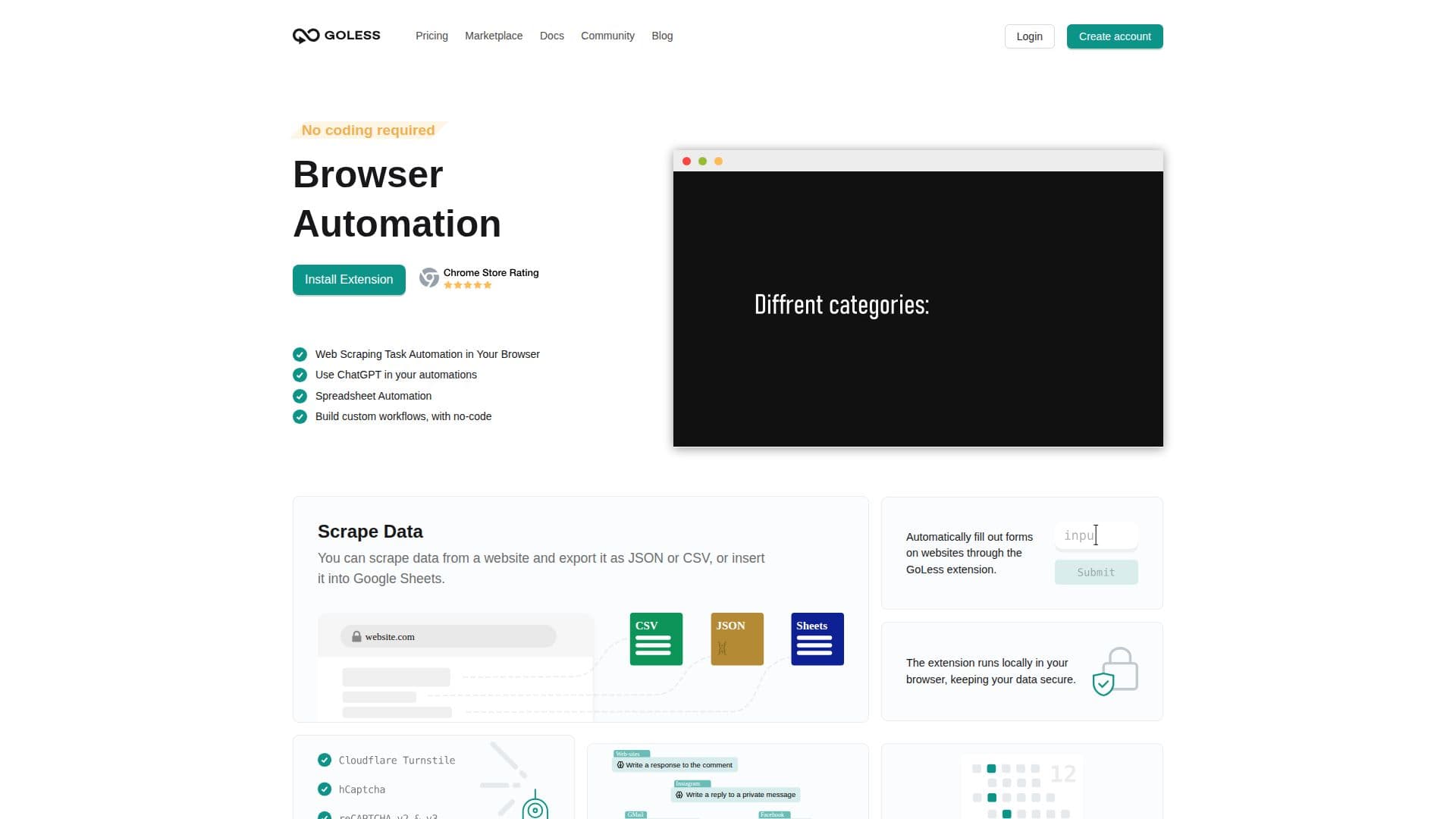
Description
GoLess offers a comprehensive suite of browser automation tools designed to simplify and streamline web-based tasks. Users can create custom workflows using a Chrome extension and an intuitive drag-and-drop interface. The platform supports a wide range of automation tasks, including opening tabs, performing clicks, fetching content, scrolling, and filling out forms. Users can also execute JavaScript scripts directly on webpages.
GoLess provides a marketplace of pre-built workflows that can be customized to meet specific needs, making it accessible for users with varying levels of technical expertise. The platform supports integration with Google Sheets and CSV for data storage, and it offers a ChatGPT block for generating AI-driven responses. This allows users to automate complex tasks such as extracting articles and composing comments.
The service is available as a freemium model, with a free plan offering unlimited workflows and paid plans providing access to premium blocks. GoLess is particularly beneficial for automating repetitive tasks, optimizing data collection, and enhancing productivity. It is ideal for users who want to automate web application testing, web scraping, and social media interactions.
GoLess is designed for use on the desktop version of Chrome and does not require programming skills, although such skills can enhance the creation of more complex workflows. The platform's anti-CAPTCHA feature ensures seamless automation by automatically recognizing and resolving CAPTCHAs on websites.
GoLess Browser Automation Tools's Core Features
No coding required
Browser automation
Web scraping task automation
Use ChatGPT in automations
Spreadsheet automation
Scrape data to JSON or CSV
Anti-CAPTCHA
Triggers for automation
How to use GoLess Browser Automation Tools?
Install: Add GoLess Chrome extension
Create: Use drag-and-drop to build workflows
Customize: Modify pre-built workflows
Execute: Run workflows to automate tasks
GoLess Browser Automation Tools's Use Cases
- Form Automation
- Data Extraction
- Web Testing
- Social Media Automation
- Email Automation