Description
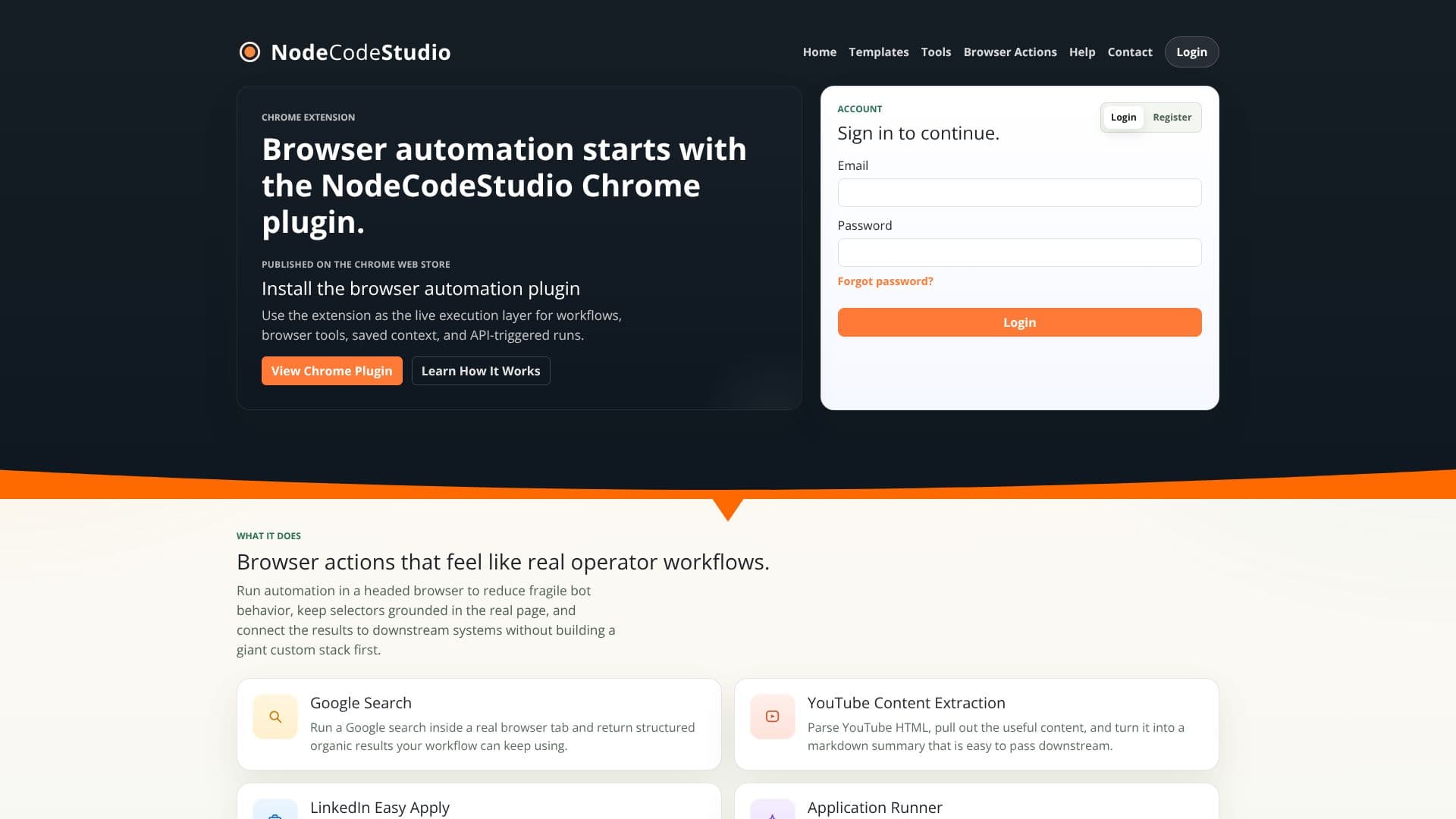
NodeCodeStudio provides a powerful solution for automating tasks within the Google Chrome browser. Its core functionality is delivered through a Chrome extension that serves as the live execution layer for various automation workflows. This approach ensures that automation runs in a headed browser, mimicking real user interactions and reducing the likelihood of brittle bot behavior often associated with headless scripts.
Read More
By running automation in a real browser session, NodeCodeStudio keeps selectors grounded in the actual page structure, leading to more reliable and robust automation. This also allows for seamless integration of automation results with downstream systems without the need to build extensive custom stacks. The platform offers a suite of built-in tools designed to enhance browser automation capabilities.
Key tools include Auto Form Fill, which reads page inputs and injects contextually relevant answers; Auto Upload, which inspects upload targets and attaches appropriate files; Detect Form Errors, which scans for validation issues and provides explanations; Page Understanding, which compresses page content into a structured state for easier decision-making; Page Section Focus, which scopes automation to specific page regions like headers or footers; and Smart Button Click, which intelligently identifies and clicks the correct action buttons based on context and goals.
Teams leverage NodeCodeStudio for its ease of workflow scripting for browser tasks that require a genuine tab. It empowers users to build flows that can search, read pages, fill forms, upload files, and handle validation errors, subsequently passing outputs to platforms like n8n for broader automation orchestration. The ability to run workflows headed in the browser makes it particularly effective for pages that are problematic for headless scripts and helps minimize obvious robot detection.
NodeCodeStudio is designed for users who need to automate browser-based tasks efficiently and reliably. Its focus on real browser sessions and user-friendly tools makes it accessible for a range of technical users looking to streamline repetitive web operations and integrate them into larger automation pipelines.
- CategoryBrowser & Web Automation
- DeploymentChrome Extension
- PlatformsChrome
NodeCodeStudio Chrome Automation's Core Features
Chrome browser automation extension
Reusable automation workflows
Shared automation templates
Live execution layer for browser tools
Saved context for automation
API-triggered automation runs
Headed browser execution for reliability
Grounded selectors in real page elements
Integration with downstream systems
Auto Form Fill tool
Auto Upload tool
Detect Form Errors tool
Page Understanding for structured data
Page Section Focus for targeted automation
Smart Button Click for intuitive actions
How to use NodeCodeStudio Chrome Automation?
Install: Add the NodeCodeStudio Chrome plugin from the Chrome Web Store.
Configure: Set up your automation workflows using the provided tools and templates.
Execute: Run your workflows directly within a real Chrome browser session.
Integrate: Connect workflow outputs to downstream systems for broader automation.
Optimize: Refine workflows based on real-time browser interactions and results.
NodeCodeStudio Chrome Automation's Use Cases
- Data Extraction
- Form Automation
- Web Scraping
- Workflow Orchestration
- E-commerce Tasks
- Social Media Automation
- Application Testing
- Content Summarization