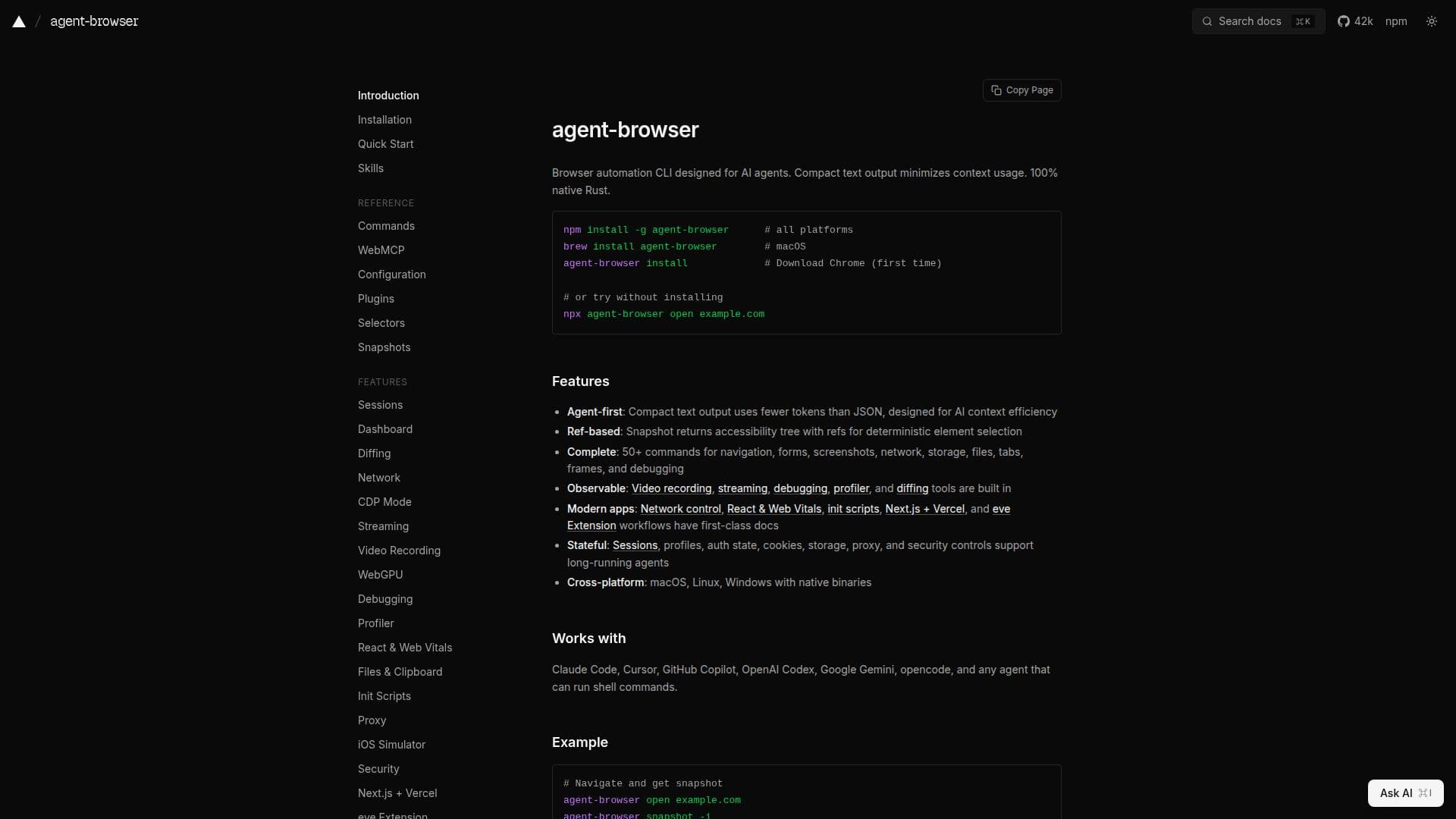
Description
Agent Browser is a sophisticated browser automation CLI tailored for AI agents, emphasizing efficiency and precision. Developed in native Rust, it ensures optimal performance across macOS, Linux, and Windows platforms. The tool is designed to minimize context usage by providing compact text output, which is particularly beneficial for AI applications that rely on context efficiency. Agent Browser offers a wide array of features, including over 50 commands that cover navigation, form handling, screenshots, network management, and more. Its architecture is based on a client-daemon model, leveraging the Chrome DevTools Protocol for seamless browser management.
The tool is highly adaptable, supporting modern web applications with features like network control, React & Web Vitals, and integration with Next.js and Vercel. It is compatible with various AI agents such as Claude, GitHub Copilot, and OpenAI Codex, making it a versatile choice for developers working with AI-driven browser tasks.
Security is a key focus, with features designed to protect against credential exposure, unauthorized actions, and prompt injection. Users can enable domain allowlists to restrict browser interactions and use content boundary markers to distinguish trusted outputs. The authentication vault ensures that credentials are securely stored and managed locally.
Agent Browser is ideal for developers and AI researchers looking for a robust tool to automate and manage browser tasks efficiently. Its comprehensive documentation and built-in debugging tools make it accessible for both novice and experienced users. However, users should be aware of its limitations, such as the best-effort blocking of WebSocket connections and the need for careful configuration of domain allowlists.
Agent Browser's Core Features
Compact text output for context efficiency
Over 50 commands for browser control
Client-daemon architecture
Native Rust implementation
Cross-platform support
Security features for credential protection
Domain allowlist for navigation control
Integration with AI agents
How to use Agent Browser?
Configure: Set up the CLI with desired settings
Use: Execute commands for browser automation
Optimize: Adjust settings for performance and security
Integrate: Connect with AI agents for enhanced functionality
Agent Browser's Use Cases
- AI-driven automation
- Security-focused browsing
- Cross-platform development
- Modern web app support
- Credential management