
Description
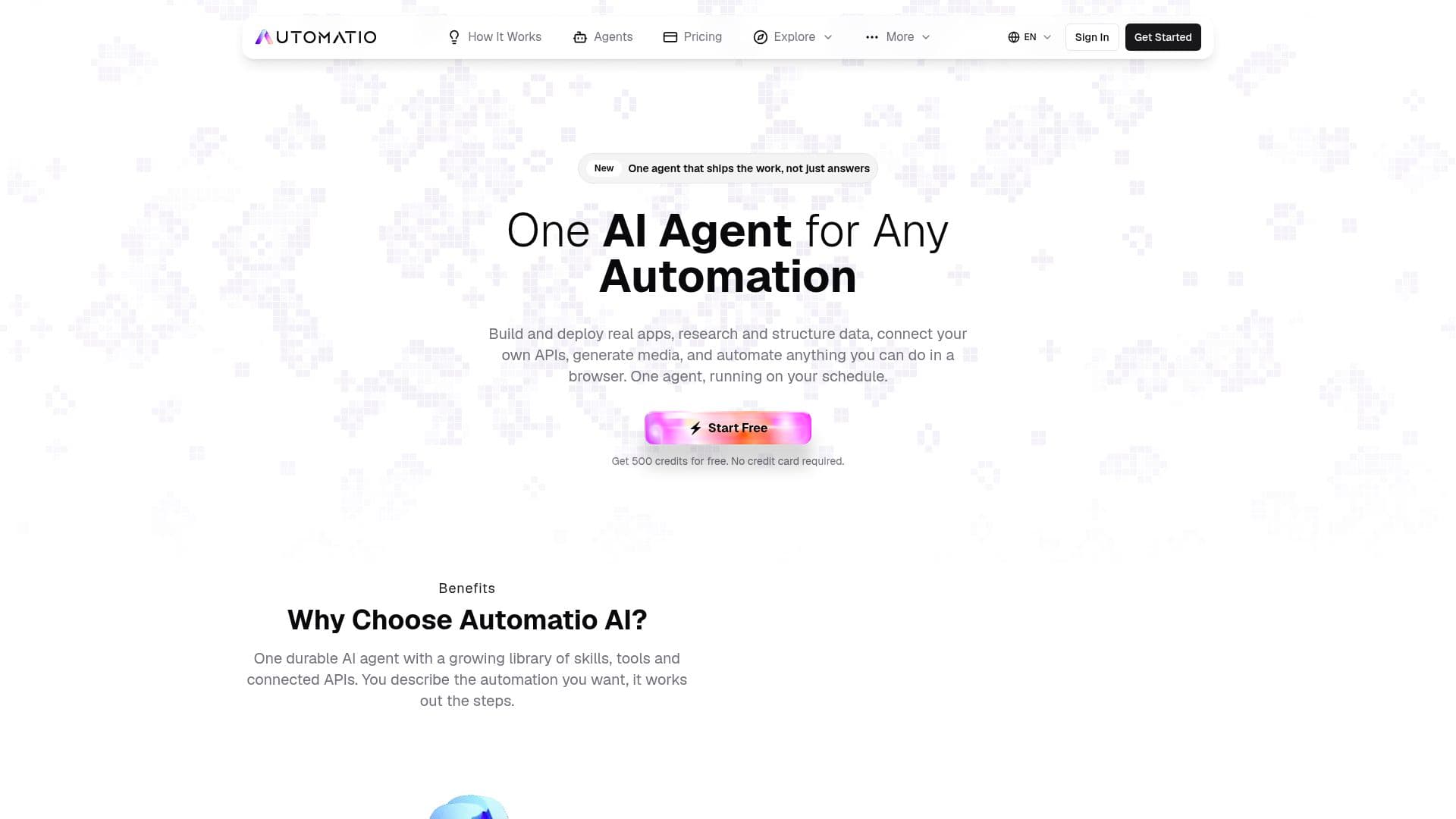
Automatio AI is a comprehensive automation platform designed to simplify and enhance productivity through the use of AI agents. It offers a unified solution for various automation needs, including building and deploying applications, researching and structuring web data, generating media, and running recurring workflows. Users can interact with Automatio by simply describing their tasks in plain English, eliminating the need for complex configurations or coding.
The platform features 11 specialized AI agents and over 50 built-in tools, making it a powerful choice for web scraping, email management, spreadsheet automation, and more. With integrations for Gmail, Google Sheets, and Google Calendar, Automatio ensures seamless workflow management. Its browser automation capabilities allow users to process up to 1,000 URLs at once, making it ideal for large-scale operations.
Automatio offers a Chrome extension that brings the full power of its AI agents directly to the user's browser. This extension ensures privacy by running locally on the user's machine, with data never leaving the device. Users can automate tasks with natural language commands, making it accessible to those without technical expertise.
Pricing for Automatio starts at USD 0 with 500 free credits, allowing users to explore its capabilities without financial commitment. For more extensive use, plans start at USD 18, offering between 50K to 800K monthly credits. Automatio is suitable for a wide range of users, from individual entrepreneurs to large enterprises, looking to optimize their workflows and increase efficiency.
Automatio AI's Core Features
11 AI agents for task automation
50+ built-in tools
Gmail management with 18 tools
Web scraping and SEO analysis
Google Sheets and Calendar integration
Browser automation at scale
Chrome extension with chat interface
Scheduled durable workflows
Privacy-first design
No coding required
Multi-step task execution
Automatic skill chaining
Batch processing of URLs
Real-time market monitoring
Lead generation automation
How to use Automatio AI?
Sign up: Get started with free credits
Install: Add the Chrome extension
Describe: Use plain English to define tasks
Automate: Let AI agents handle the workflow
Optimize: Adjust settings for better results
Automatio AI's Use Cases
- Web Scraping
- Email Management
- Spreadsheet Automation
- SEO Analysis
- Market Monitoring
- Lead Generation
- Job Board Scraping
- Social Media Monitoring
- Price Tracking
- Form Filling