
Description
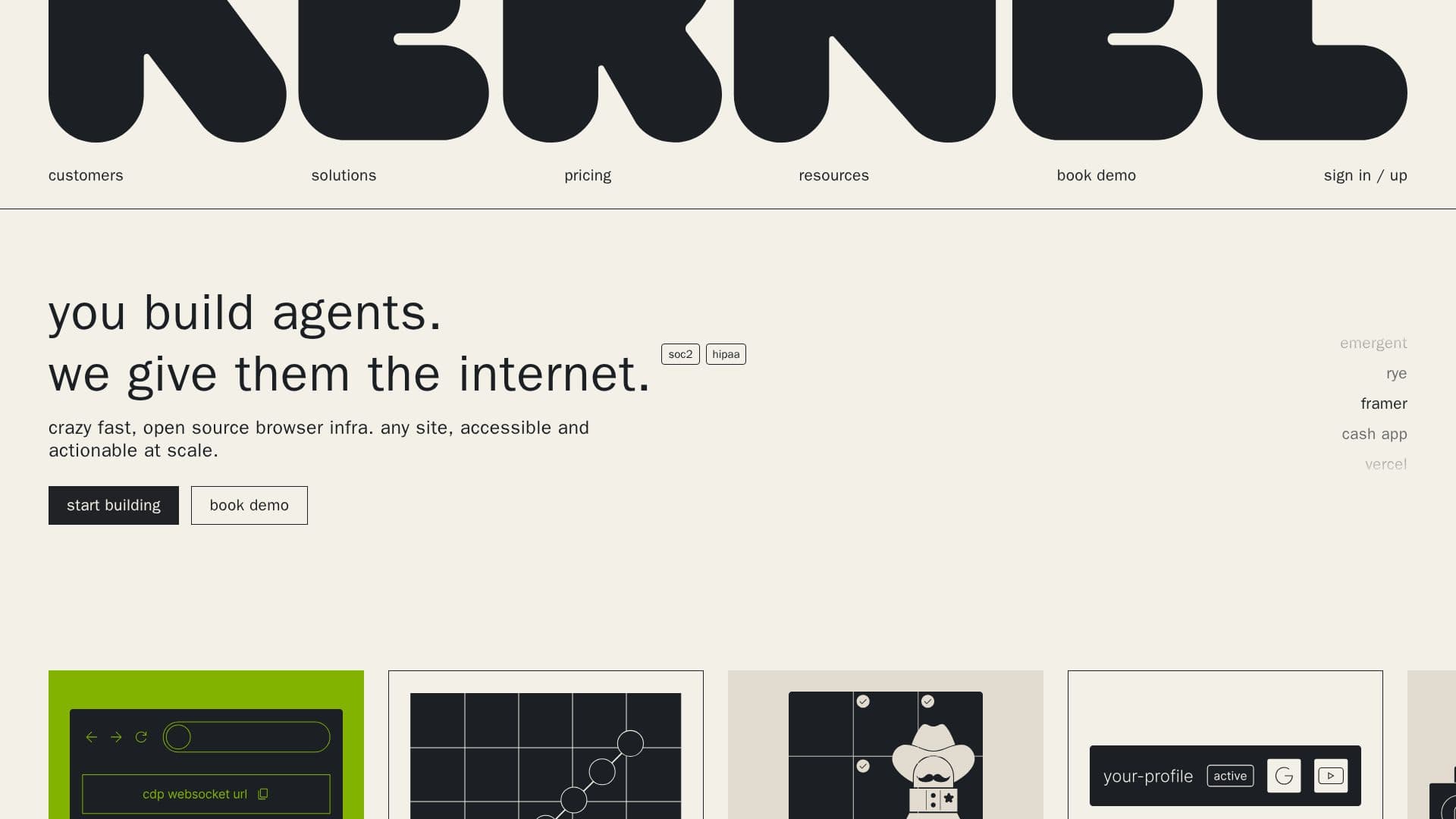
Kernel is a browser infrastructure platform designed to support AI agents and web automations. It offers a range of features including anti-bot detection, reusable sessions, fast spin-up, and autoscaling browsers, making it ideal for large-scale web interactions. Kernel's infrastructure includes cloud browsers, managed authentication, proxies, telemetry, and browser control, providing a comprehensive solution for accessing and interacting with websites at scale.
Kernel is known for its speed and open-source nature, allowing developers to build reliable and efficient web agents. It is trusted by over 7,000 teams and runs more than 50,000 browsers monthly. The platform is particularly effective for industries requiring high-volume browser concurrency and offers partnerships with companies like Anthropic, Stripe, 1Password, and Vercel to enhance its capabilities.
The pricing model is transparent, with a free tier available and additional plans like Hobbyist and Start-up, which offer more features and browser concurrency. Enterprise solutions are also available, providing high-volume concurrency, white-glove onboarding, and compliance with standards like SOC2 and HIPAA.
Kernel emphasizes security and privacy, with built-in measures to protect data and workflows. It follows the ISO/IEC 27002 framework and offers compliance reports for various standards. The platform also supports QA AI agents, enabling parallel website testing and CI/CD UI testing.
Overall, Kernel provides a robust infrastructure for developers looking to build and scale web agents efficiently, with a focus on speed, security, and scalability.
Kernel: Browser Infrastructure's Core Features
Anti-bot detection
Reusable sessions
Fast spin-up
Autoscaling browsers
Cloud browsers
Managed authentication
Proxies and telemetry
Open-source infrastructure
High-volume concurrency
SOC2 and HIPAA compliance
White-glove onboarding
24/7 Slack support
Zero-data retention
Custom extensions
Regional browsers
How to use Kernel: Browser Infrastructure?
Configure: Set up browser infrastructure
Use: Deploy web agents and automations
Optimize: Scale and manage browser sessions
Monitor: Utilize telemetry and session replays
Kernel: Browser Infrastructure's Use Cases
- Web Automation
- AI Agent Deployment
- QA Testing
- Data Collection
- Security Compliance