
Description
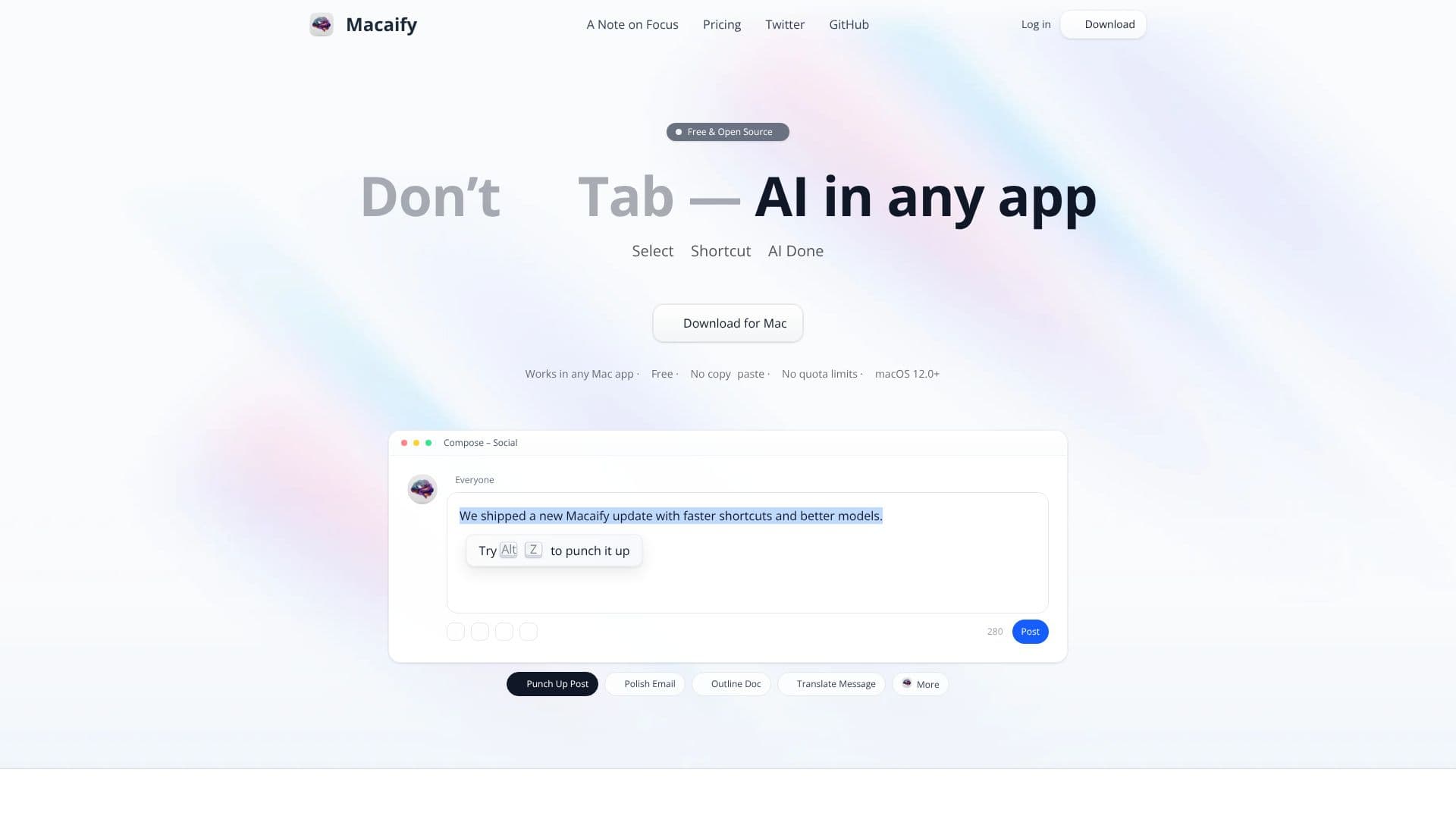
Macaify is an innovative AI application designed to seamlessly integrate artificial intelligence capabilities directly into any Mac application. The core philosophy behind Macaify is to minimize workflow interruptions and context switching, a common issue when using separate AI tools. By enabling users to select text, press a custom shortcut, and receive AI-generated results in-place, Macaify aims to keep users focused and productive.
Read More
This approach, termed 'In Context Mode,' directly addresses the friction of switching between applications, pasting content, waiting for AI processing, and then switching back. The developer, Sintone, likens this to the experience with his previous clipboard manager, CleanClip, which aimed to keep information visible and accessible without breaking user focus. Macaify extends this principle to AI interactions, ensuring that AI assistance becomes a natural extension of the user's current task rather than a separate destination.
Beyond its signature 'In Context Mode,' Macaify also offers a traditional chat mode. However, even in chat mode, selected content remains pinned at the top, serving as a persistent discussion context. Future aspirations for Macaify include developing custom workflows with multiple AI nodes, integrating a knowledge base for enhanced AI recall, enabling tool calling for actions like calendar event creation or email drafting, and providing richer contextual information such as the active application, webpage, or window state.
Macaify is committed to being accessible and user-friendly. It is offered as a free and open-source application, with its code available on GitHub. For users who prefer not to handle compilation and configuration, a Free plan provides access to certain models at no cost. Paid tiers, Pro and Pro+, offer access to a wider range of the latest and most powerful AI models, including those from OpenAI, Anthropic, Google, Perplexity, and xAI, with options for using personal API keys (BYOK).
The application requires macOS 12.0 or later. Macaify's value proposition lies in its ability to make AI assistance an unobtrusive part of the user's daily workflow, saving time and preserving mental focus. It is ideal for individuals who frequently use AI for tasks like translation, text polishing, outlining, or composing content and are looking for a more integrated and efficient solution.
- CategoryAI Personal Assistants
- Pricing ModelFreemium
- DeploymentLocal
- PlatformsmacOS
Macaify AI's Core Features
AI assistance directly within any Mac application
In-Context Mode: Select text, press shortcut, get AI results in-place
No copy-pasting required for AI interactions
Free and open-source application
Local-first processing for enhanced privacy and speed
No quota limits on usage
macOS 12.0+ compatibility
Traditional chat mode with pinned context
Support for multiple AI providers including OpenAI, Anthropic, Meta, Google, Perplexity, xAI
Option to use your own API key (BYOK)
Free plan available with access to select models
Paid Pro and Pro+ plans for advanced models
Future features planned: custom workflows, knowledge base, tool calling, richer context awareness
How to use Macaify AI?
Select text: Highlight the text you want to process within any Mac application.
Press shortcut: Activate Macaify using your chosen keyboard shortcut (e.g., Alt Z).
Receive AI results: Get AI-generated output directly in-place or in the chat interface.
Integrate results: Use the AI-generated content in your current workflow.
Macaify AI's Use Cases
- Text Enhancement
- Translation
- Content Generation
- Summarization
- Code Assistance
- Research Aid