Description
Vidix transforms how macOS users interact with their applications by integrating AI directly into their workflow. The core functionality revolves around selecting text within any Mac app—be it Mail, Slack, a code editor, or a web browser—and then triggering a Vidix shortcut. This action captures the selected text and its context, sending it to a chosen AI model for processing.
Read More
The AI then generates a response, which Vidix can intelligently paste back into the original application. This can be done by replacing the selected text, typing character by character for a more natural feel, or opening the response in an editor for further refinement. This seamless integration eliminates the disruptive process of manual copy-pasting and switching between different applications, allowing users to maintain focus and boost productivity.
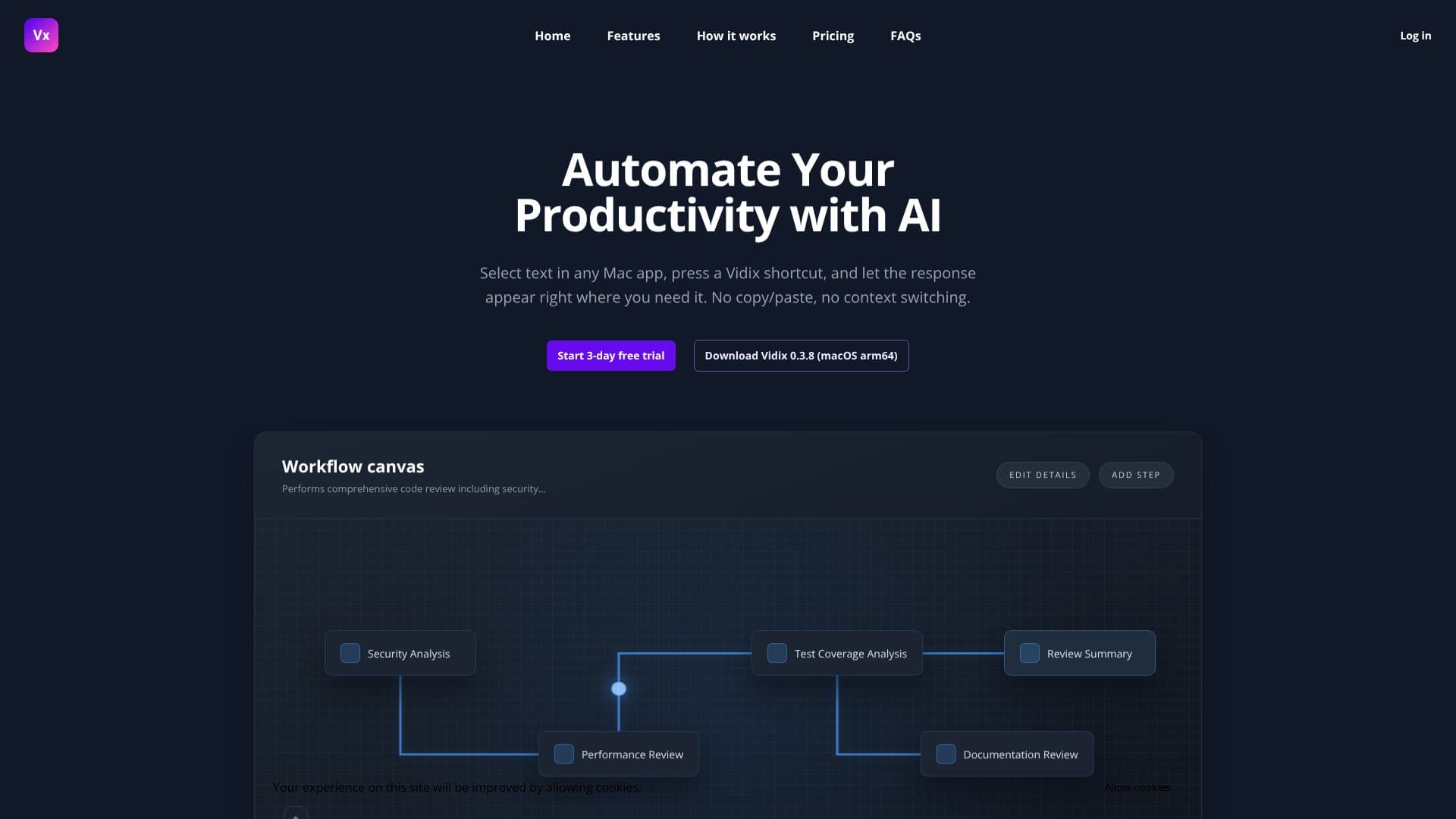
Vidix offers a versatile "Workflow canvas" that allows for comprehensive code reviews, including security analysis, performance review, test coverage analysis, and documentation review, culminating in a review summary. Users can also leverage Vidix for various text transformations, such as making text shorter, more professional, or casual, and translating it into different languages. The "Palette" feature, accessible via a hotkey (⌘⇧K), acts as a universal superpower finder, allowing users to search for and execute any recipe, prompt, or agent without leaving their current application.
Beyond text manipulation, Vidix includes an "Image Assistant" that utilizes visual AI. Users can drag and drop images to describe, interpret, extract text, or generate variations, working with multimodal models like Gemini 2.5 Flash. The platform supports multiple AI providers, including OpenAI, Anthropic, Gemini, and Ollama, allowing users to manage their preferred models and create custom shortcuts and agents without coding.
Privacy and control are central to Vidix's design. Content is processed locally for features like transcriptions, and prompts/responses are sent directly to the user's chosen provider. Users can opt to run AI models locally on their Mac using Ollama, ensuring zero cloud dependencies for sensitive work. Vidix never saves or caches user content on its servers, and any diagnostic logs are stored locally and can be deleted by the user.
Vidix is designed for professionals, developers, writers, and anyone looking to streamline their digital tasks on macOS. Its intuitive interface and powerful AI capabilities make it an indispensable tool for enhancing efficiency and creativity.
- CategoryProductivity
- Pricing ModelSubscription
- DeploymentDesktop App
- PlatformsmacOS
Vidix's Core Features
AI-powered text selection and response generation
Seamless integration across all macOS apps
No copy-paste or context switching required
Workflow canvas for comprehensive code review
Image Assistant with visual AI capabilities
Support for multiple AI providers (OpenAI, Anthropic, Gemini, Ollama)
Local AI model execution via Ollama
Privacy-focused design with local processing
Customizable shortcuts and agents
Palette for universal prompt and agent access
Iterative text editing with Markdown view
Real-time status updates for AI actions
How to use Vidix?
Select text: Highlight any text fragment in any Mac application.
Launch shortcut: Press your defined hotkey (e.g., ⌘⇧K) to open the Palette or call a specific agent.
Vidix processes: AI models process the captured context and generate a response.
Paste response: Vidix intelligently pastes the AI-generated response back into your application.
Vidix's Use Cases
- Automated Text Summarization
- Code Review Assistance
- Content Rewriting
- Language Translation
- Image Analysis
- Meeting Note Synthesis
- Email Drafting
- Data Extraction from Text