
Description
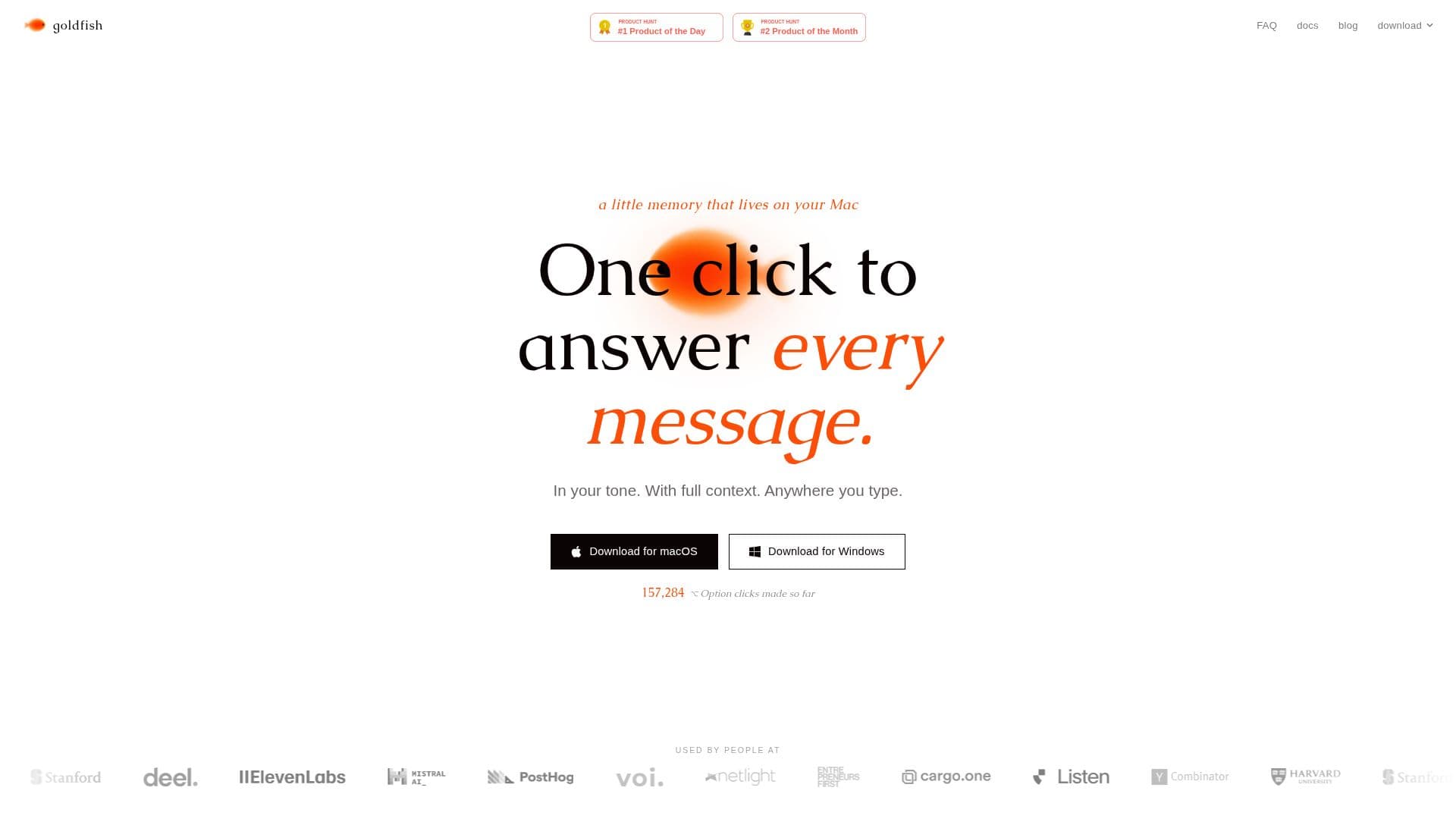
Goldfish is a little AI memory that lives on your Mac, designed to enhance your writing and communication by capturing context from your work. By pressing ⌥ Option anywhere you type, Goldfish allows you to reply, write, summarize, and continue conversations in your unique tone, with full context at your fingertips. This tool acts as a second brain, helping you avoid the need to re-explain your work every time you need assistance.
Read More
The functionality of Goldfish is rooted in its ability to build a searchable local memory of your activities across various applications. It reads the text on your screen through the operating system’s accessibility layer, ensuring that your data remains private and secure, stored locally on your device rather than in the cloud. This means that your data stays yours, with no external access, not even from the creators of Goldfish.
Goldfish connects seamlessly to Claude Desktop through local MCP, providing you with the context you need right where you think and write. It identifies repetitive workflows, nudges you about forgotten follow-ups, and learns your writing style over time, ensuring that responses sound like they came from you. Whether you are using email, Slack, WhatsApp, Notion, or any text field on your Mac, Goldfish is there to assist you.
Currently, Goldfish is free during its beta phase, allowing users to experience its capabilities without any cost. The developers, Joel and Kaspian, aim to create an AI that understands the context of your work, eliminating the need for constant copy-pasting or explanations. With Goldfish, you can focus on your tasks while it takes care of the context, making your workflow more efficient and less repetitive.
- CategoryAI Personal Assistants
- Pricing ModelFreemium
- DeploymentLocal
- PlatformsmacOS
Goldfish's Core Features
Contextual writing assistance
Searchable local memory
Integration with Claude Desktop
Learning your writing style
Identifies repetitive workflows
Privacy-focused data storage
Works across all text fields on Mac
Free during beta
How to use Goldfish?
Press ⌥ Option: Activate Goldfish anywhere you type.
Write or reply: Use Goldfish to generate text in your tone.
Access memory: Query your local memory for past context.
Connect to Claude: Utilize Claude Desktop for enhanced context.
Goldfish's Use Cases
- Email drafting
- Project management
- Content creation
- Chat assistance
- Note-taking