Description
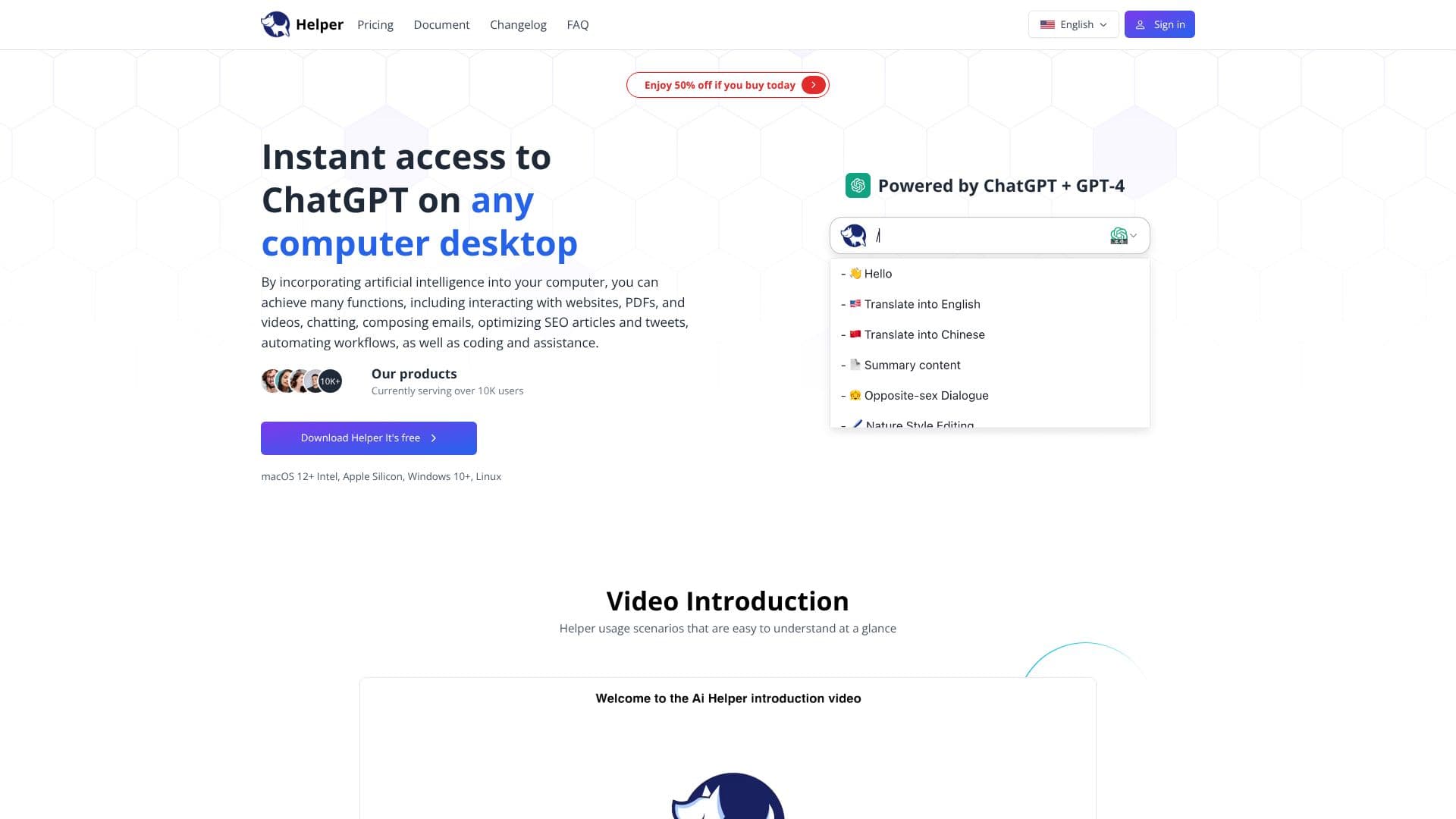
Ai Helper provides a free, native desktop client for ChatGPT, compatible with macOS, Windows, and Linux. This tool is designed to bring the power of AI directly to your computer, enabling users to interact with websites, PDFs, and videos, draft emails, optimize content, automate workflows, and receive coding assistance.
Read More
With over 10,000 users currently served, Ai Helper aims to make AI accessible and integrated into everyday tasks. The client is powered by ChatGPT and supports GPT-4, offering a versatile solution for various professional and personal needs. Users can leverage Ai Helper for inspiration and quick writing, overcoming writer's block through outlining, efficient composition, and writing improvement.
For developers, Ai Helper acts as an AI coding assistant, providing clear explanations for complex code, generating efficient code, and offering smart bug fix suggestions directly within their IDE. Marketers and content creators can generate high-quality posts, from blog outlines to technical content, supporting all mainstream writing software. The tool also enhances email composition with AI commands and assists in social media interactions by enabling quick replies.
Getting started with Ai Helper is simple: use the shortcut Alt + X to call out the window, select text, and apply AI commands. The client supports over 50 built-in prompts and offers multiple output modes, including a typewriter mode for plain text and a paste mode suitable for code editors. It integrates with multiple AI engines like OpenAI, Gemini, Azure, and OpenRouter, supporting over 30 large models.
Ai Helper distinguishes itself with its multi-functional approach and competitive pricing compared to other AI tools. It offers features like AI chat, typewriter mode, paste mode, support for GPT-4 and Gemini Pro, and online query capabilities. The tool is designed to be ultra-portable, accessible from any position on your desktop. Users can also utilize their own API keys for enhanced functionality.
The client is praised for its user-friendliness and ability to save time. It offers a free version with daily usage limits, with an option to upgrade for unlimited access and more features. Privacy and security are prioritized, with strict protocols in place to protect user data.
- CategoryAI Personal Assistants
- Pricing ModelFreemium
- DeploymentDesktop app
- PlatformsmacOS, Windows, Linux
Ai Helper's Core Features
Native desktop client for ChatGPT
Supports macOS, Windows, and Linux
Integrates AI assistance into daily tasks
Capabilities for writing, coding, and email
Powered by ChatGPT and GPT-4 support
Over 50 built-in prompts
Multiple output modes: chat, typewriter, paste
Integrates with OpenAI, Gemini, Azure, OpenRouter
Supports over 30 large AI models
Free version available with daily limits
Option to use custom API keys
Quick access via customizable shortcut (Alt + X)
How to use Ai Helper?
Activate Ai Helper: Press Alt + X to open the client.
Select Text: Highlight any text on your screen.
Use AI Commands: Apply AI functions like explain, translate, or rephrase.
Utilize Prompts: Type '/' to access over 50 built-in prompts.
Generate Results: Press Enter to output the AI-generated content.
Choose Output Mode: Select typewriter or paste mode based on formatting needs.
Configure Settings: Adjust shortcut keys and API settings as needed.
Ai Helper's Use Cases
- Content Creation
- Coding Assistance
- Email Management
- Workflow Automation
- Learning and Research
- Social Media Engagement