
Description
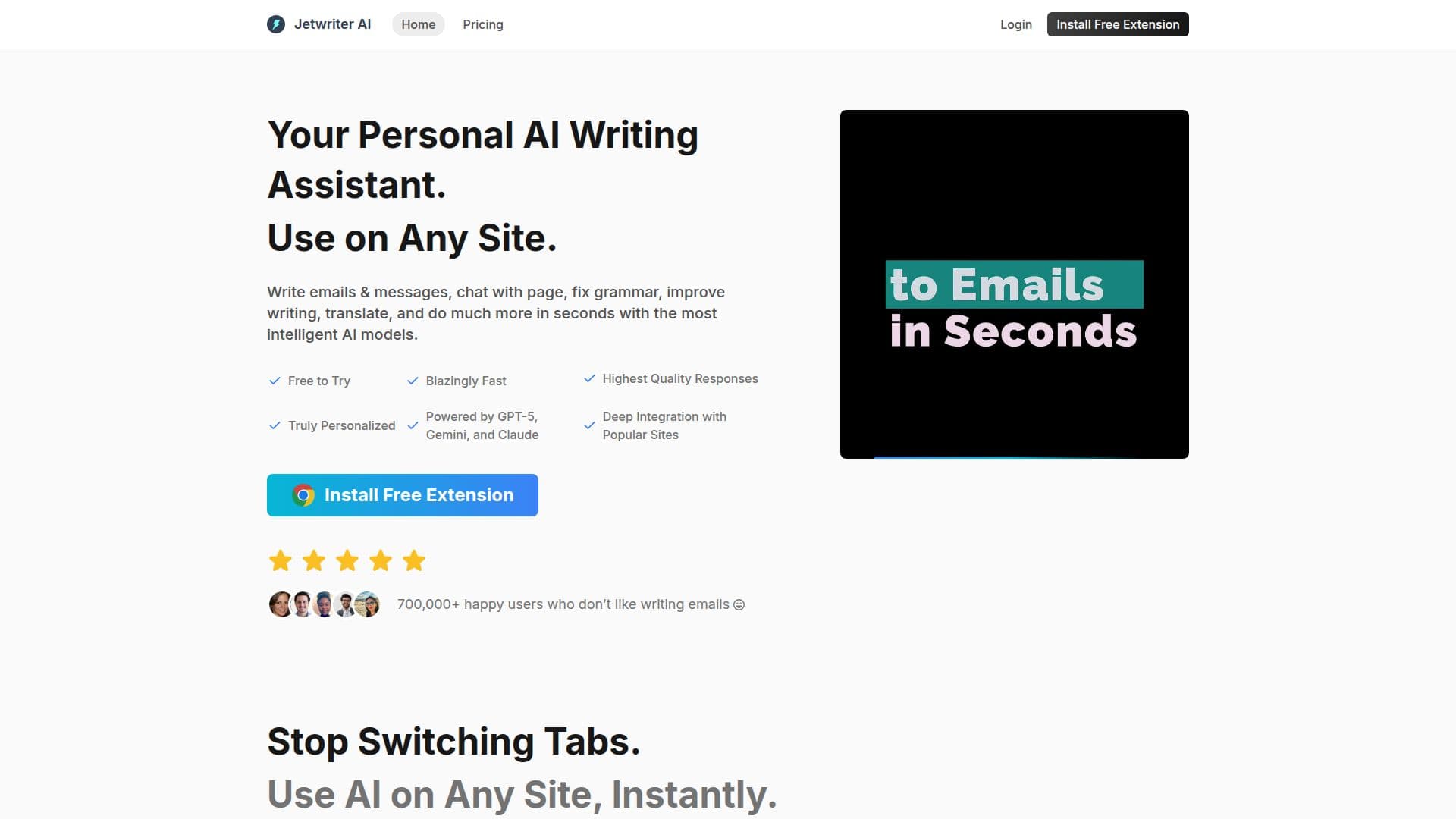
Jetwriter AI is a versatile writing assistant designed to enhance productivity by integrating seamlessly into your workflow. Available as a browser extension, web app, and mobile app, it allows users to write emails, correct grammar, translate text, and perform various other tasks with ease. The tool is powered by advanced AI models such as GPT-5.1, Claude, and Gemini, ensuring high-quality outputs.
Read More
One of the standout features of Jetwriter AI is its ability to learn from past emails and conversations, providing personalized responses that match the user's style. This makes it particularly useful for professionals who need to maintain a consistent tone in their communications. The tool also offers advanced Gmail integration, automatically drafting replies based on previous interactions.
Jetwriter AI supports multiple languages and allows users to switch between different AI models to get the most suitable responses. It also offers features like live web access, enabling users to search the web and read live webpages for up-to-date information. Additionally, users can chat with documents in any format to get instant answers to their questions.
The tool is lightweight, ensuring it doesn't slow down your browser, and it provides easy access through various methods such as keyboard shortcuts and integrated buttons on popular sites. Jetwriter AI also values user privacy, ensuring data is secure and not shared with third parties.
Pricing for Jetwriter AI is competitive, with options to use your own API key from providers like OpenAI, Google Gemini, or Anthropic Claude, offering flexibility and control over costs. This makes it an attractive option for both individuals and teams looking for an efficient writing assistant.
- CategoryAI Writing Assistants
- Pricing ModelFreemium
- DeploymentCloud, Browser extension
- PlatformsWeb, Mobile, Browser Extension
Jetwriter AI's Core Features
Personalized AI responses
Advanced Gmail integration
Grammar correction
Translation capabilities
Live web access
Document chat
Voice input
Prompt templates
How to use Jetwriter AI?
Download: Install the Jetwriter AI extension
Configure: Set up your profile and preferences
Use: Start writing and let Jetwriter assist
Optimize: Adjust settings for personalized responses
Jetwriter AI's Use Cases
- Email drafting
- Grammar correction
- Translation
- Document chat
- Web research