
Description
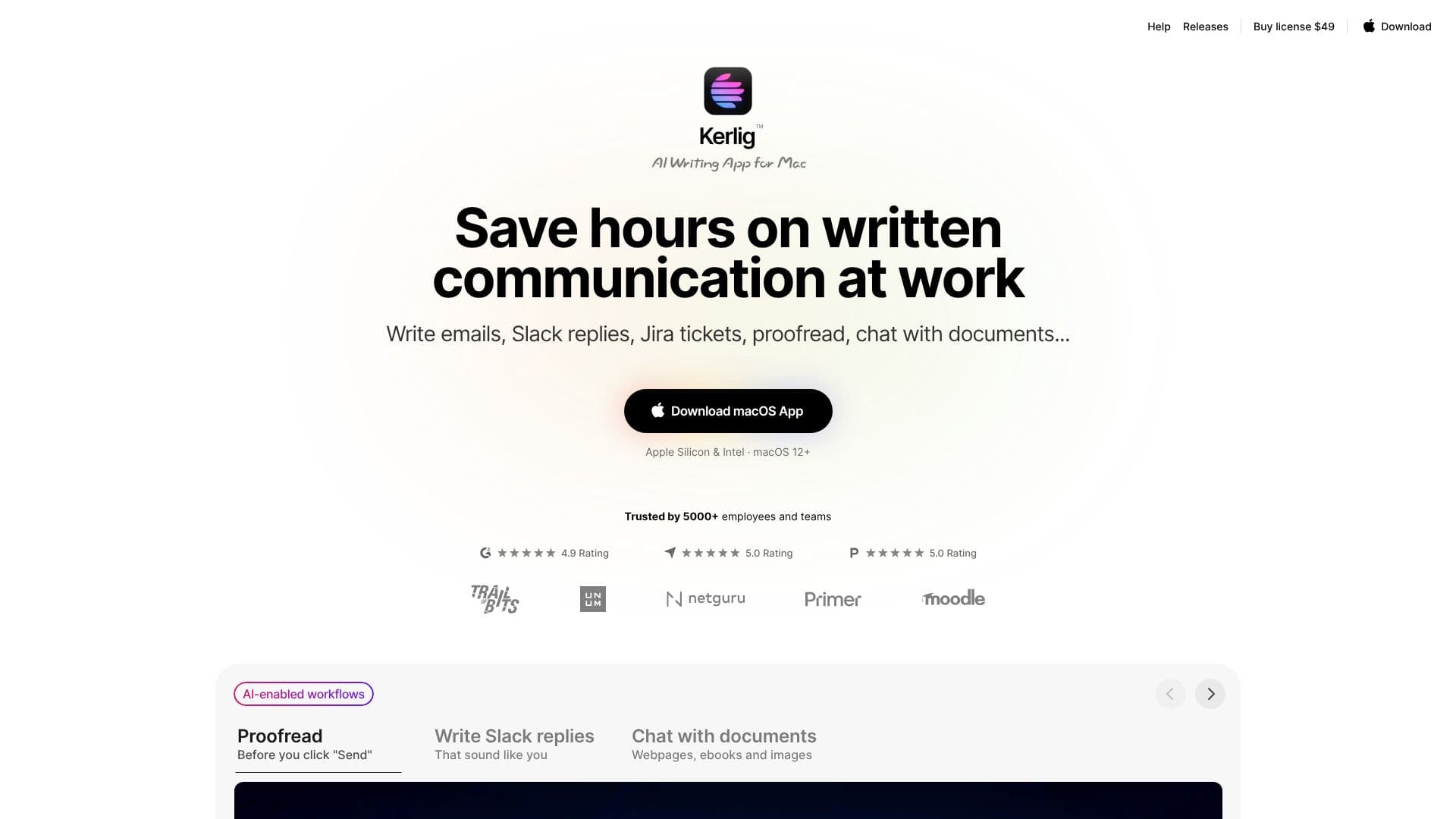
Kerlig™ is a powerful AI writing application designed specifically for macOS users, aiming to significantly reduce the time spent on various forms of written communication. This app integrates seamlessly into your daily workflow, enabling you to craft professional emails, draft quick Slack replies, and generate Jira tickets with remarkable efficiency. Beyond basic writing assistance, Kerlig offers advanced features such as proofreading, grammar correction, and the ability to engage in conversations with your documents, ebooks, and even images.
Read More
The application is built to enhance productivity by bringing AI-enabled workflows directly to your desktop. Users can tailor their writing to match their unique tone of voice for any situation, ensuring consistency across all communications. Kerlig supports customization of actions to fit individual work styles, allowing for a truly personalized AI integration into the macOS environment. Whether you need to brainstorm blog post topics, fix spelling and grammar, summarize lengthy texts, or even convert code snippets, Kerlig provides built-in and custom actions to streamline these tasks.
Kerlig supports a vast array of AI models, including those from OpenAI, Anthropic, Google Gemini, Groq, and others, accessible through API keys. It also integrates with local models via Ollama and LM Studio, offering flexibility in AI provider choice. The app can analyze, summarize, and chat with various document types, and offers deep research capabilities using reasoning models that leverage online data. Privacy is a key consideration, with messages sent directly to AI providers and encrypted locally on your Mac. Users can leverage global hotkeys and shortcuts for faster action execution, and the app includes a chat interface similar to ChatGPT, with features like editing prompts and regenerating responses. Team deployment options are also available via CLI.
Kerlig is trusted by over 5,000 employees and teams, boasting a high user rating. The pricing model is a one-time purchase with options for lifetime updates, eliminating subscription fees. Users pay only for the tokens they use, making it a cost-effective solution for individuals and teams looking to enhance their writing efficiency and communication quality on macOS.
- CategoryAI Writing Assistants
- Pricing ModelOne-time purchase
- DeploymentDesktop app
- PlatformsmacOS
Kerlig AI Writing App's Core Features
Write emails, Slack replies, and Jira tickets
Proofread and correct grammar
Chat with documents, ebooks, and images
Personalize writing tone of voice
Integrates AI into macOS workflow
Supports 350+ AI models via API keys
Includes local model support (Apple Foundation Models, Ollama, LM Studio)
Analyze and summarize attachments
Deep research capabilities with reasoning models
Global hotkeys and shortcuts for quick actions
Team deployment via CLI
Edit prompts and regenerate responses
Chat history and citations
How to use Kerlig AI Writing App?
Install: Download and install the Kerlig app on your Mac.
Configure: Define a hotkey and add your AI provider API key or set up local models.
Select Text: Highlight text in any application.
Trigger Action: Press your defined hotkey.
Choose Action: Select from available AI actions like 'Fix spelling' or 'Summarize'.
Paste Result: The corrected or generated text is ready to be pasted back into your application.
Kerlig AI Writing App's Use Cases
- Email Writing
- Slack Communication
- Jira Ticket Creation
- Document Analysis
- Grammar and Proofreading
- Content Brainstorming
- Code Generation
- Learning and Research