Description
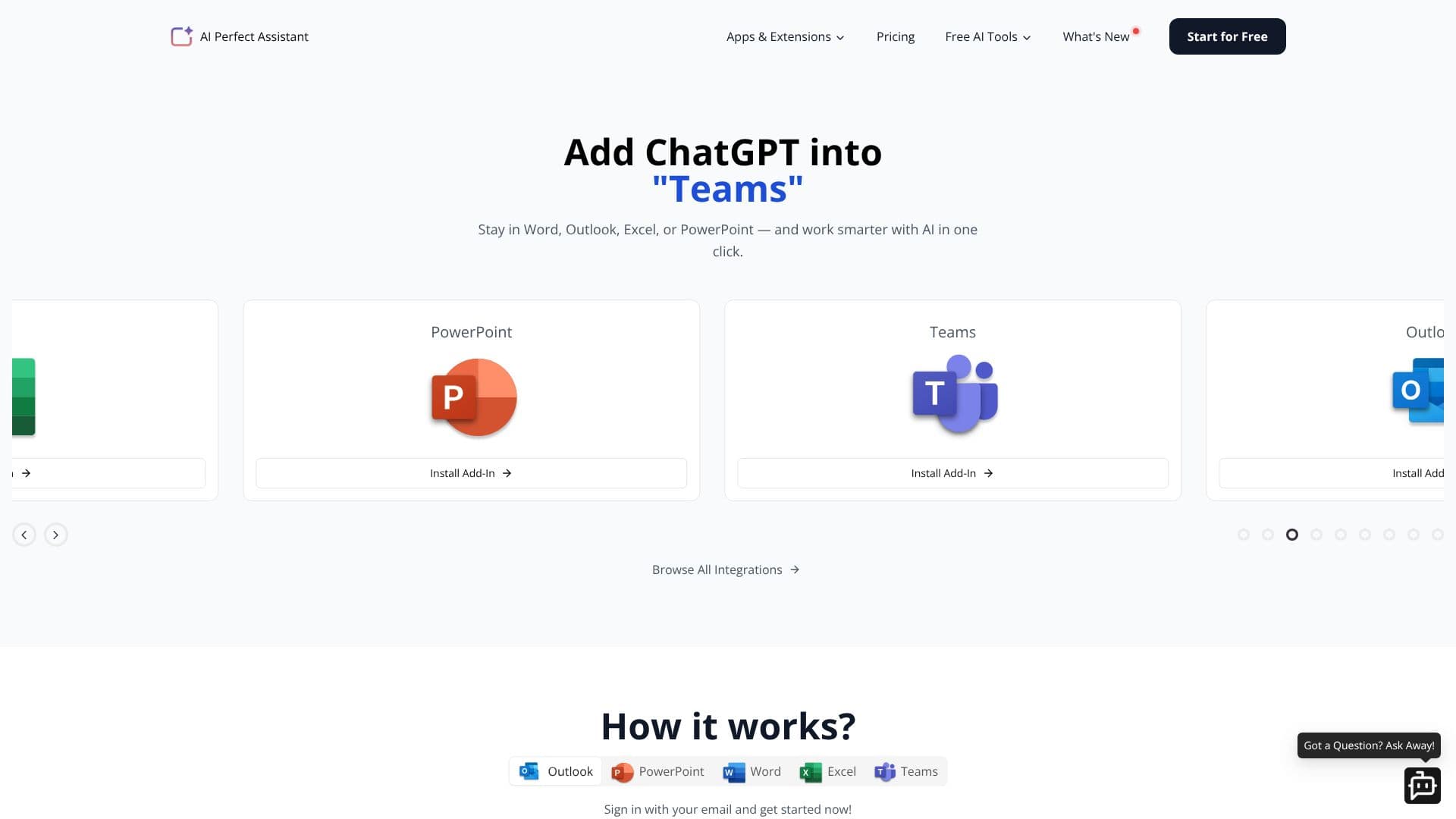
AI Perfect Assistant brings the power of ChatGPT directly into your daily productivity tools, including Microsoft Word, Excel, PowerPoint, Outlook, and OneNote. This integration allows users to leverage advanced AI capabilities without leaving their applications, streamlining workflows and boosting efficiency.
Read More
With over 60 AI tools available, the assistant can handle a wide range of tasks. Users can generate replies to chat messages, craft birthday wishes, apologize for mistakes, welcome new employees, write event invitations, and improve draft messages. For content creation, it offers features like paragraph generation, CV and cover letter writing, text summarization, grammar and spelling correction, language simplification, paraphrasing, and shortening text.
The tool also extends its capabilities to more specialized areas such as creating presentation outlines, converting text to slides, generating SEO titles and meta descriptions, creating FAQs, writing blog post intros and briefs, and even generating entire blog posts. For social media management, it can create Instagram captions, social media post ideas, Twitter threads from blog posts, and TikTok/Instagram Reel ideas and scripts.
AI Perfect Assistant also provides tools for business and marketing, including Facebook and Google ad copy generation, marketing campaign ideas, market research, SOP creation, product/service review writing, brand name generation, company profile creation, and video script generation. It can also generate YouTube titles and help brainstorm ideas.
Key features include its native integration within Microsoft Office applications, offering a seamless experience. It aims to automate mundane business tasks and enhance content quality. The assistant is GDPR compliant, ensuring user data privacy. It offers a comprehensive suite of tools that go beyond basic grammar checking, positioning itself as a more robust solution compared to tools like Grammarly or QuillBot for integrated office productivity.
- CategoryAI Writing Assistants
- Pricing ModelSubscription-based (inferred from 'One subscription allows to use it in Excel, PowerPoint, Word and OneNote!')
- DeploymentCloud
- PlatformsMicrosoft Office (Word, Excel, PowerPoint, Outlook, OneNote), Gmail, Telegram, Chrome
AI Perfect Assistant's Core Features
Integrates ChatGPT into Microsoft Word, Excel, PowerPoint, Outlook, and OneNote.
Offers over 60 AI tools for various tasks.
Automates mundane business tasks.
Enhances content creation and quality.
Provides AI-powered writing assistance.
Generates summaries, replies, and drafts.
Supports SEO content creation.
Facilitates social media content generation.
Includes tools for marketing and business development.
Offers GDPR-compliant data handling.
Streamlines workflows by working within existing applications.
How to use AI Perfect Assistant?
Install Add-In: Choose and install the AI Perfect Assistant add-in for your desired Microsoft Office application (Word, Excel, PowerPoint, Outlook, OneNote).
Sign In: Sign in using your email to activate the assistant.
Access Tools: Select the AI tool you need from the add-in's interface within your application.
Provide Input: Enter your text, requirements, or prompts as requested by the selected tool.
Generate Content: The AI will process your input and generate the desired output.
Refine and Use: Review the generated content, make any necessary edits, and use it in your document, email, or spreadsheet.
AI Perfect Assistant's Use Cases
- Content Creation
- Email Management
- Document Enhancement
- Spreadsheet Assistance
- Presentation Development
- Business Communication
- Marketing Strategy
- Productivity Boost