
Description
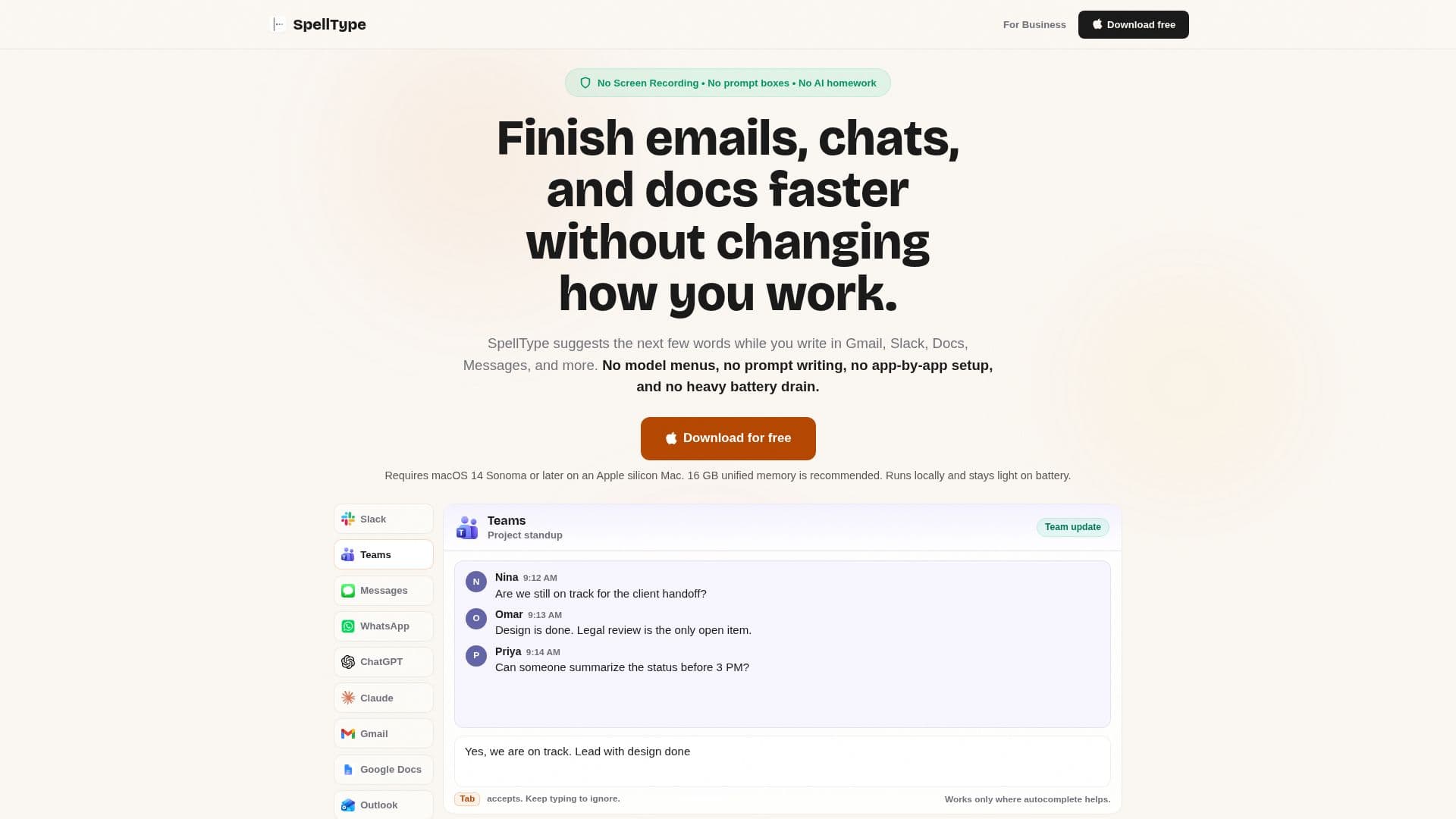
SpellType is a private AI autocomplete app designed specifically for Mac users, aimed at enhancing productivity by helping individuals finish emails, documents, messages, and work chats more efficiently. By providing inline suggestions while users type, SpellType allows for a seamless writing experience without the need to switch between different applications or tools.
Read More
The app operates locally on your Mac, meaning that all suggestions are generated without sending any writing to the cloud. This ensures that your work remains private and secure, as SpellType does not require screen recording permissions, nor does it collect writing or content analytics. Users can enjoy the benefits of AI assistance without compromising their privacy or security.
SpellType is particularly useful for those who frequently write replies, notes, updates, or drafts. It saves time by reducing repetitive typing and eliminating the need to jump into a separate AI tool. The app is built around a small local model that provides fast suggestions with minimal impact on battery life, making it suitable for everyday writing tasks.
With SpellType, users do not need to choose an AI model or set up each app individually. After granting the necessary macOS Accessibility permissions, SpellType automatically integrates with supported applications, allowing users to focus on their writing without interruptions. The app works in various writing environments, including Gmail, Google Docs, Slack, Microsoft Teams, and more, ensuring that users can write where they are most comfortable.
In addition to its core functionality, SpellType offers a free tier that allows users to access up to 5,000 accepted completions per week. For those who require unlimited completions, a paid Pro plan is available. This plan supports ongoing compatibility, polish, and reliability, ensuring that SpellType continues to meet the needs of its users as they evolve.
Overall, SpellType is designed for Mac users who want to enhance their writing efficiency while maintaining control over their content. By providing private, local autocomplete suggestions, SpellType helps users write faster and more effectively, all while keeping their work secure and private.
- CategoryAI Writing Assistants
- Pricing ModelFreemium
- DeploymentLocal
- PlatformsMac
SpellType's Core Features
Private local suggestions
No Screen Recording permission required
No writing or content analytics
Works offline
Supports Gmail, Google Docs, Slack, Teams, and more
Fast inline autocomplete
Free tier available
Pro plan for unlimited completions
How to use SpellType?
Grant macOS Accessibility permission: Allow SpellType to access supported apps.
Start typing in a supported app: Use SpellType in Gmail, Docs, or Teams.
Accept suggestions: Press Tab to accept a suggestion or continue typing.
Enjoy seamless writing: Use SpellType without switching tools or workflows.
SpellType's Use Cases
- Email Replies
- Document Writing
- Team Communication
- AI Tool Prompts
- Status Updates