
Description
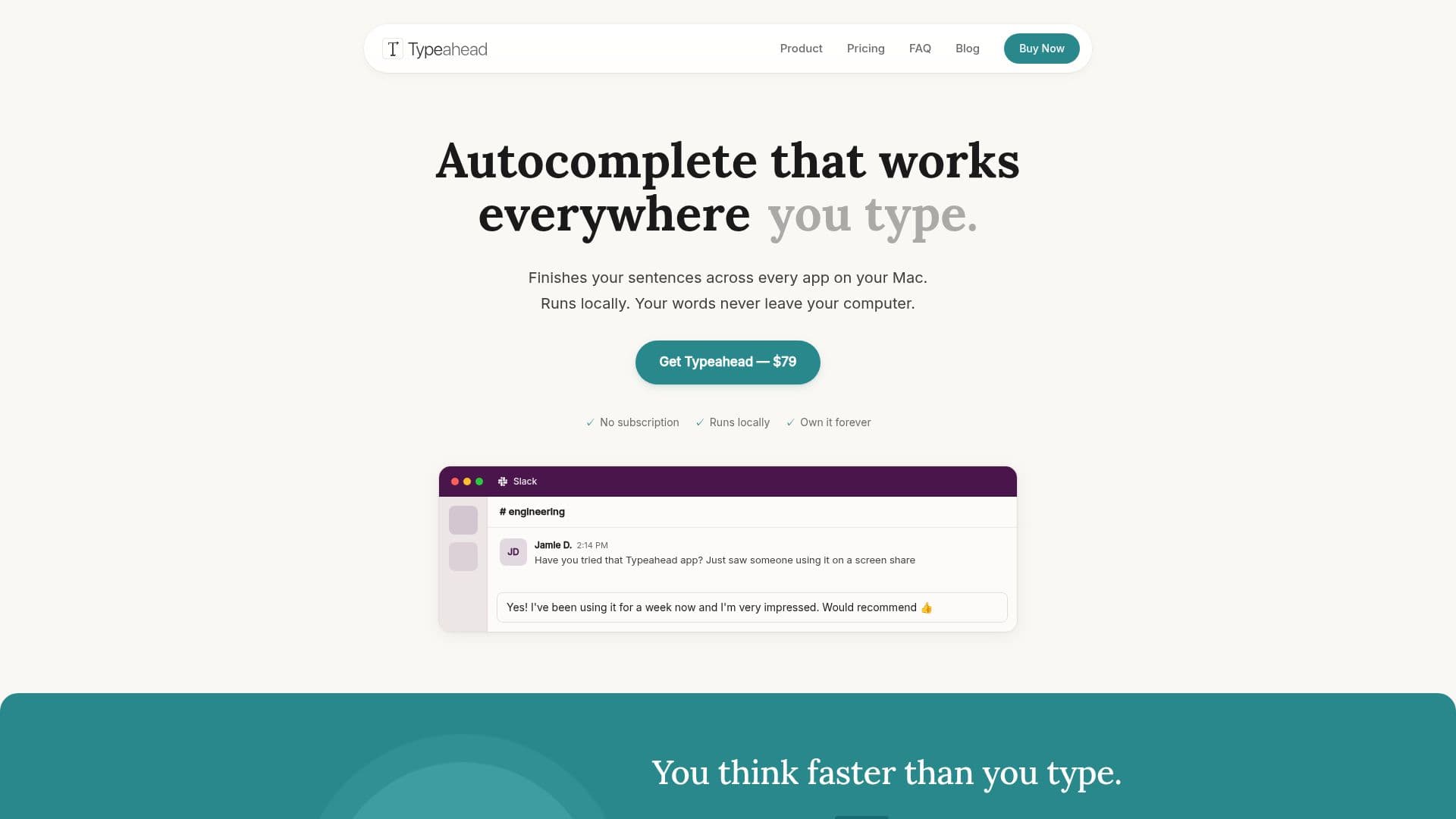
Typeahead is an innovative AI autocomplete tool designed specifically for Mac users. It provides system-wide autocomplete functionality that works seamlessly across all applications, allowing users to type faster and more efficiently. Unlike other tools that may require internet connectivity or operate in isolated environments, Typeahead runs locally on your Mac, ensuring that your writing remains private and secure. Your words never leave your device, and all AI processing occurs on your machine.
Read More
The application is designed to enhance your writing experience by suggesting text as you type, effectively finishing your sentences before you even complete them. This feature is particularly beneficial for individuals who engage in high volumes of writing, such as email correspondence, document drafting, and internal communication. Typeahead is optimized for macOS 14 or later and is compatible with both Apple Silicon and Intel Macs, requiring a minimum of 8 GB of RAM and about 3 GB of free disk space for the AI model.
One of the standout features of Typeahead is its commitment to user privacy. The application does not store any of your writing history, and the only network activity involved is for license activation and optional updates. This means that you can write freely without the concern of your data being sent to external servers. Additionally, Typeahead is a one-time purchase of $79, allowing you to own the software permanently without any subscription fees or recurring costs.
Typeahead is perfect for anyone who types more than they would like to, including professionals who send numerous emails daily, developers who communicate through platforms like Slack, and writers who want their unique voice reflected in the suggestions. With its ability to learn your writing style over time, Typeahead adapts to how you write, ensuring that the suggestions feel natural and personalized. Whether you are drafting emails, writing documents, or engaging in chat communications, Typeahead helps you maintain your flow and productivity, making it an essential tool for any Mac user.
- CategoryAI Writing Assistants
- Pricing ModelOne-time purchase
- DeploymentLocal
- PlatformsMac
Typeahead's Core Features
System-wide autocomplete
Runs locally on Mac
Privacy-focused architecture
Inline suggestions as you type
Learns your writing style
Compatible with macOS 14 and later
One-time purchase model
No subscription fees
Works in every Mac app
Fast and lightweight performance
How to use Typeahead?
Activate your license: Enter your license key from your purchase email.
Grant accessibility access: Allow Typeahead to read text fields for inline suggestions.
Download a model: Choose and download the AI model for generating suggestions.
Set your shortcuts: Familiarize yourself with keyboard shortcuts for accepting suggestions.
Start typing: Open any app and begin typing to see suggestions appear.
Typeahead's Use Cases
- Email Writing
- Document Drafting
- Internal Communication
- Content Creation
- Non-native Speakers