Description
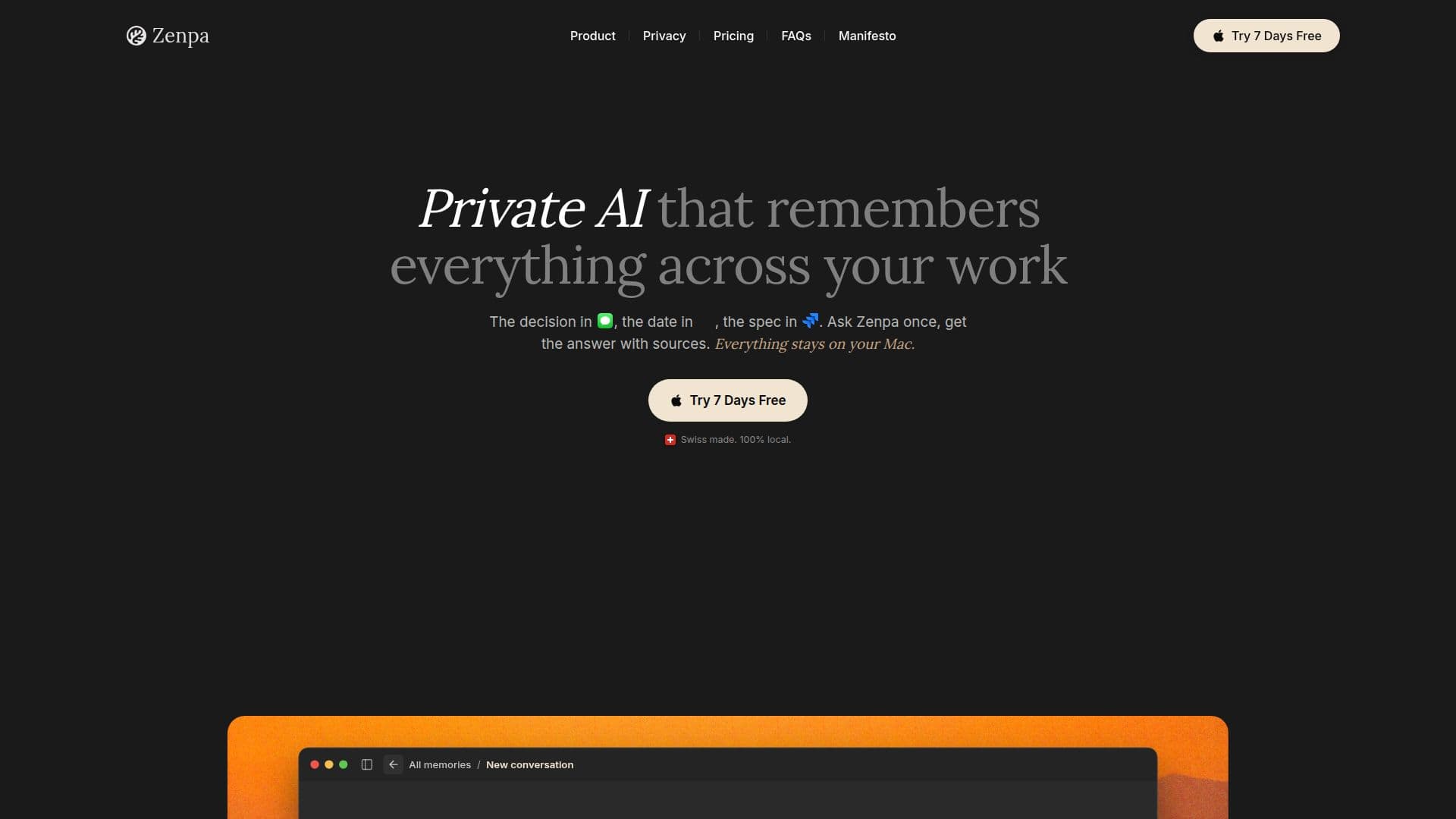
Zenpa is designed as a private AI assistant specifically for Mac users, focusing on maintaining the confidentiality of your work. Unlike other AI tools that rely on cloud processing, Zenpa operates entirely on your device, ensuring that your data never leaves your Mac. This local-first approach means that every answer you receive is generated by the AI model running on your machine, providing a seamless and secure experience.
Read More
The assistant remembers everything across your work, allowing you to ask questions about past decisions, project details, or client communications. For instance, you can inquire about what was discussed in a meeting or retrieve information from your emails, chats, and notes. Zenpa's ability to pull information from various applications like Slack, Gmail, and Notion means that it can serve as a comprehensive memory vault, making your workflow more efficient.
Zenpa is built with a strong emphasis on privacy. All processing and storage of your data occur locally, meaning there is no risk of data breaches or unauthorized access. The AI model is designed to run offline, so you can continue to use it even without an internet connection. This is particularly beneficial for users who handle sensitive information and require a secure environment for their work.
The application is user-friendly and requires minimal setup. Once installed, Zenpa begins learning from the tools you already use, creating a personalized experience tailored to your needs. You have complete control over what Zenpa remembers, with options to pause memory, exclude specific tools, or clear any learned information at any time. This flexibility ensures that your data remains yours, and you can manage it according to your preferences.
Zenpa is not just about answering questions; it also suggests helpful actions based on your context. For example, it can draft replies in Slack or Gmail, update Jira tickets, or summarize lengthy documents. This functionality makes it a valuable tool for professionals looking to enhance their productivity while maintaining the integrity of their data.
- CategoryAI Personal Assistants
- Pricing ModelMonthly, Annual, Lifetime
- DeploymentLocal
- PlatformsMac
Zenpa's Core Features
Local AI processing
Encrypted storage
No cloud dependency
Integration with Slack, Gmail, Jira, Notion, and more
Voice dictation on device
Memory control options
Offline functionality
Secure OAuth handling
How to use Zenpa?
Install Zenpa: Download and install the Zenpa application on your Mac.
Configure integrations: Connect Zenpa with your existing tools like Slack and Gmail.
Use the assistant: Ask Zenpa questions about your work or request summaries.
Manage memory: Control what Zenpa remembers or forgets through the settings.
Zenpa's Use Cases
- Project Management
- Meeting Summaries
- Email Management
- Task Tracking
- Client Communication