
Description
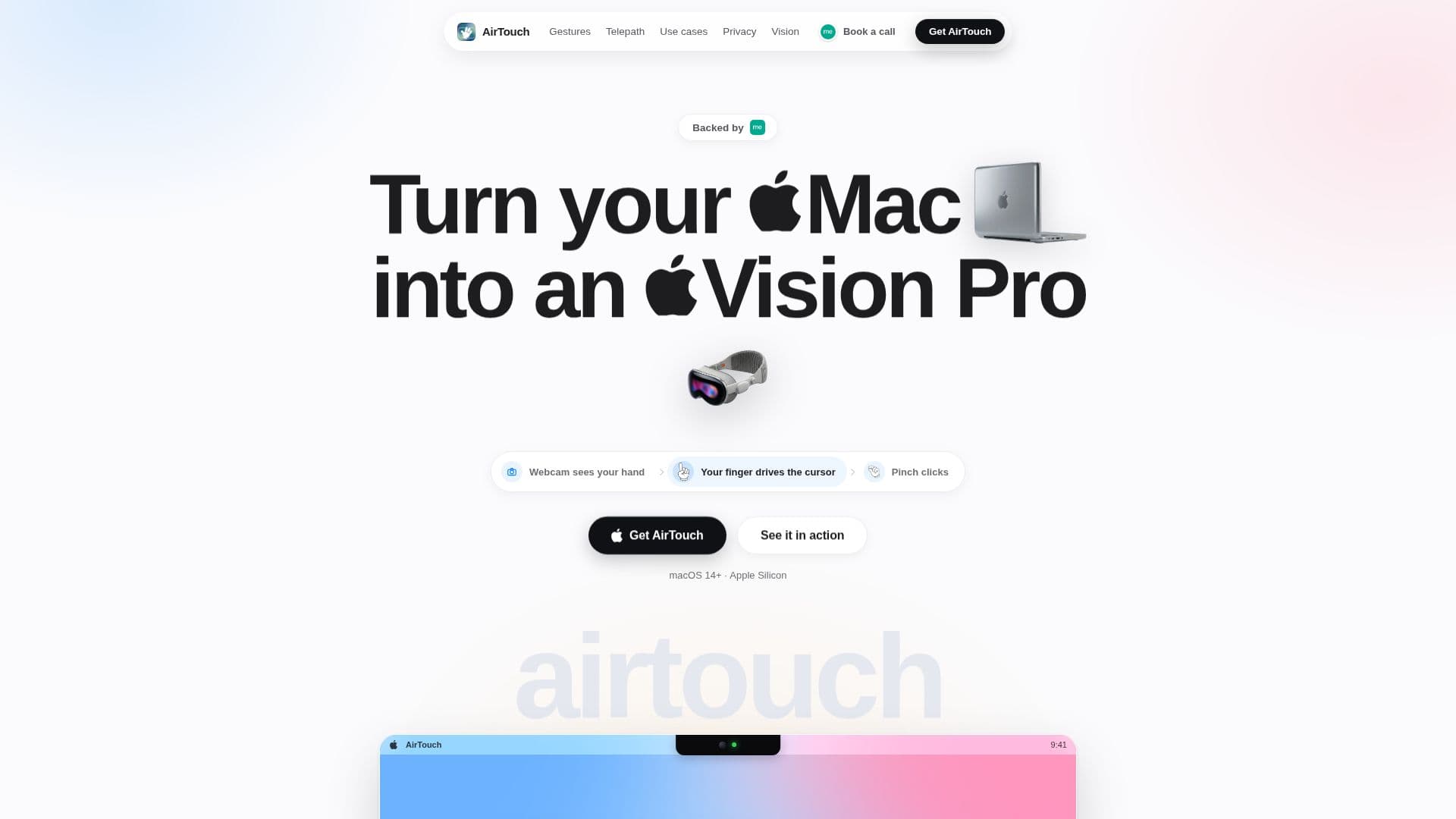
AirTouch is a macOS application that enables users to control their Mac using hand gestures, leveraging the webcam they already have. This innovative tool allows you to move the cursor with your hand, pinch to click, and perform a variety of gestures without the need for any additional hardware or a mouse. The application is designed to work seamlessly on macOS 14 Sonoma or later, specifically on Apple Silicon Macs.
Read More
The core functionality of AirTouch revolves around ten built-in gestures that facilitate various actions. For instance, raising a peace sign wakes the system, while pointing with a finger moves the cursor. Users can pinch their thumb and index finger to click, scroll using two fingers, and swipe with an open hand to switch between applications. Other gestures include a thumbs-up to press Enter, a fist to open Spotlight, and a two-handed frame to zoom in on the screen. Additionally, users can create custom gestures by recording any pose and binding it to specific shortcuts, scripts, or applications.
Privacy is a fundamental aspect of AirTouch. The application processes the camera feed on-device using the Neural Engine, converting each frame into 21 hand landmarks that are discarded almost immediately. This means that no video, images, or analytics are ever uploaded or stored externally. Users can feel secure knowing that their camera feed remains entirely local to their Mac. Furthermore, AirTouch is completely free and open source, requiring no account or subscription. Users can simply download the app, raise their hand, and access all features without any barriers.
AirTouch is ideal for anyone looking to enhance their productivity and streamline their workflow. It is particularly beneficial for those who prefer hands-free operation, such as individuals with mobility challenges or those who want to minimize physical interaction with their devices. The application is designed to integrate smoothly with existing macOS applications, making it a versatile tool for a wide range of users.
- CategoryAI Accessibility Tools
- Pricing ModelFree
- DeploymentOn-device
- PlatformsmacOS
AirTouch's Core Features
Hands-free gesture control
Ten built-in gestures
Custom gesture recording
On-device processing
No additional hardware required
Free and open source
Compatible with macOS 14 Sonoma or later
Apple Silicon support
How to use AirTouch?
Install the AirTouch app on your Mac.
Raise your hand to activate the gesture control.
Use the built-in gestures to navigate your Mac.
Record custom gestures for specific actions.
Adjust settings as needed for optimal performance.
AirTouch's Use Cases
- Hands-free navigation
- Accessibility support
- Custom shortcuts
- Enhanced productivity
- Remote presentations