ToolPotion
AI Advisor
Submit a Tool (Free)

Boom

A Mac app for presenters and creators that combines live presentation, screen recording, and camera enhancement with dynamic layouts, cinematic zoom, and branded overlays, with no editing required.

Visit Website
Share
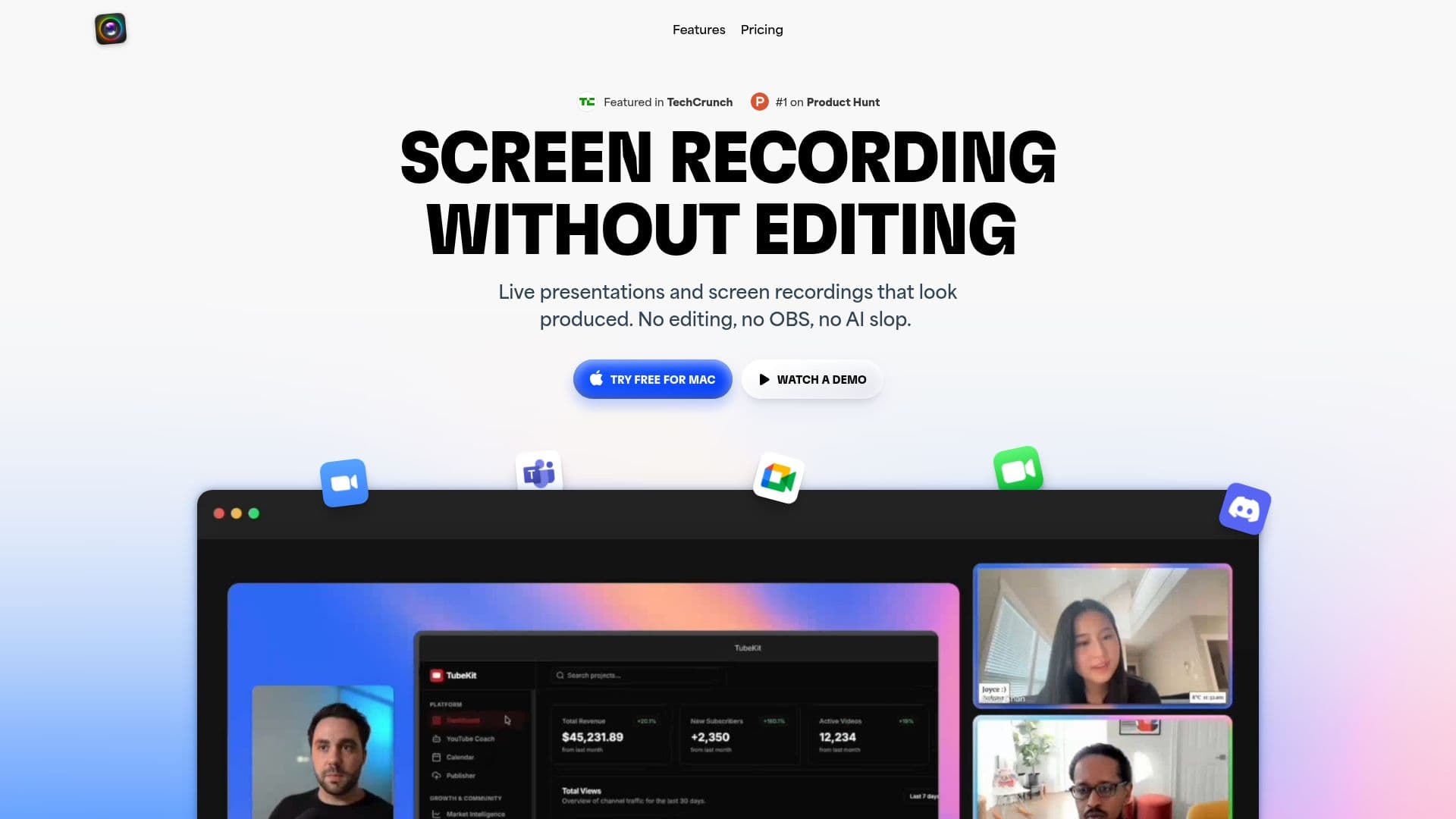
Boom screenshot
Boom screenshot

Boom is a video app for Mac built for serious presenters, creators, coaches, and teams. It combines live presentations, screen recording, and on-camera enhancement so users can present and record polished, produced-looking video without editing, OBS, or an external tool. Recordings are ready the moment you stop, exportable in HD.

Read More

For live presentations, Boom lets users switch between camera-only, side-by-side, and screen layouts on the fly, zoom into any part of the screen with a click or shortcut to guide attention, and add branded overlays such as logos, lower thirds, and backgrounds. It works with Zoom, Meet, Teams, and any app that lets you choose a camera. For screen recording, it captures screen and camera together in dynamic layouts with live layout changes built into the recording, and can record iPhone and iPad screens with a device frame for app demos and tutorials.

AI camera enhancement improves lighting, smooths skin, and cleans up the background using any existing webcam, with virtual backgrounds, camera framing controls, and a branded camera-off holding screen. Control options include a floating mini remote with hotkeys and a Stream Deck plugin for physical control over layouts, effects, and recording. Boom requires macOS 13 or later, offers a free trial with no credit card, and a Pro plan is available (billed yearly).

  • CategoryAI Video Editors
  • Pricing ModelPaid
  • DeploymentCloud
  • PlatformsmacOS

  • Live presentation mode with dynamic layout switching

  • Cinematic zoom to guide audience attention

  • Branded overlays: logos, lower thirds, and backgrounds

  • Screen recording with camera in dynamic layouts, no editing required

  • iPhone and iPad screen capture with a device frame

  • AI camera enhancement: lighting, skin smoothing, and background cleanup

  • Virtual backgrounds and camera framing controls

  • Floating remote with hotkeys and Stream Deck plugin control

  1. Install for Mac: download Boom (requires macOS 13 or later) and connect your camera.

  2. Choose a mode: present live in a video call or start a screen recording.

  3. Set your layout: switch between camera-only, side-by-side, or screen layouts and add branded overlays.

  4. Enhance your camera: enable lighting, skin smoothing, and background adjustments.

  5. Present or record: use zoom and the remote or Stream Deck to control the session, then export HD instantly.

  • Live presentations
  • Screen recordings and demos
  • Course and lecture recording
  • On-camera branding

Boom Reviews

Loading...

Popular AI Tools Like Boom

Motionik

AI Apps

Motionik is a screen recorder and editor for Windows and macOS that combines recording, automatic cursor-tracking zoom, and editing in one tool to create polished product demos,…

AI Video Editors
View Tool

AI Apps

Screen recorder and editor for Windows and macOS that combines recording, automatic cursor-tracking zoom, and editing in one tool to create polished product demos,…Motionik is a screen recorder and editor for Windows and macOS that combines recording, automatic cursor-tracking zoom, and editing in one tool to create polished product demos,…

AI Video Editors
See the Top 250 AI Apps

knooth

AI Apps

knooth is a macOS screen recording app with built-in editing, timeline animations, and on-device AI captions and filler-word removal. It keeps all recordings and AI processing…

AI Video Editors
View Tool

AI Apps

MacOS screen recording app with built-in editing, timeline animations, and on-device AI captions and filler-word removal. It keeps all recordings and AI processing…knooth is a macOS screen recording app with built-in editing, timeline animations, and on-device AI captions and filler-word removal. It keeps all recordings and AI processing…

AI Video Editors
See the Top 250 AI Apps

FocuSee is an AI-powered screen recorder for Windows and Mac that automates video editing. It features automatic zoom, cursor tracking, AI audio enhancement, and a teleprompter,…

AI Video Editors

Ranked #48 for Creating animations

View Tool

AI-powered screen recorder for Windows and Mac that automates video editing. It features automatic zoom, cursor tracking, AI audio enhancement, and a teleprompter,…FocuSee is an AI-powered screen recorder for Windows and Mac that automates video editing. It features automatic zoom, cursor tracking, AI audio enhancement, and a teleprompter,…

AI Video Editors
Ranked #48 for Creating animations

Tella

AI Apps

Tella is an all-in-one screen recorder with AI video editing for Mac, Windows, and the web, letting users record screen, camera, and audio and share or export in up to 4K. It…

AI Video EditorsEducation & E-learning

Ranked #24 for Removing background noise

View Tool

AI Apps

All-in-one screen recorder with AI video editing for Mac, Windows, and the web, letting users record screen, camera, and audio and share or export in up to 4K. It…Tella is an all-in-one screen recorder with AI video editing for Mac, Windows, and the web, letting users record screen, camera, and audio and share or export in up to 4K. It…

AI Video EditorsEducation & E-learning
Ranked #24 for Removing background noise

Screentell

AI Apps

Screentell is a browser-based screen recorder and video editor that allows users to create studio-quality product demos, tutorials, and training videos without any installation.…

AI Video Editors

Ranked #128 in AI Video Editors

View Tool

AI Apps

Browser-based screen recorder and video editor that allows users to create studio-quality product demos, tutorials, and training videos without any installation.…Screentell is a browser-based screen recorder and video editor that allows users to create studio-quality product demos, tutorials, and training videos without any installation.…

AI Video Editors
Ranked #128 in AI Video Editors

Tight Studio is a free macOS screen recorder and video editor for making polished product demos and tutorials. It combines recording with auto zoom, smooth cursors, AI voiceover,…

AI Short Video Makers

Ranked #80 in AI Short Video Makers

View Tool

Free macOS screen recorder and video editor for making polished product demos and tutorials. It combines recording with auto zoom, smooth cursors, AI voiceover,…Tight Studio is a free macOS screen recorder and video editor for making polished product demos and tutorials. It combines recording with auto zoom, smooth cursors, AI voiceover,…

AI Short Video Makers
Ranked #80 in AI Short Video Makers

Camtasia

AI Apps

Camtasia is TechSmith's desktop screen recorder and video editor for creating tutorials, training videos, and software demos, now with AI-powered features. It is built for…

AI Video EditorsEducation & E-learning
View Tool

AI Apps

TechSmith's desktop screen recorder and video editor for creating tutorials, training videos, and software demos, now with AI-powered features. It is built for…Camtasia is TechSmith's desktop screen recorder and video editor for creating tutorials, training videos, and software demos, now with AI-powered features. It is built for…

AI Video EditorsEducation & E-learning
See the Top 250 AI Apps

Roll is an AI-powered video production studio that transforms smartphone footage into professional, studio-quality videos. It simplifies remote video calls, adds special effects,…

AI Video Editors

Ranked #97 in AI Video Editors

View Tool

AI-powered video production studio that transforms smartphone footage into professional, studio-quality videos. It simplifies remote video calls, adds special effects,…Roll is an AI-powered video production studio that transforms smartphone footage into professional, studio-quality videos. It simplifies remote video calls, adds special effects,…

AI Video Editors
Ranked #97 in AI Video Editors
1 of 8