Description
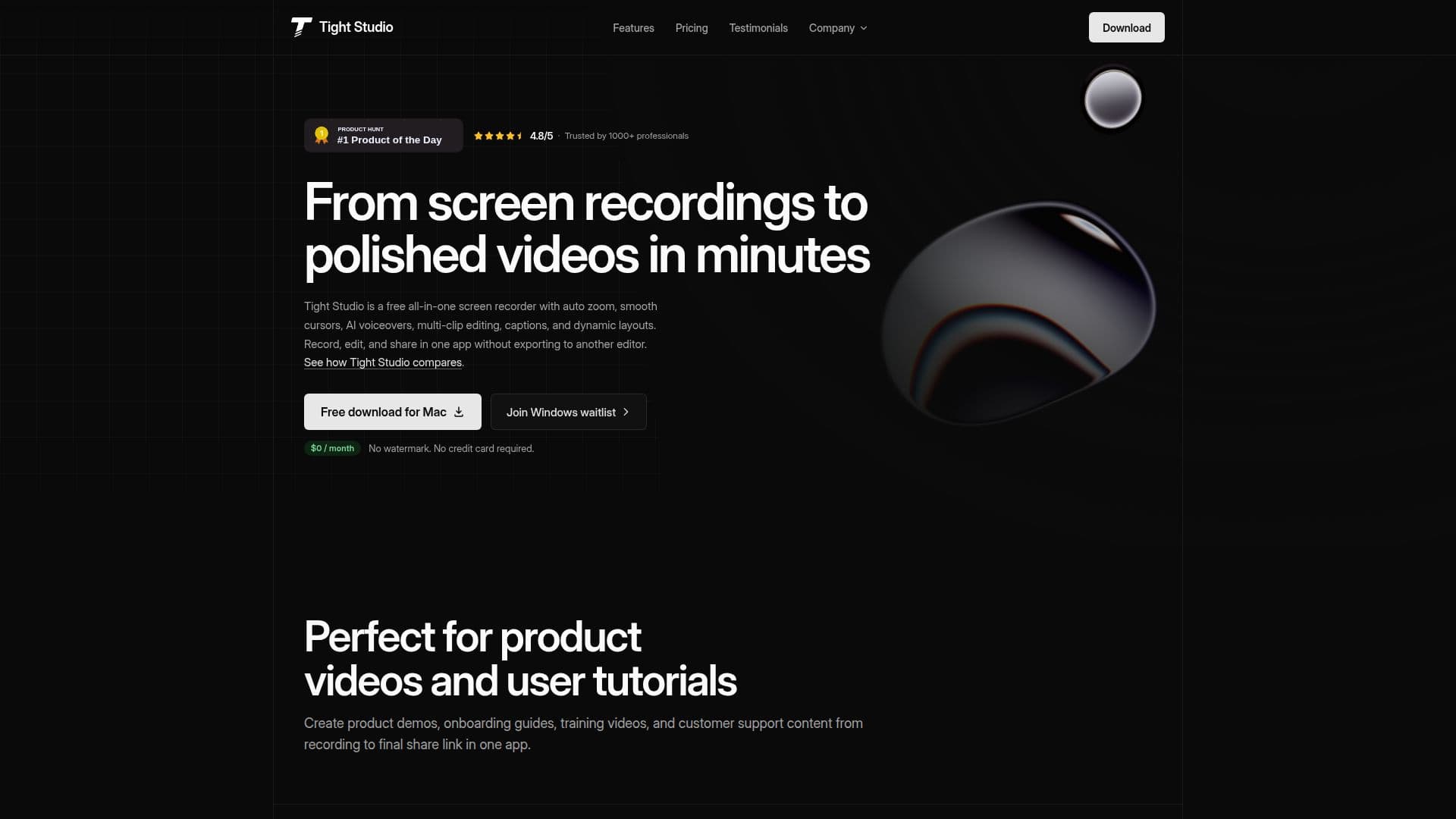
Tight Studio is an all-in-one macOS screen recorder and video editor built for Apple silicon Macs. It lets you record your screen and finish a polished video in the same app, without exporting to a separate editor, so you can go from raw capture to a shareable product demo, tutorial, or presentation in minutes.
Read More
Recording and editing features include smart auto-zoom that detects clicks and keystrokes and zooms in with smooth, cinematic transitions, cursor smoothing and styled cursor icons with click effects, multi-clip recording so you can capture takes back-to-back and re-record just one section, a resizable on-screen teleprompter, iPhone and iPad screen capture over USB, custom backgrounds, text overlays and annotations, and a music library. A highlight effect can dim the interface to spotlight a specific UI element.
AI features cover AI voiceover, where you type a script and generate professional narration in multiple voices and speeds or clone your own voice from a short sample, and AI captions generated automatically from your audio. Because voice and captions can be edited like text, you can re-record by editing the script rather than talking again. AI media generation is also available on higher tiers.
Tight Studio offers secure shareable video links with password, email, or private-visibility controls and built-in view analytics, plus a team workspace for collaborative editing. A free plan with no watermark and no credit card includes core recording and editing and trial AI credits, while paid plans add unlimited multi-clip recording, unlimited non-expiring share links, AI voiceover, AI media generation, and team collaboration. Founded in 2025 by Ethan Jiang, it targets founders, product marketers, sales and customer teams, educators, and creators.
- CategoryAI Short Video Makers
- Pricing ModelFreemium
- DeploymentDesktop app
- PlatformsmacOS
Tight Studio's Core Features
macOS screen recording with an integrated video editor
Smart auto-zoom that follows clicks with smooth transitions
Cursor smoothing, styled icons, and click effects
AI voiceover with multiple voices and voice cloning from a sample
AI-generated captions editable like text
Multi-clip recording plus iPhone and iPad capture
On-screen teleprompter, backgrounds, overlays, and music
Secure shareable links with view analytics and team workspace
How to use Tight Studio?
Record: Capture your screen, and optionally your iPhone, iPad, or webcam, using auto-zoom.
Edit: Trim and arrange multi-clip takes and add zooms, cursor effects, and layouts.
Add narration: Generate AI voiceover from a script or record and clean up your own narration.
Caption and annotate: Add AI captions, text overlays, backgrounds, and music.
Share: Export or send a secure link and track views with built-in analytics.
Tight Studio's Use Cases
- Product demos
- Tutorial videos
- Onboarding and training
- Customer support
- Sales outreach