Description
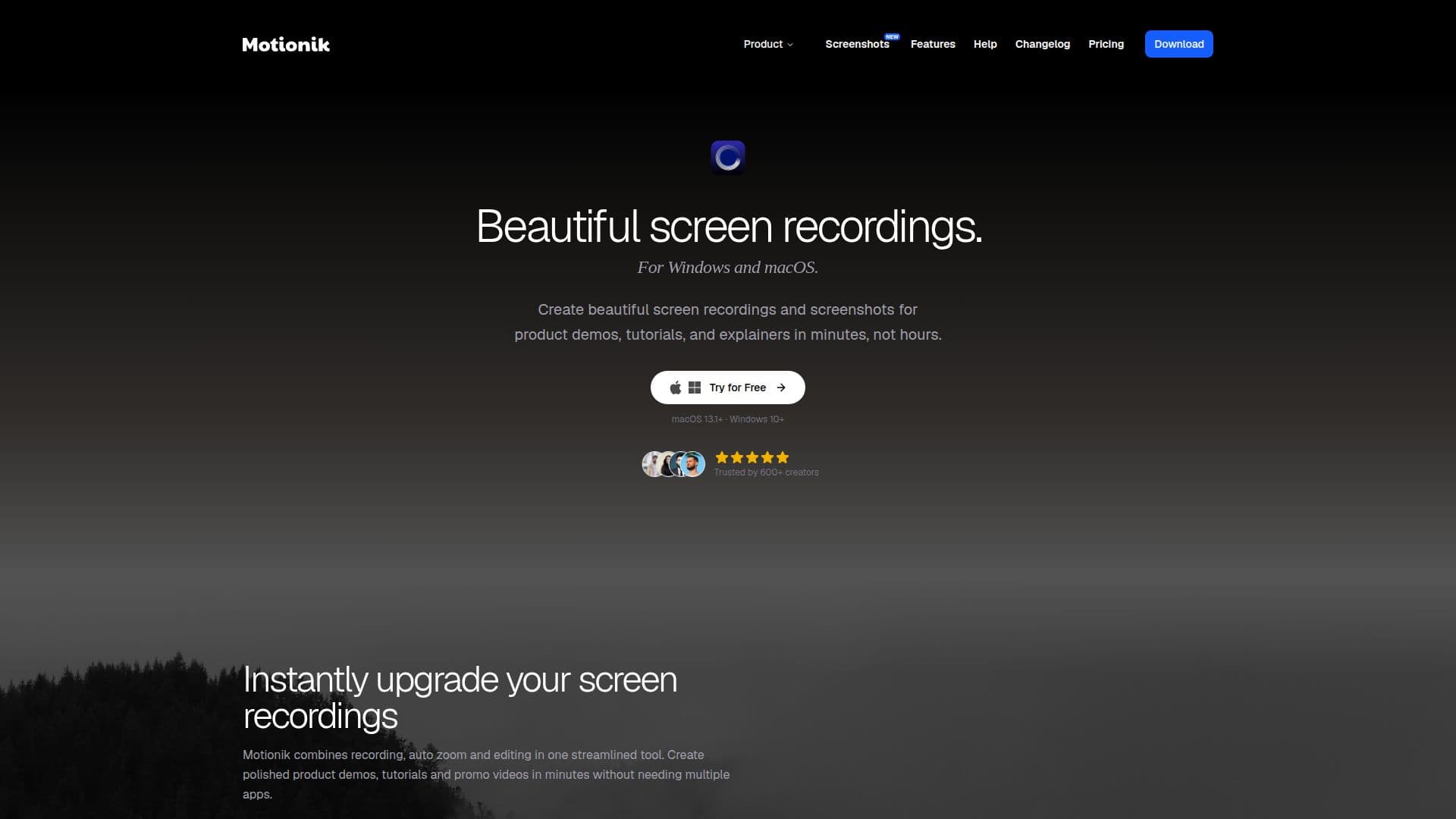
Motionik is a screen recording and editing tool for Windows and macOS that helps users create beautiful product demos, tutorials, and explainer videos in minutes. It combines recording, auto zoom, and editing in one app so creators do not need to switch between multiple tools.
Read More
Its signature feature is auto zoom with cursor tracking, which adds natural, fluid animations that follow mouse movements and zoom into key moments while recording. Users can record the full display, a specific window, a selected area, webcam, and microphone or system audio, and record an iPhone screen over USB. Camera controls include positioning, timeline visibility, auto-resize with zoom, background removal, and fullscreen mode.
The built-in editor supports overlays (text, images, audio tracks, content masks, highlights), custom cursors and click effects, motion blur, 3D zoom effects, playback speed control, trimming, custom backgrounds, rounded corners, and inset shadows. AI-driven noise reduction and automatic captions/transcripts are included, and exports support MP4 and GIF in multiple formats and up to 4K. A screenshot tool captures and beautifies images with backgrounds, annotations, and 3D effects. Motionik offers a free tier (with watermark), one-time and annual personal licenses, and cloud plans with shareable links and storage.
- CategoryAI Video Editors
- Pricing ModelFreemium
- DeploymentCloud, Desktop app
- PlatformsWindows, macOS
Motionik's Core Features
Auto zoom with cursor tracking that follows your actions
Record display, window, area, webcam, and system/mic audio
iPhone screen recording over USB
Camera controls: position, background removal, auto-resize, fullscreen
Editor with overlays, custom cursors, click effects, and motion blur
3D zoom effects, playback speed control, and trimming
AI noise reduction and automatic captions/transcripts
MP4 and GIF export up to 4K, plus a screenshot beautifier tool
How to use Motionik?
Record: capture your full screen, a window, an area, or your iPhone, with webcam and audio.
Let auto zoom work: cursor tracking adds zoom animations to key moments automatically.
Edit: add overlays, highlights, custom cursors, backgrounds, and effects in the editor.
Enhance audio: apply noise reduction and generate captions.
Export: save as MP4 or GIF up to 4K, or share via a link on a cloud plan.
Motionik's Use Cases
- Product demos
- Tutorials
- Explainer videos
- Screenshots