Description
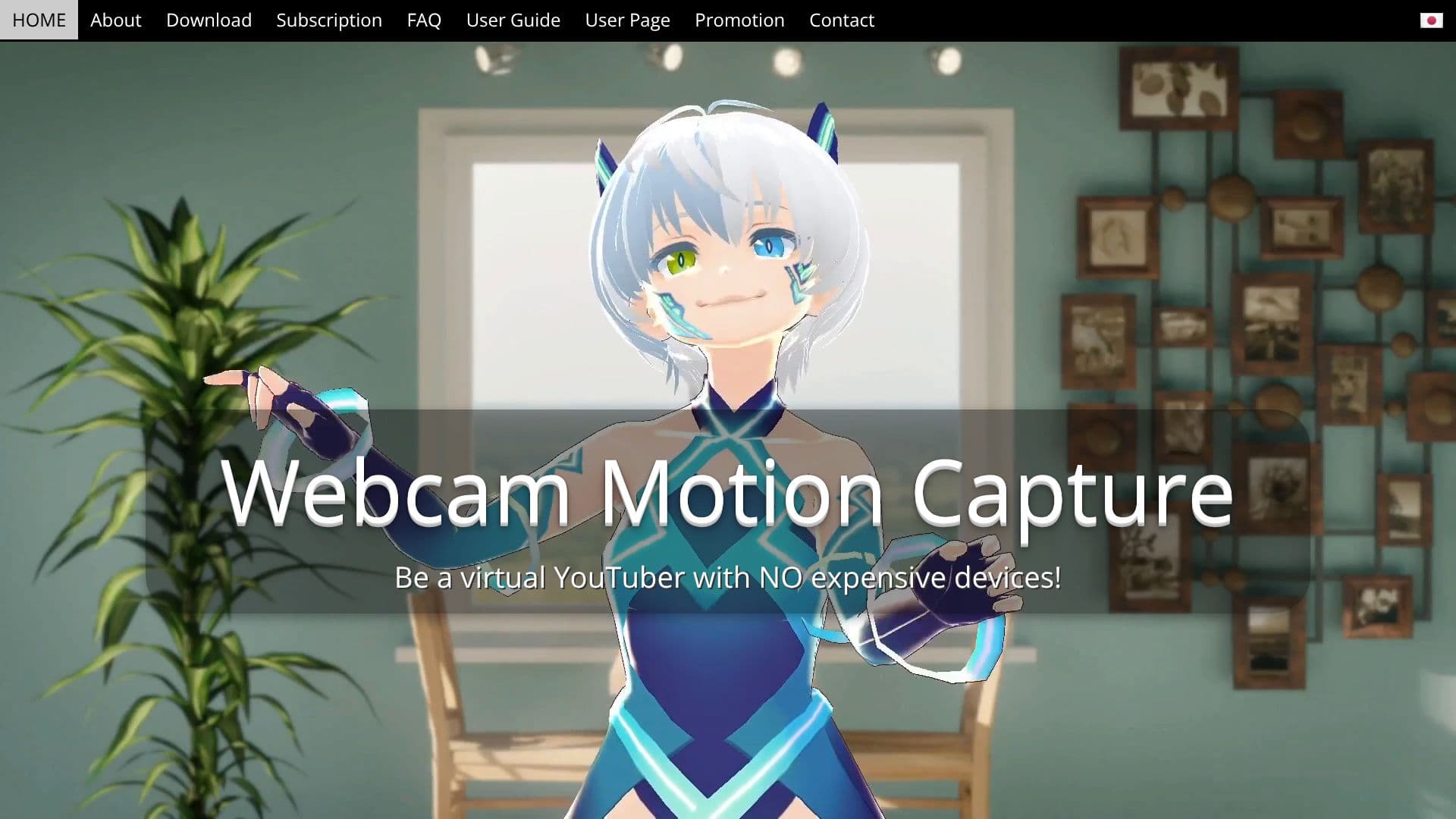
Webcam Motion Capture is an innovative AI-powered application that transforms your standard webcam into a sophisticated motion capture device. This tool eliminates the need for costly specialized equipment, allowing users to control 3D avatars with remarkable accuracy using just their computer or smartphone camera. Since its inception in November 2021, the software has garnered a substantial global user base, with over 38,300 subscribers from 120 countries.
Read More
The core functionality revolves around high-quality hand and finger tracking, enabling natural and robust movements for virtual YouTubers and animators. Beyond hand tracking, the software also incorporates head tracking, facial expression analysis, eye gaze detection, eye blink recognition, lip synchronization, and upper body tracking. This comprehensive suite of features ensures a lifelike representation of the user's movements in virtual environments.
Webcam Motion Capture is designed for seamless integration with other applications. It can send tracking data in real-time to external apps via the VMC Protocol, making it compatible with popular VTuber software like VSeeFace, which may not natively support hand tracking. Furthermore, it offers a free plugin for major game engines such as Unity and Unreal Engine, allowing developers to incorporate live motion capture data directly into their projects. For animators, the software functions as a powerful motion capture tool, capable of saving captured data to FBX files. These files are readily importable into industry-standard 3D graphics software like Blender, Maya, and 3ds Max, streamlining the animation workflow.
The application is available for free download on both Windows and macOS. Users can explore all tracking features without any initial cost. For enhanced functionality, such as hiding UI elements or using tracking data in external applications, a subscription is available for just $1.99 per month, which includes all future software updates. A one-time payment option is also available. The developers are committed to user support, providing a comprehensive FAQ section, user guides, and contact information for assistance.
- CategoryAI Animation Tools
- Pricing ModelFreemium
- DeploymentCloud
- PlatformsWindows, macOS
Webcam Motion Capture's Core Features
AI-powered webcam motion capture
High-quality hand and finger tracking
Head tracking and facial expression tracking
Eye gaze tracking and eye blink detection
Lip sync and upper body tracking
Real-time data output via VMC Protocol
Save motion capture data to FBX files
Compatible with major 3D software (Blender, Maya, 3ds Max)
Supports integration with VTuber apps (VSeeFace)
Free plugin for Unity and Unreal Engine
Works with iPhone/iPad via iWebcamMotionCapture for offloading processing
Option to use video input for slower computers
Supports blend shapes from compatible mobile face tracking apps
How to use Webcam Motion Capture?
Download and Install: Choose your OS (Windows/macOS) and download the application. Run the installer or unzip the file.
Launch Applications: Start both 'Webcam Motion Capture' and 'Webcam Motion Receiver' applications.
Configure Settings: Adjust resolution, capture speed, and graphics quality in the app preferences for optimal performance.
Connect Avatar: Import your 3D avatar (e.g., VRM file created with VRoid Studio) into Webcam Motion Receiver.
Start Tracking: Ensure your webcam is visible and properly positioned. The avatar should now mirror your movements.
Integrate Externally: Configure VMC Protocol output or save FBX files for use in other software or game engines.
Optimize Performance: If experiencing lag, reduce resolution or adjust capture speed settings.
Webcam Motion Capture's Use Cases
- VTubing
- 3D Animation
- Game Development
- Virtual Youtuber
- Character Animation
- Interactive Content