Description
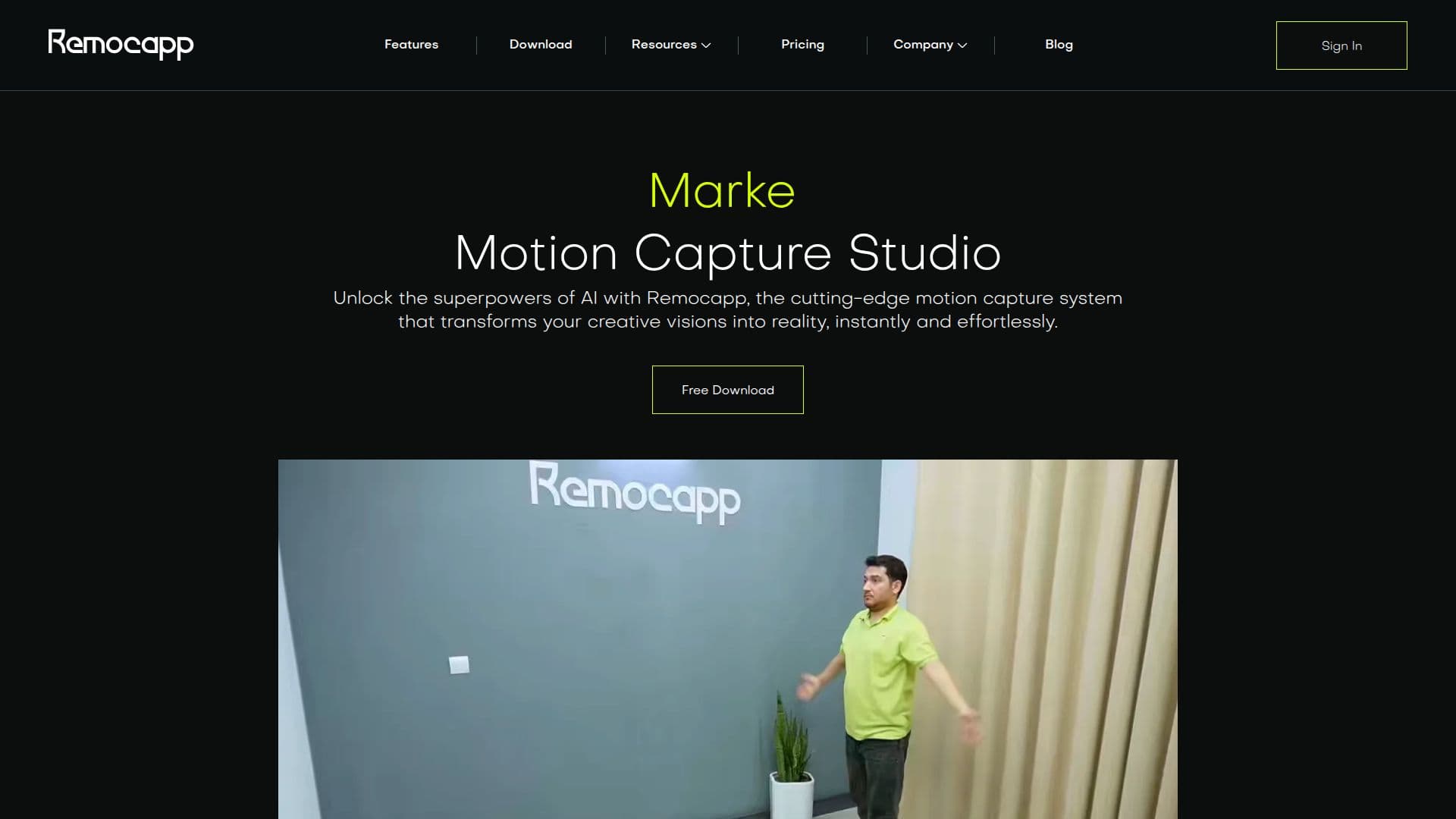
Remocapp is an innovative AI-based motion capture software designed to capture human motions using webcams. It eliminates the need for expensive equipment like mocap suits or specialized cameras, making high-quality motion capture accessible to everyone from indie developers to big studios. Remocapp operates in real-time, allowing users to capture and analyze movements instantly, providing immediate feedback and adjustments during recording sessions. This feature is particularly valuable for live performances, virtual production, and interactive applications where instant results are crucial.
The software supports both body and facial motion capture, using advanced AI algorithms to accurately detect and animate movements in real time. Remocapp's markerless technology allows users to record and track human motions without cumbersome markers or sensors, streamlining workflows and reducing setup time. It is compatible with standard webcams, making it easy to set up a motion capture studio anywhere.
Remocapp is suitable for various industries, including film, gaming, advertising, and content creation. It also offers solutions for healthcare, risk assessment, and sports, enabling precise analysis of human movements to optimize workflow efficiency and reduce workplace injuries. The software supports integration with popular platforms like Unreal Engine 5, Blender, and Unity, allowing users to export animation data in formats like OSC and BVH.
Remocapp offers flexible pricing plans, including a free tier, making it an affordable solution for creators. Users can enjoy unlimited capture time and access to advanced features during a 14-day free trial. The software is designed to be user-friendly, with an easy calibration process and compatibility with basic webcams, ensuring that anyone can start capturing motion data quickly and efficiently.
Remocapp Motion Capture Studio's Core Features
Real-time motion capture
Markerless technology
Facial motion capture
Compatible with webcams
Integration with Unreal Engine, Blender, Unity
Supports OSC and BVH formats
Unlimited capture time
Affordable pricing plans
Portable setup
No special equipment required
AI-driven accuracy
Immediate feedback and adjustments
Suitable for multiple industries
User-friendly interface
Free trial available
How to use Remocapp Motion Capture Studio?
Configure: Set up webcams and software
Use: Capture body and facial movements
Optimize: Adjust settings for better accuracy
Export: Save data in desired format
Remocapp Motion Capture Studio's Use Cases
- Film Production
- Game Development
- Virtual Reality
- Healthcare Analysis
- Sports Training