
Description
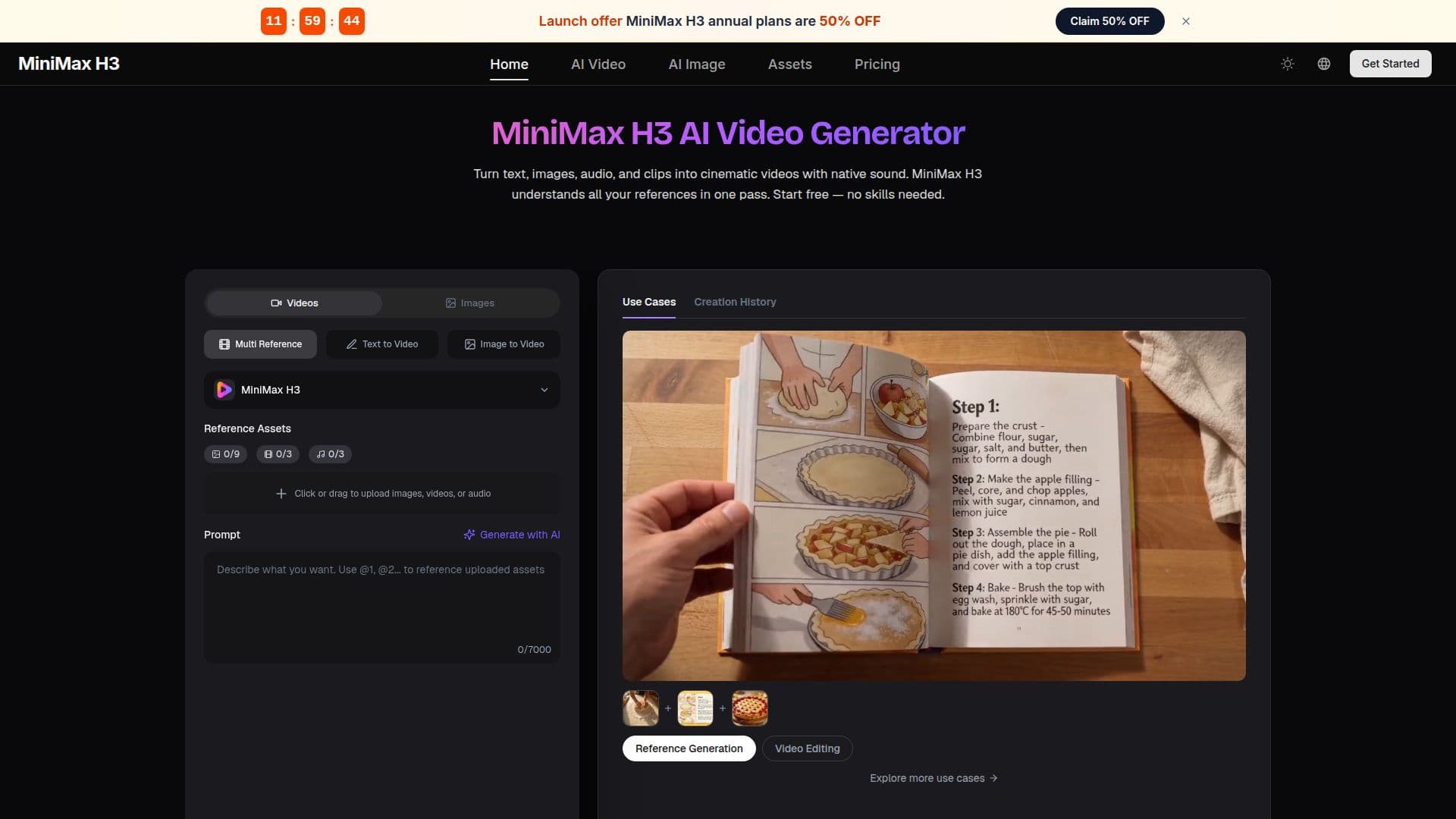
MiniMax H3 AI Video Generator is designed to empower users to create cinematic videos effortlessly. By simply typing an idea or uploading images, users can generate high-quality videos complete with sound in just minutes. The platform is entirely free to start, eliminating the need for prior editing skills or software installation.
Read More
The generator supports a variety of inputs, allowing users to mix up to nine images, three video clips, and three audio tracks in a single request. This multimodal capability means that MiniMax H3 can understand and integrate text, images, video, and audio seamlessly, producing coherent videos that maintain a consistent style and narrative flow. For instance, users can create complex scenes by referencing characters, actions, and camera movements, all while ensuring that the resulting video feels professionally crafted.
One of the standout features of MiniMax H3 is its editing functionality. Users can modify any part of their video without needing to re-shoot. This includes swapping characters, changing backgrounds, or even rewriting dialogue—all through simple, plain-language instructions. This flexibility allows creators to refine their videos shot by shot, similar to how a director would provide notes during production.
MiniMax H3 is particularly beneficial for a wide range of users, including content creators, marketers, e-commerce sellers, filmmakers, and hobbyists. It enables quick production of engaging content for platforms like TikTok, Instagram Reels, and YouTube, making it an invaluable tool for those looking to enhance their online presence. Additionally, the platform is built for commercial-grade output, ensuring that videos are suitable for advertising and professional use.
In summary, MiniMax H3 AI Video Generator is a versatile tool that simplifies video creation and editing, making it accessible to anyone with a creative idea. With its intuitive interface and powerful capabilities, it transforms the way users approach video production, allowing them to focus on storytelling rather than technical details.
- CategoryAI Video Generators
- Pricing ModelFreemium
- DeploymentCloud
- PlatformsWeb
MiniMax H3 AI Video Generator's Core Features
Text to Video
Image to Video
Instruction-Based Editing
Native Audio
Multimodal Input
Commercial-Grade Output
Supports Multiple Aspect Ratios
Free to Start
How to use MiniMax H3 AI Video Generator?
Describe or Upload: Type what you want to see or add reference images, video clips, and audio.
Generate: Choose your aspect ratio and hit Generate to create a video.
Refine: If needed, provide plain-language instructions to edit the video.
Download: Save your video in up to 1440p and share it anywhere.
MiniMax H3 AI Video Generator's Use Cases
- Content Creation
- Marketing
- E-commerce
- Filmmaking
- Game Development