Description
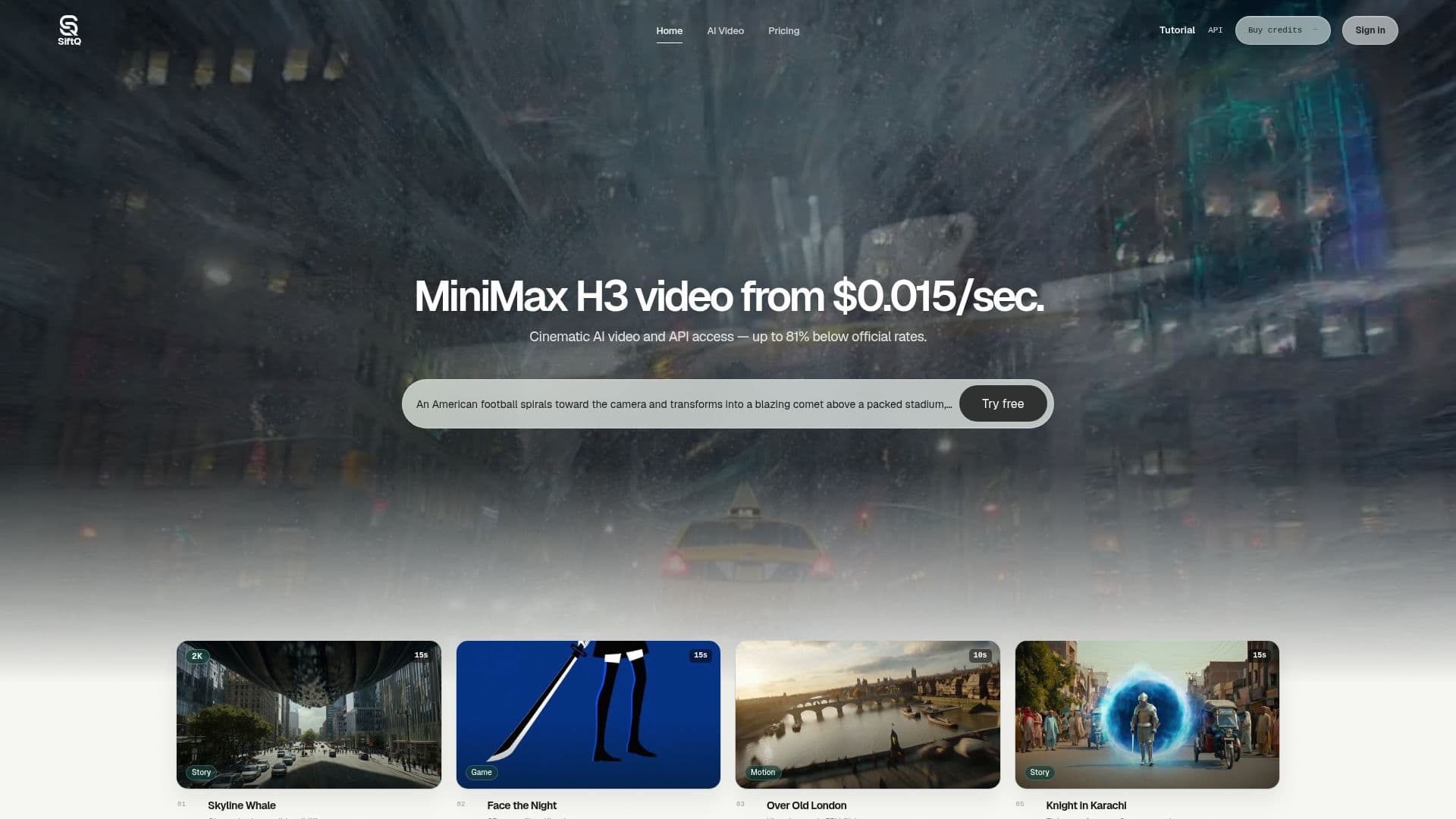
MiniMax H3 is an advanced AI video generator designed to create high-quality cinematic videos from text and images. With the ability to generate 2K video output, MiniMax H3 stands out by offering competitive pricing, starting at just $0.015 per second for standard video and $0.025 per second for 2K quality. This pricing represents an impressive 81% discount compared to official rates, making it an attractive option for creators and businesses alike.
Read More
The platform supports a variety of input methods, including text-to-video and image-to-video generation. Users can leverage multi-reference assets, which means they can combine images, videos, and audio to create rich, engaging content. This flexibility allows for a wide range of creative possibilities, from cinematic storytelling to promotional videos. Additionally, MiniMax H3 provides API access, enabling developers to integrate its capabilities into their applications seamlessly.
MiniMax H3 is ideal for content creators, marketers, and businesses looking to produce high-quality video content without the need for extensive video production experience. The platform is designed to be user-friendly, allowing anyone to turn their ideas into visually compelling videos quickly. The comprehensive guide available on the SiftQ website offers practical insights into crafting effective prompts for video generation, ensuring that users can maximize the potential of the tool.
With its focus on affordability and ease of use, MiniMax H3 is positioned as a valuable resource for anyone looking to enhance their video content strategy. Whether you are creating promotional material, educational content, or artistic projects, MiniMax H3 provides the tools necessary to bring your vision to life.
- CategoryAI Video Generators
- Pricing ModelPay-as-you-go
- DeploymentCloud
- PlatformsWeb
MiniMax H3 2K AI Video Generator & API's Core Features
Text/Image to Video
2K video output
Multi-reference assets
API access
Pricing from $0.015/sec
81% off official rates
User-friendly interface
Comprehensive director's guide
How to use MiniMax H3 2K AI Video Generator & API?
Choose your input method: Select either text or image to start your video creation.
Craft your prompt: Write a clear and concise prompt that describes the scene you want to create.
Select your assets: Upload any reference images, videos, or audio you want to include.
Set your parameters: Adjust settings such as duration, aspect ratio, and resolution for your video.
Generate your video: Click the generate button to create your video based on your prompt and assets.
Review and refine: Watch the generated video and make any necessary adjustments to your prompt or assets.
Download or share: Once satisfied, download your video or share it directly from the platform.
MiniMax H3 2K AI Video Generator & API's Use Cases
- Promotional Videos
- Educational Content
- Artistic Projects
- Social Media Content
- Marketing Campaigns