
Description
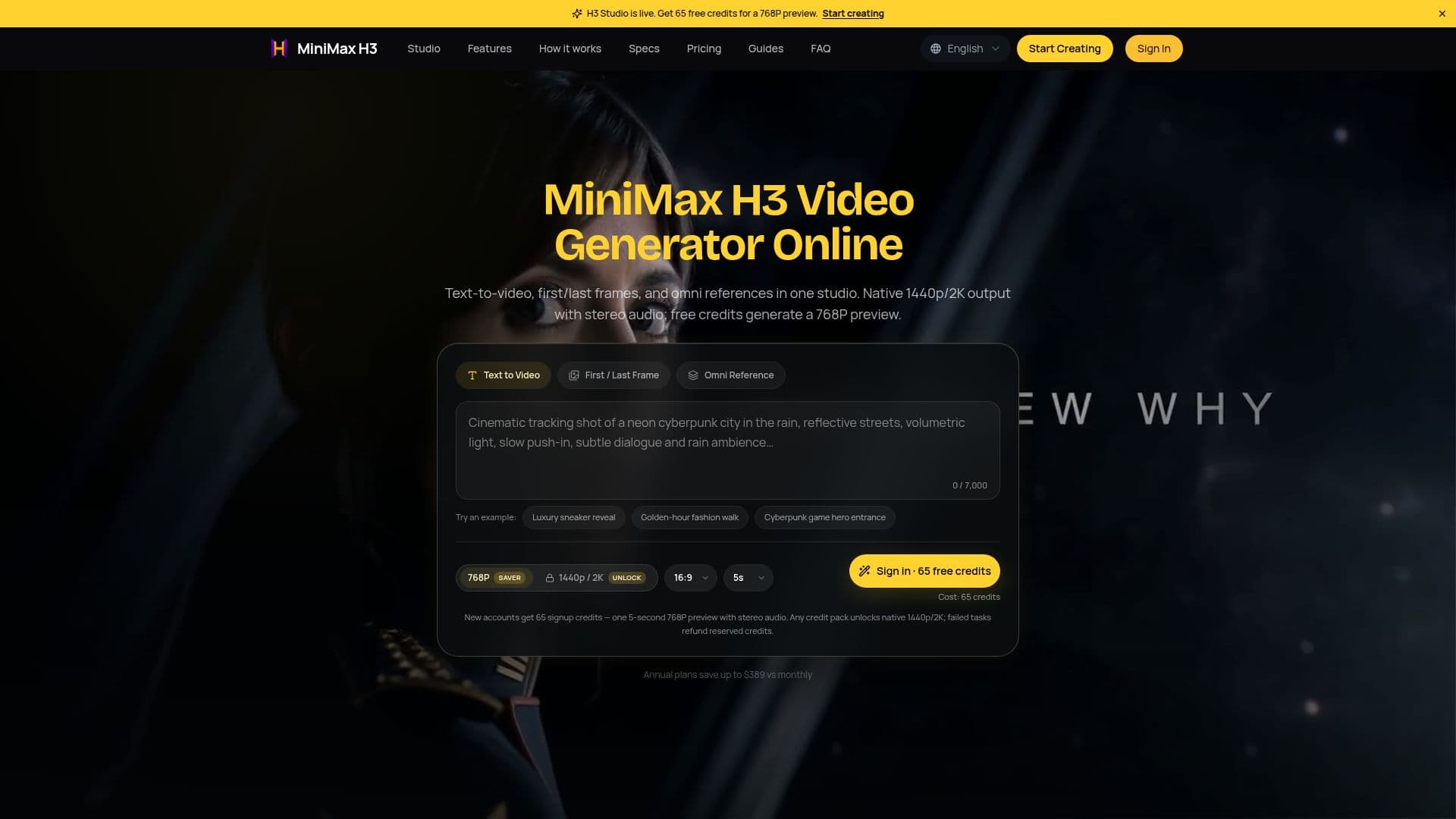
MiniMax H3 Video Generator Online is an advanced AI video studio designed to transform text and reference media into high-quality videos. Utilizing the MiniMax H3 model, this platform allows users to generate videos from text prompts, first and last frames, and omni-reference workflows. The output is available in native 1440p/2K resolution with stereo audio, ensuring a professional finish for all video projects.
Read More
The MiniMax H3 platform supports a variety of input methods. Users can create videos by providing text prompts of up to 7,000 characters, which can be formatted in multiple aspect ratios including 21:9, 16:9, 4:3, 1:1, 3:4, and 9:16. Additionally, the First/Last Frame feature allows for the inclusion of up to two ordered images, while the Omni Reference feature enables the mixing of up to nine images, three videos, and three audio clips in a single generation.
Each video generation runs for 4 to 15 seconds at 24 frames per second (FPS). New users can sign up for the platform and receive 65 credits, which can be used to generate a 5-second preview video at 768P resolution. For higher quality, users can purchase credit packs that unlock native 1440p/2K output. The pricing model is credit-based, with successful generations consuming credits based on the output resolution.
MiniMax H3 also includes native stereo audio in every generation, which encompasses speech, sound effects, and environmental sounds that sync with the on-screen action. This feature enhances the overall viewing experience, making it suitable for various applications, from marketing videos to short films.
The platform is independent and not affiliated with MiniMax or Hailuo AI, providing a unique service for creators looking to leverage AI technology for video production. With its intuitive interface and robust capabilities, MiniMax H3 is positioned as a valuable tool for anyone in need of quick and effective video content creation.
- CategoryAI Video Generators
- Pricing ModelCredit-Based
- DeploymentCloud
- PlatformsWeb
MiniMax H3 Video Generator Online's Core Features
Text-to-Video Generation
First/Last Frame Support
Omni Reference Workflow
Native 1440p/2K Output
Stereo Audio Included
Credit-Based Pricing Model
Supports Multiple Aspect Ratios
Fast Generation Times
How to use MiniMax H3 Video Generator Online?
Gather your references: Prepare text prompts or upload images/videos.
Select a generation mode: Choose between Text-to-Video, First/Last Frame, or Omni Reference.
Set the duration: Pick a video length between 4 to 15 seconds.
Generate the video: Click to create your video and wait for processing.
Review and refine: Preview the output and make adjustments as needed.
Export your video: Download the final video in native 1440p/2K resolution.
MiniMax H3 Video Generator Online's Use Cases
- Marketing Videos
- Social Media Clips
- Educational Content
- Short Films
- Product Demonstrations