
Description
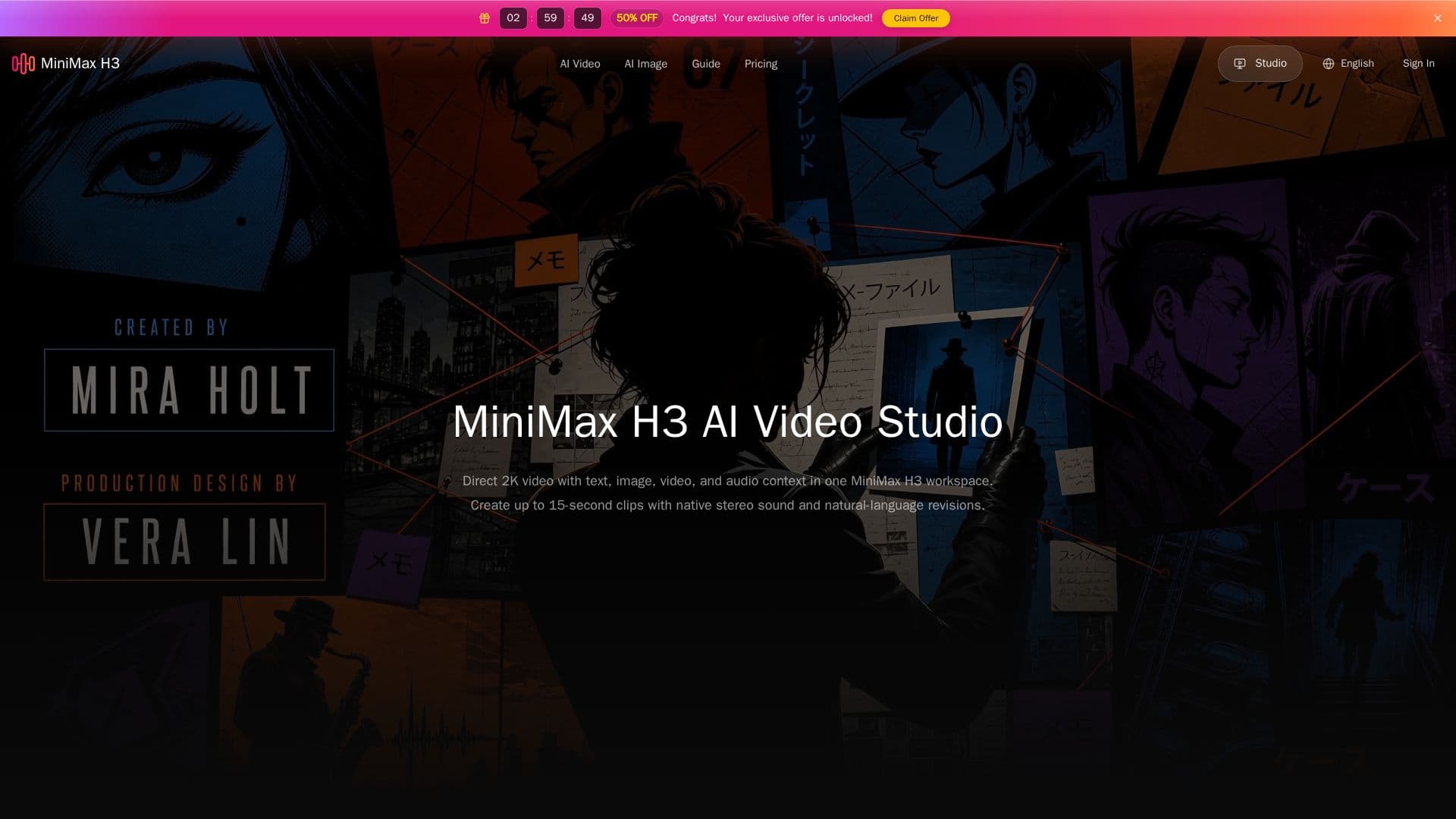
MiniMax H3 AI Video Studio is a multimodal video generation tool designed to create high-quality 2K videos with a maximum duration of 15 seconds. It combines various media types, including text, images, video, and audio, into a single creative workspace, allowing users to generate and refine videos efficiently. The platform is built around a creative brief system, where users can set their project parameters, upload reference materials, and select their desired output settings.
Read More
The MiniMax H3 model, launched on July 31, 2026, is designed for versatility in video production. It supports various input types, enabling users to create videos from text prompts, images, or existing video references. This flexibility is particularly beneficial for teams working on advertising, e-commerce, product design, and other creative projects that require a cohesive visual narrative. The tool also features native stereo sound, ensuring that audio and video are synchronized for a more immersive viewing experience.
Users can explore the MiniMax H3 workspace for free, although generating videos requires the use of paid credits. The pricing structure is transparent, with costs based on the duration of the video and the number of reference images used. The first five reference images are included at no extra charge, while additional images incur a fee. This model allows users to manage their production costs effectively while still accessing high-quality video generation capabilities.
MiniMax H3 is particularly useful for creators who need to maintain consistency across multiple shots. By utilizing reference materials, users can ensure that characters, products, and visual styles remain coherent throughout their videos. The platform also supports natural-language revisions, enabling users to refine their projects easily and explore different creative directions without starting from scratch. Overall, MiniMax H3 AI Video Studio is an innovative solution for anyone looking to streamline their video production process while achieving professional results.
- CategoryAI Video Generators
- Pricing ModelFreemium
- DeploymentCloud
- PlatformsWeb
MiniMax H3 AI Video Studio's Core Features
Text to video
Image to video
Reference to video
Native stereo audio
Up to 15-second 2K video
Reference-guided workflows
Natural-language revisions
Multimodal input support
How to use MiniMax H3 AI Video Studio?
Set a multimodal brief: Define your project parameters and upload reference materials.
Generate a first cut: Choose your input type and generate the initial video.
Refine the output: Adjust prompts and references to improve the video quality.
Export the final video: Once satisfied, export your completed video for use.
MiniMax H3 AI Video Studio's Use Cases
- Social Media Content
- Product Demos
- Advertising Campaigns
- Educational Videos
- Creative Projects