
Description
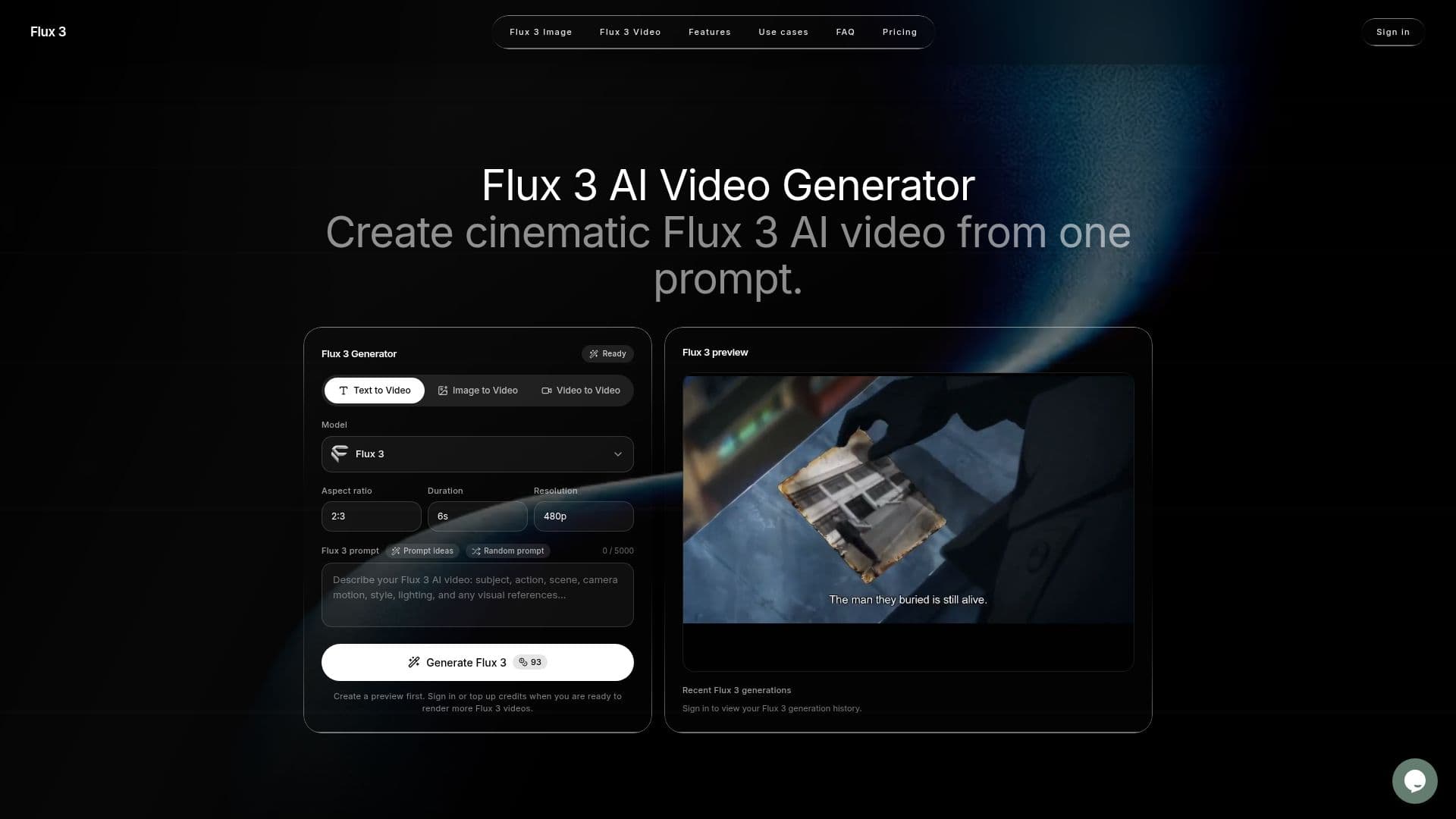
Flux 3 is a multimodal creation model designed to generate AI videos from text, images, or reference clips. It combines video, audio, and visual elements into a cohesive output, allowing creators to produce cinematic videos efficiently. Users can write prompts in plain language, upload reference images or videos, and generate clips with native audio that aligns with the visuals. This integration of sound and motion ensures that effects like footsteps and ambience are synchronized with the actions on screen, enhancing the overall viewing experience.
Read More
The platform simplifies the video creation process by focusing on a single model choice, Flux 3, which streamlines the user experience. This approach allows creators to concentrate on the quality of their prompts and references without being overwhelmed by multiple model options. The generator supports various input types, including text-to-video, image-to-video, and video-to-video modes, catering to a wide range of creative needs.
Flux 3 is particularly beneficial for those without extensive editing or filmmaking experience. The intuitive interface guides users through the process of describing scenes, camera movements, and other essential details, making it accessible for beginners and professionals alike. Additionally, the platform offers a straightforward credit system for generating videos, with options for purchasing credits or subscribing to monthly or yearly plans.
The use cases for Flux 3 are diverse, ranging from creating promotional content and product videos to generating short-form social media clips. It is ideal for marketers, brand designers, and content creators looking to test ideas quickly and efficiently. With its focus on multimodal generation, Flux 3 positions itself as a valuable tool for anyone looking to bring their creative visions to life through video.
- CategoryAI Video Generators
- Pricing ModelCredit-based
- DeploymentCloud
- PlatformsWeb
Flux 3 AI Video Generator's Core Features
Multimodal video generation
Native audio integration
Plain language prompts
Image and video reference support
Single model choice for simplicity
User-friendly interface
Credit-based payment system
Fast preview generation
How to use Flux 3 AI Video Generator?
Write a Flux 3 prompt: Describe the subject, action, camera movement, and mood.
Add image or video guidance: Upload references to enhance the generated output.
Generate a preview: Create a quick preview of your video based on the prompt.
Review and refine: Inspect the generated clip and make adjustments as needed.
Purchase credits: If your balance is low, buy more credits to continue generating.
Download your video: Save the final output for use in your projects.
Flux 3 AI Video Generator's Use Cases
- AI ads and brand content
- Concept trailers
- Short-form social video
- Product and ecommerce motion
- Storyboard testing