
Description
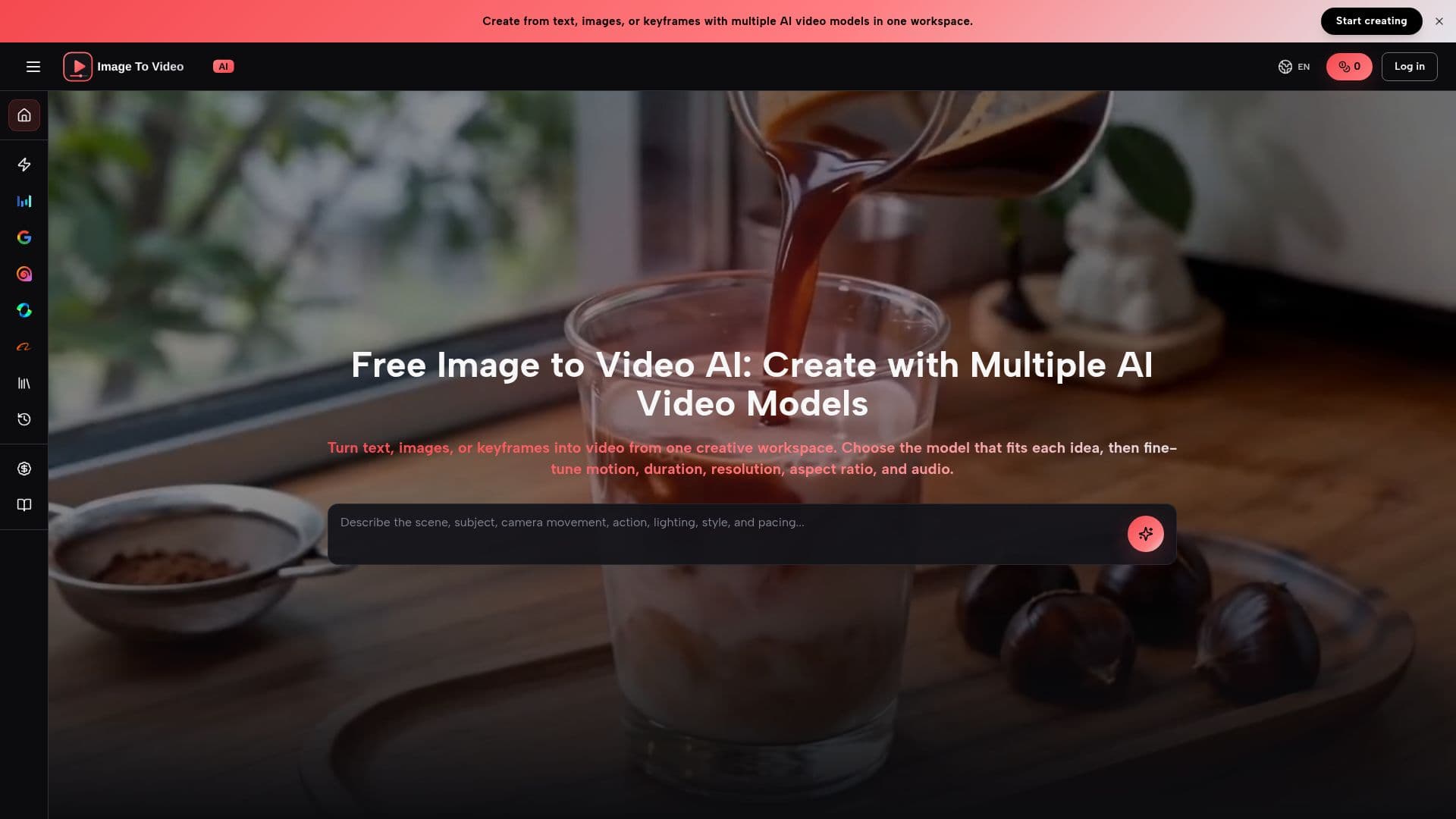
Free Image to Video AI is a versatile platform designed for generating videos from text, images, or keyframes. This multi-model video creation tool allows users to switch between different AI video models, each offering unique strengths and creative controls, all within a single workspace.
Read More
Users can create videos without the need to upload an image by starting with a text prompt. They can choose a model that supports text-to-video generation, select output settings, and generate videos seamlessly. For those who prefer image-guided generation, users can upload a reference image and provide detailed descriptions of how the subject, camera, background, and lighting should change throughout the video.
The platform supports multiple AI video models, including Seedance 2.5, Veo 3.1, and MiniMax H3, each catering to different video creation needs. Seedance 2.5 allows for 30-second 4K clips with native audio and multimodal references, while Veo 3.1 focuses on cinematic text-to-video and image-to-video clips. MiniMax H3 offers flexible 2K video generation and editing capabilities, accommodating various reference types.
Generated videos are automatically saved to the user's Library, where they can be played, reviewed, and downloaded. Users can utilize these videos for various commercial projects, including advertisements, product pages, social media content, presentations, and campaign drafts. It is essential to review the applicable model terms and rights regarding prompts and reference assets before publishing any generated content.
- CategoryAI Video Generators
- Pricing ModelFreemium
- DeploymentCloud
- PlatformsWeb
Free Image to Video AI's Core Features
Multi-model video generation
Text-to-video support
Image-guided generation
Video saving to Library
Commercial use allowed
Flexible output settings
Supports multiple AI models
User-friendly workspace
How to use Free Image to Video AI?
Choose a video model: Select from available AI video models in the workspace.
Create a prompt: Describe the subject, action, and desired visual elements.
Upload references: Optionally upload images or keyframes for guidance.
Generate video: Click to create the video based on your inputs.
Free Image to Video AI's Use Cases
- Marketing Videos
- Social Media Content
- Product Demos
- Educational Content
- Creative Projects