Description
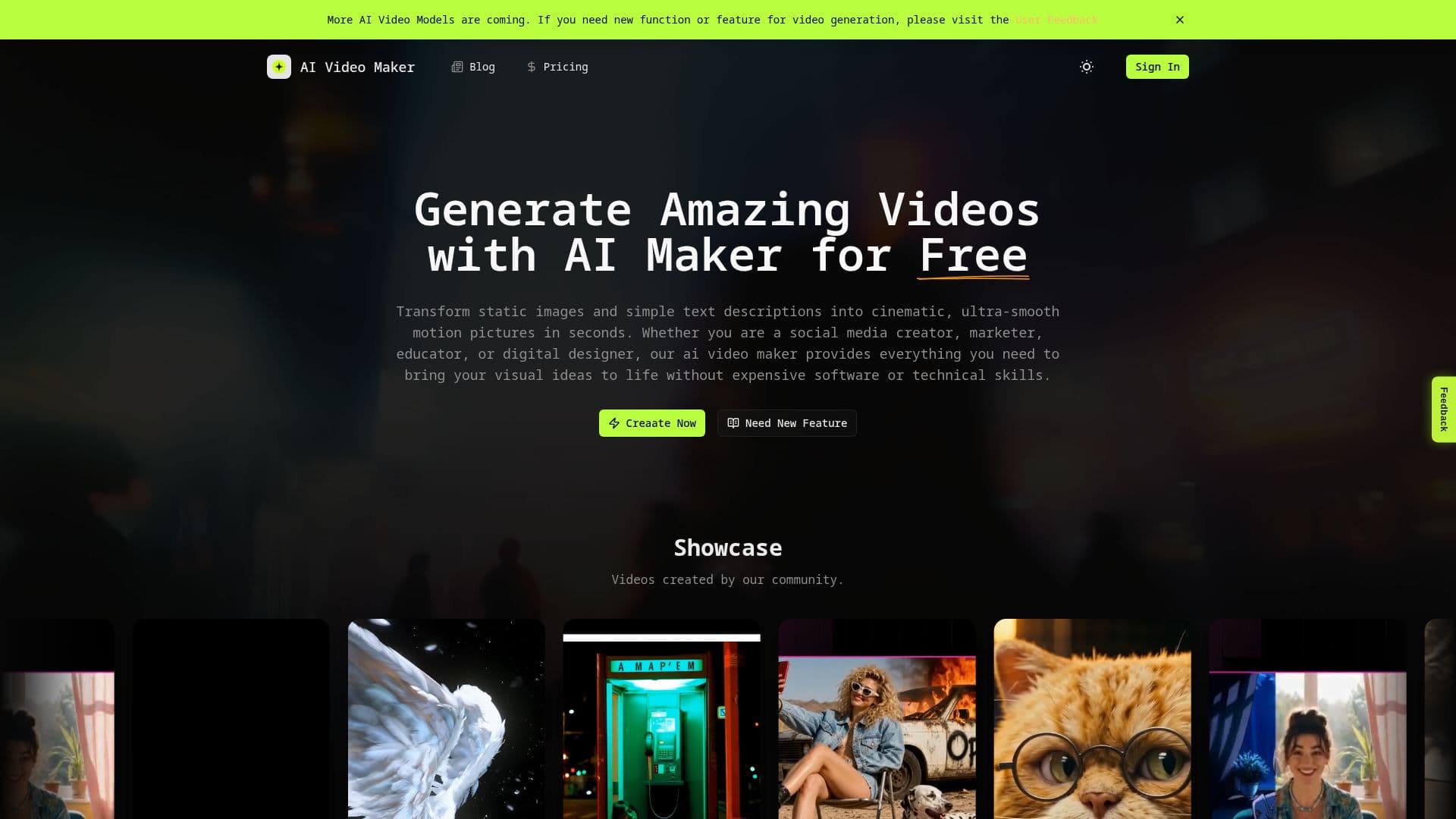
The AI Video Maker allows users to create amazing videos effortlessly by transforming static images and simple text descriptions into cinematic motion pictures in seconds. This tool is designed for a variety of users, including social media creators, marketers, educators, and digital designers, providing everything needed to bring visual ideas to life without the need for expensive software or technical skills.
Read More
To create a video, users simply upload an image, describe their scene, and generate videos using advanced AI models like Kling, Seedance, Sora, Runway, and heygen. The process is streamlined into three simple steps: upload an image, input prompts, and select target parameters before clicking the generate button. The AI Video Maker automatically handles complex video generation, making it accessible for creators of all levels.
The software analyzes uploaded images to predict realistic motion physics, ensuring smooth transitions and consistent camera movements. Users can integrate the latest AI video generation models into their projects seamlessly, allowing for a wide range of creative possibilities. The AI Video Maker also features customizable settings for video duration, fluidity, and camera control, enabling users to tailor their videos to specific needs.
With an intuitive interface, the AI Video Maker bridges the gap between raw imaginative ideas and studio-quality video assets. It is equipped with advanced rendering tweaks for power users, ensuring professional output every time. Whether you need a quick social media clip or a longer narrative video, the AI Video Maker provides the tools necessary to create high-quality content efficiently.
- CategoryAI Video Generators
- Pricing ModelFreemium
- DeploymentCloud
- PlatformsWeb
AI Video Maker's Core Features
Dual-Input Synthesis
Custom Video Duration Controls
Dynamic Video Fluidity Settings
Camera Control & Style Customization
Advanced Rendering Tweaks
AI-Ready Infrastructure
Easy Setup
Quick Creation
How to use AI Video Maker?
Upload Your Source Image: Select and upload a high-resolution base image into the workspace.
Write a Detailed Text Prompt: Describe what you want to happen inside the frame.
Configure Motion & Advanced Settings: Tailor output parameters like duration and fluidity.
Create and Download: Click the generate button to process your inputs and download the video.
AI Video Maker's Use Cases
- Social Media Content
- Marketing Videos
- Educational Videos
- Product Demonstrations
- Creative Projects