Description
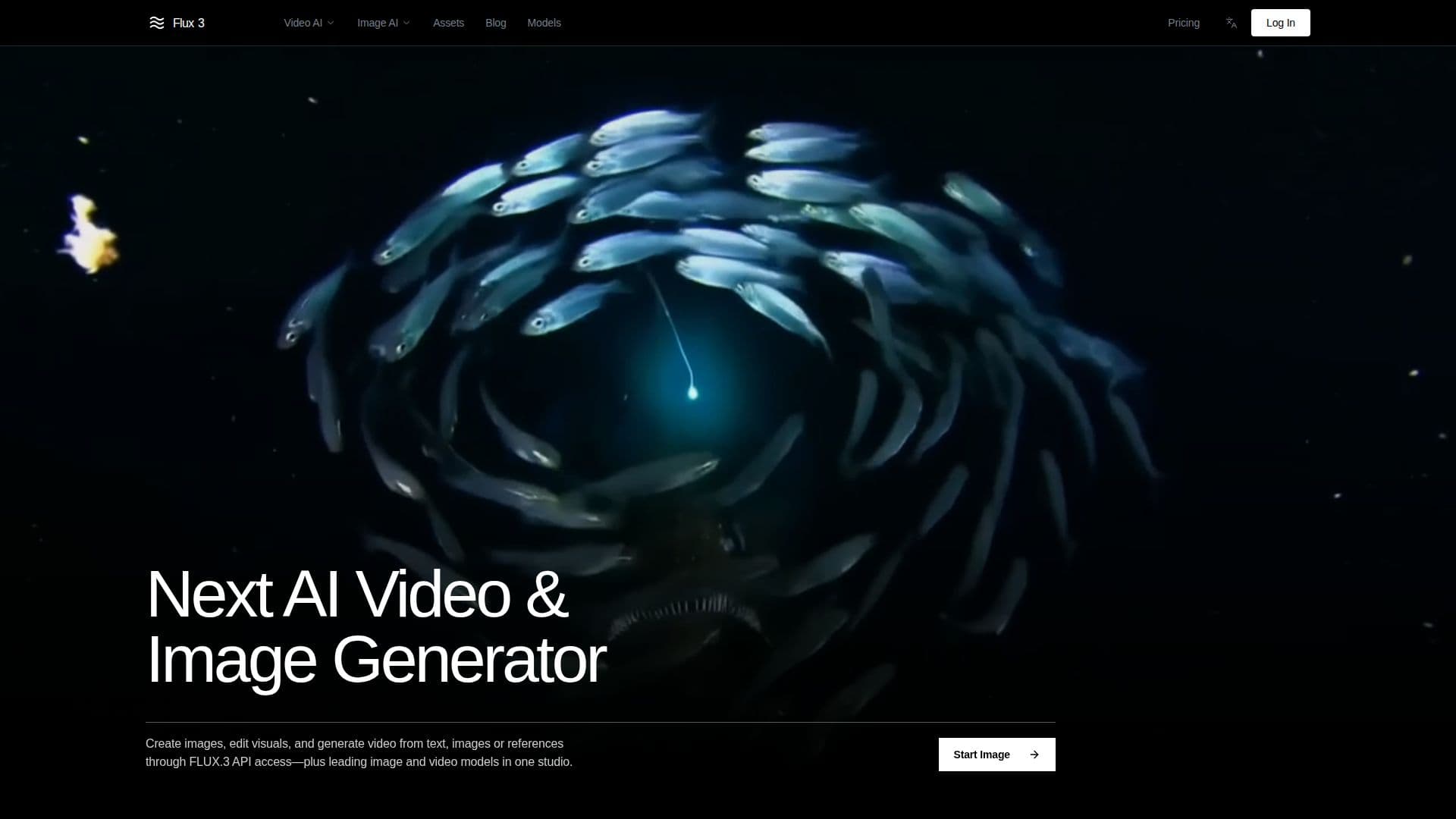
Flux3 is an independent AI creation platform that connects to FLUX.3 through API access, providing tools for image editing and video generation. Users can create videos from text, images, or reference clips, and work with native audio, all within a single browser workflow.
Read More
The platform allows for text-to-video generation of up to 20 seconds, producing diverse outputs that include candid footage, animation, and cinematic styles. Users can animate starting frames, guide generation with visual references, and define key moments for controlled transitions. The integration of native audio ensures that speech and sound effects are synchronized with the visuals, enhancing the overall experience.
Flux3 also supports multilingual dialogue and typography, enabling creators to produce accurate text across languages. This feature is dependent on the capabilities enabled for the selected workflow. Image synthesis and editing capabilities allow users to generate or edit images across a wide range of styles, aspect ratios, and resolutions, with improved handling of complex prompts and multilingual text.
The platform is built for creators, including content creators, brand marketers, and social media influencers, who need to produce high-quality visuals quickly and efficiently. Flux3 aims to make professional-grade image and video creation accessible to anyone with an idea, from solo creators to businesses looking to scale their content production. With a focus on speed and ease of use, Flux3 replaces the need for multiple tools and subscriptions, streamlining the creative process.
- CategoryAI Video Generators
- Pricing ModelFreemium
- DeploymentCloud
- PlatformsWeb
Flux3: AI Image & Video Generator's Core Features
Text-to-video generation
Image synthesis and editing
Native audio generation
Multilingual dialogue support
Keyframe control for video
API access for integration
Browser-based workflow
Independent platform
How to use Flux3: AI Image & Video Generator?
Create an account: Sign up on Flux3.org to access the platform.
Choose a model: Select the desired AI model for your project.
Input your prompt: Describe the scene or image you want to generate.
Generate content: Use the platform to create images or videos based on your input.
Edit as needed: Refine the generated content using the editing tools available.
Download your creation: Save your images or videos in the desired format.
Share your work: Use the generated content for social media or marketing purposes.
Flux3: AI Image & Video Generator's Use Cases
- Social Media Content
- Marketing Campaigns
- Content Creation
- Video Production
- Image Editing