Description
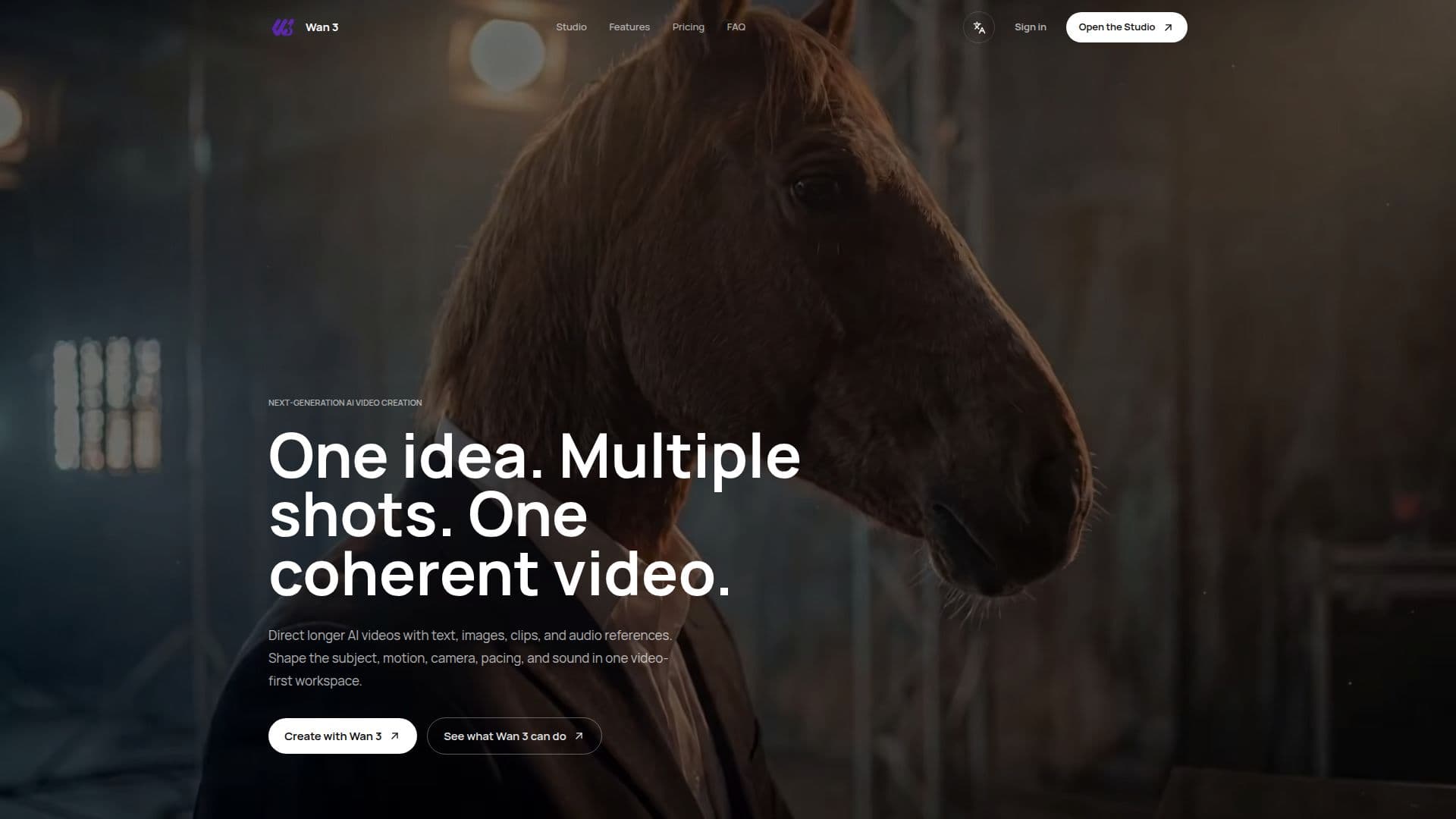
Wan 3 AI Video Generator is a video-first AI creation workspace designed for building complete scenes using text, images, video, and audio references. This innovative platform allows users to direct, generate, assemble, and refine AI video sequences in a streamlined process. Users can create a variety of video content, including text-to-video scenes, image-to-video motion, and reference-guided shots. The platform supports longer video workflows, enabling the generation of sequences that can reach up to 30 seconds, depending on the selected workflow and settings.
Read More
The core functionality of Wan 3 revolves around its ability to keep the creative brief, source material, generated shots, and sequence decisions organized within one studio environment. This means that users can maintain a consistent visual direction while changing elements such as action, camera movement, and pacing. To ensure continuity, users can reuse source images, visual descriptions, and palettes across shots, which is essential for maintaining character or product consistency.
Wan 3 supports various video formats, including landscape, portrait, and square, making it suitable for cinematic scenes, product films, and social media content like YouTube, Shorts, Reels, and TikTok. The platform also allows users to incorporate audio references, such as voice and music, into their video projects, enhancing the overall storytelling experience.
To start creating with Wan 3, users simply open the studio, describe their first scene, add relevant references, and review the available format, duration, and audio settings before generating their first shot. This process encourages creativity and flexibility, allowing users to develop their ideas into cohesive video sequences rather than isolated clips. Wan 3 is ideal for hobbyists, casual creators, and professionals alike, offering various pricing plans to suit different needs and levels of usage.
- CategoryAI Video Generators
- Pricing ModelSubscription
- DeploymentCloud
- PlatformsWeb
Wan 3 AI Video Generator's Core Features
Multi-Shot Video Creation
Text-to-Video Support
Image-to-Video Motion
Audio Reference Integration
Commercial Use Rights
Flexible Video Formats
Creative Brief Management
Sequence Assembly
How to use Wan 3 AI Video Generator?
Open Studio: Access the Wan 3 workspace to start your project.
Describe the Scene: Input details about the first scene you want to create.
Add References: Include any text, images, or audio that define your project.
Review Settings: Check the format, duration, and audio options available.
Generate the First Shot: Create the initial video shot based on your inputs.
Develop the Sequence: Continue directing and refining your video into a complete sequence.
Maintain Consistency: Reuse visual elements to ensure continuity across shots.
Export or Share: Once satisfied, publish or distribute your final video output.
Wan 3 AI Video Generator's Use Cases
- Product Films
- Social Media Content
- Moving Storyboards
- Campaign Concepts
- Creative Pitches