
Description
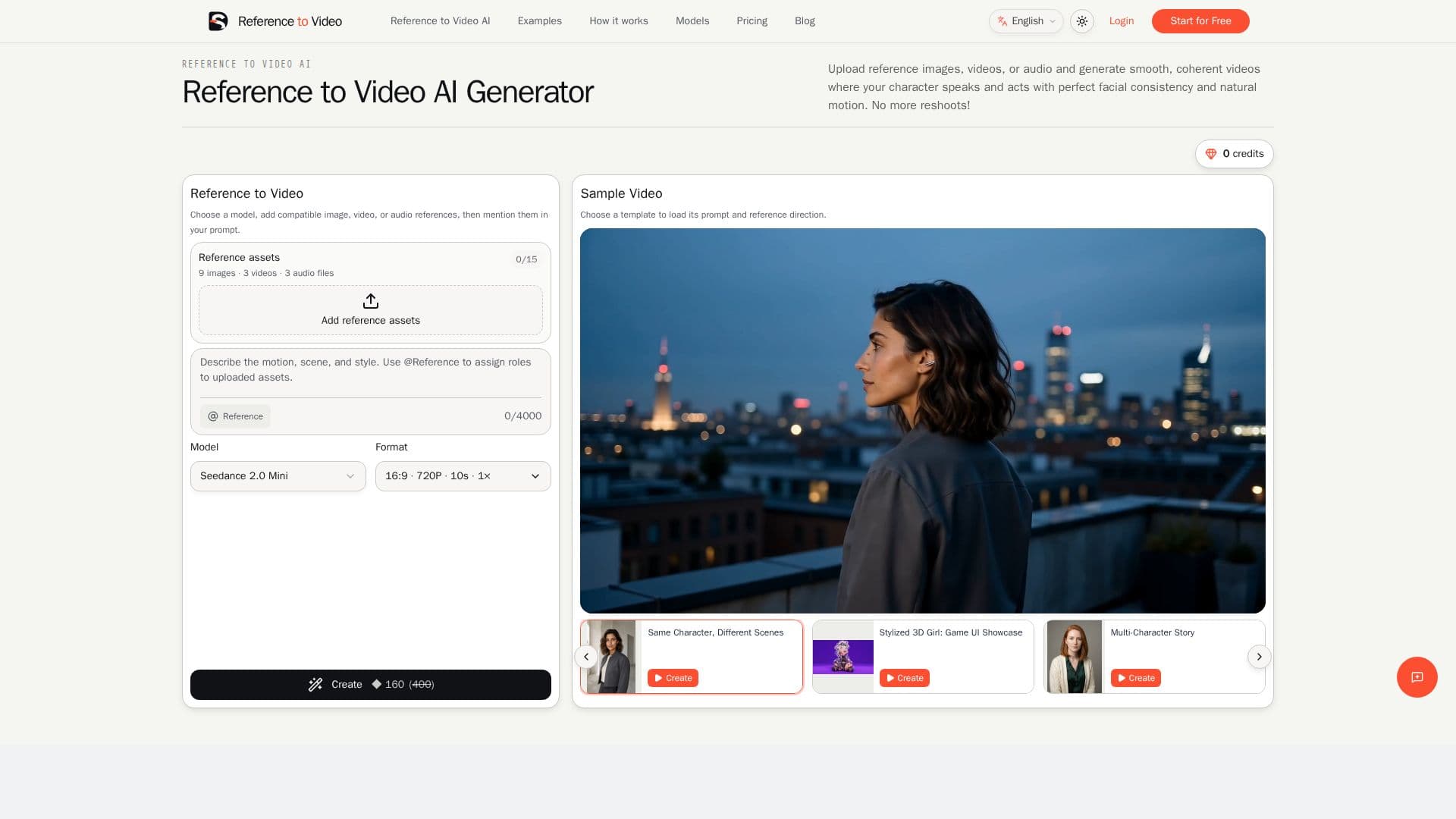
Reference to Video is an AI-powered tool designed to create videos using image, video, and audio references. This tool allows users to upload reference images, videos, or audio to generate smooth and coherent videos where characters speak and act with perfect facial consistency and natural motion. It eliminates the need for reshoots by maintaining continuity across scenes.
The tool works by assigning each source a specific production job before generating a new scene. Images can define a person, product, outfit, scene, or style, while videos guide movement and camera behavior, and audio guides voice, music, and timing. This approach ensures that each reference has a clear role, making the result easier to direct, review, and refine.
Reference to Video supports multiple models, including Seedance 2.0, MiniMax H3, and Omni Flash 1.1, each with different capabilities and limits on the number of reference assets. For example, Seedance 2.5 accepts up to 30 images, 10 videos, and 10 audio files, while Omni Flash 1.1 uses seven weighted reference slots.
The tool is ideal for short-drama creators, UGC and ecommerce teams, anime and VTuber creators, fashion and AI-influencer teams, music-video creators, and brand and game teams. It provides a controlled workflow for producing connected shots, ensuring that identity, wardrobe, products, and visual worlds remain recognizable across various scenes.
Pricing for Reference to Video is structured in tiers, with plans such as Lite, Pro, and Ultra, offering different video limits and resolutions. Subscription credits are issued monthly and do not roll over, but users can purchase additional credits as needed.
Reference to Video's Core Features
AI video generation from references
Control over characters and products
Motion and camera direction control
Style, sound, and timing management
Multiple model support
Subscription credits system
High-resolution output options
Consistency across scenes
How to use Reference to Video?
Upload: Add image, video, or audio references
Assign: Define roles for each reference
Generate: Create the video with assigned roles
Review: Check for consistency and coherence
Reference to Video's Use Cases
- Short Drama
- Ecommerce Ads
- Anime Creation
- Music Videos
- Brand Campaigns