
Description
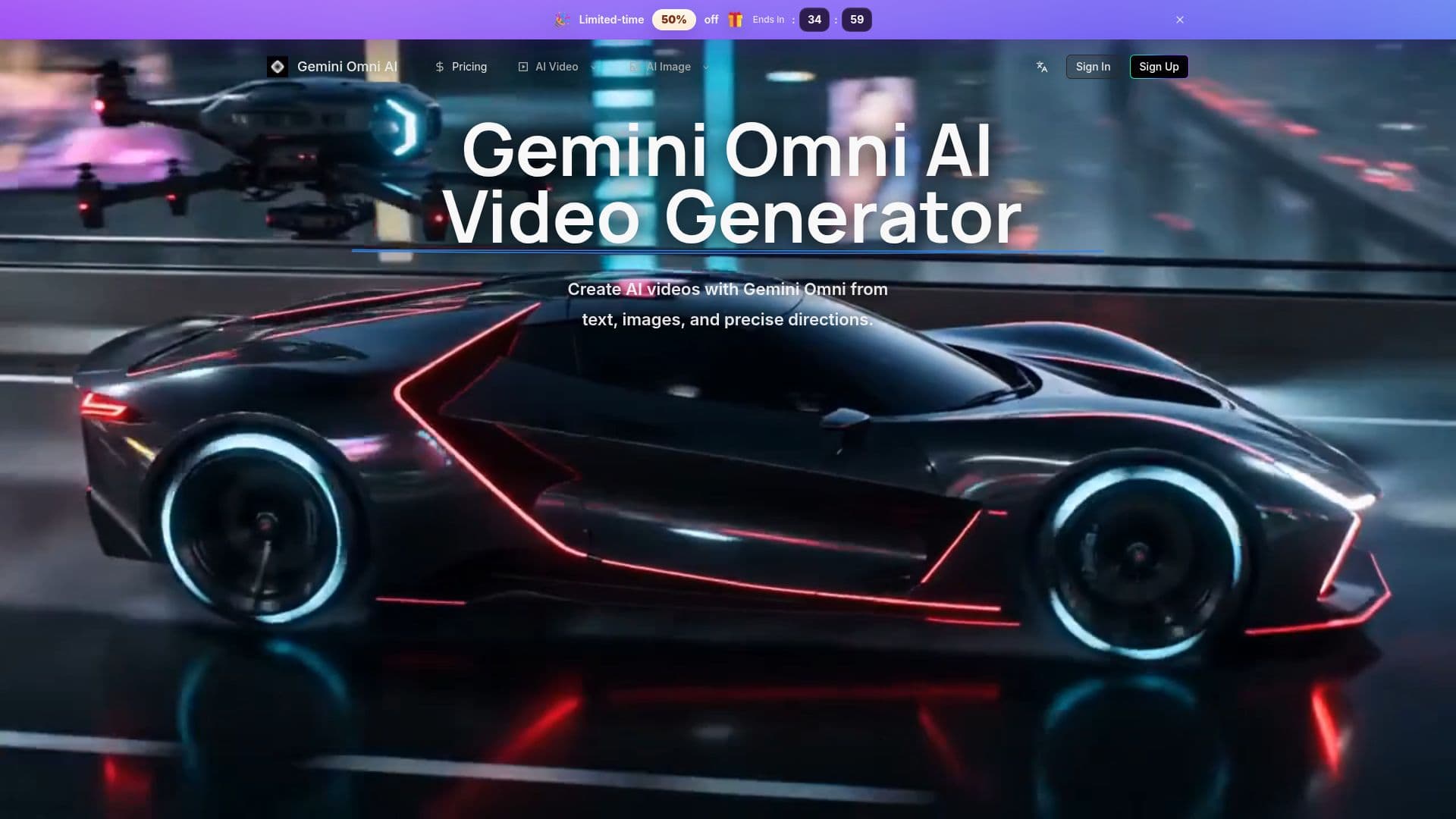
Gemini Omni AI is an independent AI video generation website (operated by Lotook, LLC) built around Gemini Omni-style workflows and other leading models. It lets creators plan and generate video from text prompts, reference images, video clips, and audio references, then refine drafts through conversational, multi-turn editing rather than restarting from a new prompt each time.
Read More
The platform focuses on directed creation: users describe camera movement, subject action, timing, lighting, and transitions for stronger scene and motion control, and can use still images as visual anchors for image-to-video work. It keeps prompts, references, task history, previews, and downloads together in one workspace, and organizes editing-friendly HD video drafts for revision-heavy production across social, product, and marketing use.
Generation is credit-based, with cost varying by model, quality, duration, and mode, and daily reward credits available. The pricing page indicates access to a catalog of current AI video and image models — referenced as Seedance, Kling, Veo, Sora, Nano Banana, GPT Image, Seedream, and Z Image. The site clearly states it is independent and not an official Google product.
- CategoryAI Video Generators
- Pricing ModelUsage-based
- DeploymentCloud
- PlatformsWeb
Gemini Omni AI Video's Core Features
Multi-input generation from text, images, video clips, and audio references
Conversational, multi-turn video editing
Text-to-video, image-to-video, and reference-to-video workflows
Scene and motion control for camera, action, lighting, and transitions
Editing-friendly HD video drafts
Unified workspace for prompts, references, history, and downloads
Credit-based access to a catalog of leading AI models
Example-driven prompt planning
How to use Gemini Omni AI Video?
Write a detailed prompt: describe the scene, camera motion, timing, and style.
Add references: attach images, video clips, or audio to guide direction.
Choose a model and generate: pick a model and create an HD video draft.
Refine conversationally: give follow-up instructions to change action, style, or lighting.
Review and download from your workspace history.
Gemini Omni AI Video's Use Cases
- Product and social video
- Image-to-video
- Iterative editing
- Multi-model production