
Description
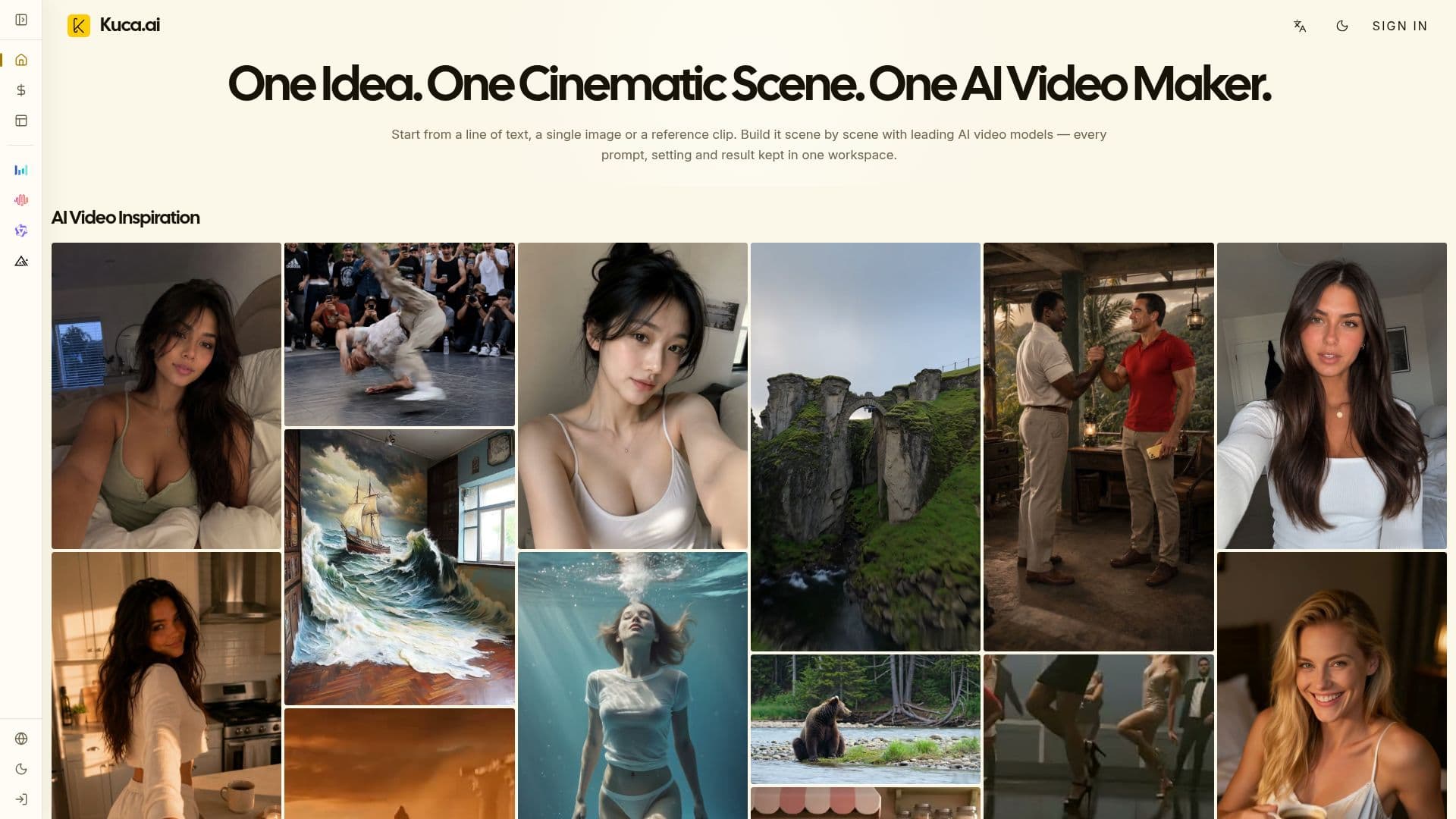
Kuca is a unified AI video studio for creating films, short dramas, ads, and social content with multiple leading models. Instead of managing separate subscriptions and disconnected tools, users move from a prompt or reference image to generation, review, and reuse in one workspace, choosing the best model per shot.
Read More
Kuca brings together Seedance, Veo, Kling, Wan, Grok Imagine, Hailuo, Runway, HappyHorse, and Gemini Omni workflows, each keeping its real supported inputs — text-to-video, image-to-video, first/last-frame control, multiple reference images, or a reference video — and only showing controls the current model actually supports. Depending on the model, users can adjust duration, aspect ratio, resolution, and audio, and generate native audio for dialogue, sound effects, or ambience where supported.
The workflow is four clear steps: add a prompt or image, choose a model and mode, set shot options, then generate, review, and download. A generation history keeps submitted, running, completed, and failed tasks together with their prompts and settings, so users can recreate drafts, retry, or download. An image workspace lets users lock hero frames before motion. Kuca is aimed at YouTubers, TikTok and Reels creators, faceless channels, e-commerce sellers, marketers, educators, and agencies, with credit-based free and paid plans and per-model pricing.
- CategoryAI Video Generators
- Pricing ModelFreemium
- DeploymentCloud
- PlatformsWeb
Kuca's Core Features
Multi-model workspace: Veo, Kling, Seedance, Hailuo, Wan, and more
Text-to-video, image-to-video, and model-specific reference modes
Model-aware controls that show only supported settings
Camera and motion direction plus consistent subjects across shots
Native audio (dialogue, SFX, ambience) on audio-capable models
Image workspace to lock hero frames before motion
Generation history with reusable prompts and settings
Credit-based free and paid plans with per-model pricing
How to use Kuca?
Add a prompt or image: describe the shot, upload a starting image, or add reference media.
Choose a model and mode: select a model and text-to-video, image-to-video, or reference mode.
Set shot options: adjust duration, aspect ratio, resolution, and audio.
Generate, review, and download: create the clip, review it in history, and download the result.
Kuca's Use Cases
- YouTube and social video
- E-commerce showcases
- Short dramas and films
- Performance marketing