Description
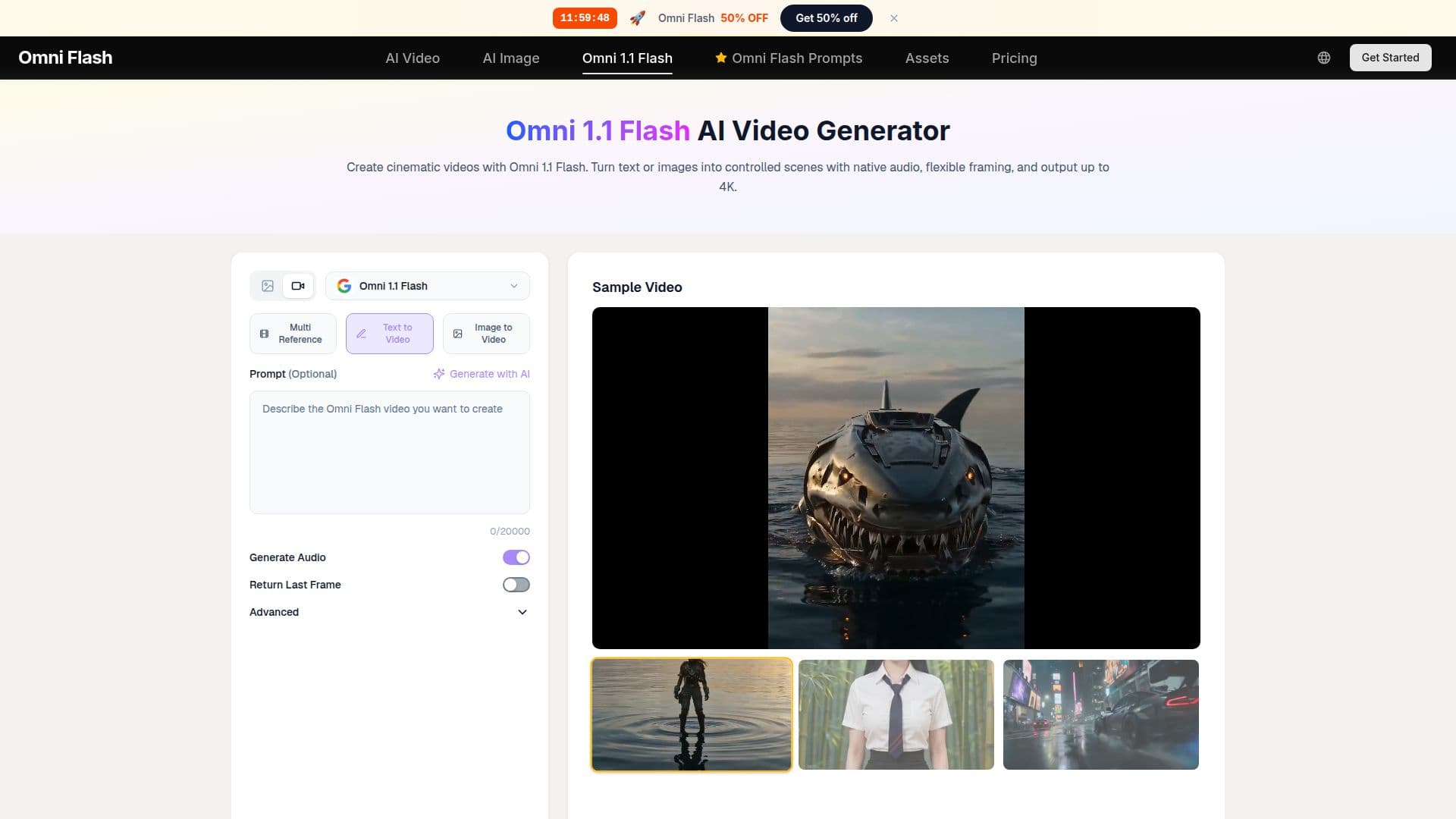
Omni 1.1 Flash AI Video Generator by OmniFlash is a powerful tool designed to convert text or images into cinematic videos. It allows users to create controlled scenes with native audio and flexible framing, supporting output resolutions up to 4K. The tool is particularly noted for its ability to extend scenes in 10-second increments, up to a total of 40 seconds, while maintaining visual and audio continuity. This feature is beneficial for creators looking to preserve narrative flow across extended video segments.
Read More
Omni 1.1 Flash also supports first-and-last-frame control, enabling users to define the starting and ending images of a video, and direct the camera and subject movements between them. This capability is useful for creating storyboard transitions, logo reveals, and seamless social media loops. Additionally, the tool offers a draft mode at 360p, which allows for faster and more cost-effective previews before finalizing the video in higher resolutions like 720p, 1080p, or 4K.
The tool is designed for a variety of use cases, including short narrative sequences, product demonstrations, music video concepts, and longer advertising scenes. It supports both landscape and vertical aspect ratios, catering to different publishing needs. Omni 1.1 Flash is available with a commercial-use license, making it suitable for professional and studio use.
Pricing for Omni 1.1 Flash is structured around a credit system, with different plans available for solo creators, professionals, and studios. Each plan provides access to the full range of features, including native audio and 4K output, with options to upgrade as production needs scale. The tool is ideal for industries such as advertising, media production, and digital marketing, and is particularly beneficial for roles like video editors, content creators, and digital marketers.
- CategoryAI Video Generators
- Pricing ModelFreemium
- DeploymentCloud
- PlatformsWeb
Omni 1.1 Flash AI Video Generator's Core Features
Text to video conversion
Image to video conversion
Scene extension up to 40 seconds
First-and-last-frame control
Draft mode at 360p
Output resolutions up to 4K
Native audio support
Commercial-use license
How to use Omni 1.1 Flash AI Video Generator?
Choose: Start from text or image
Direct: Describe scene and movement
Generate: Create and review the clip
Refine: Adjust and finalize the video
Omni 1.1 Flash AI Video Generator's Use Cases
- Narrative Sequences
- Product Demonstrations
- Music Video Concepts
- Social Media Stories
- Advertising Scenes