
Description
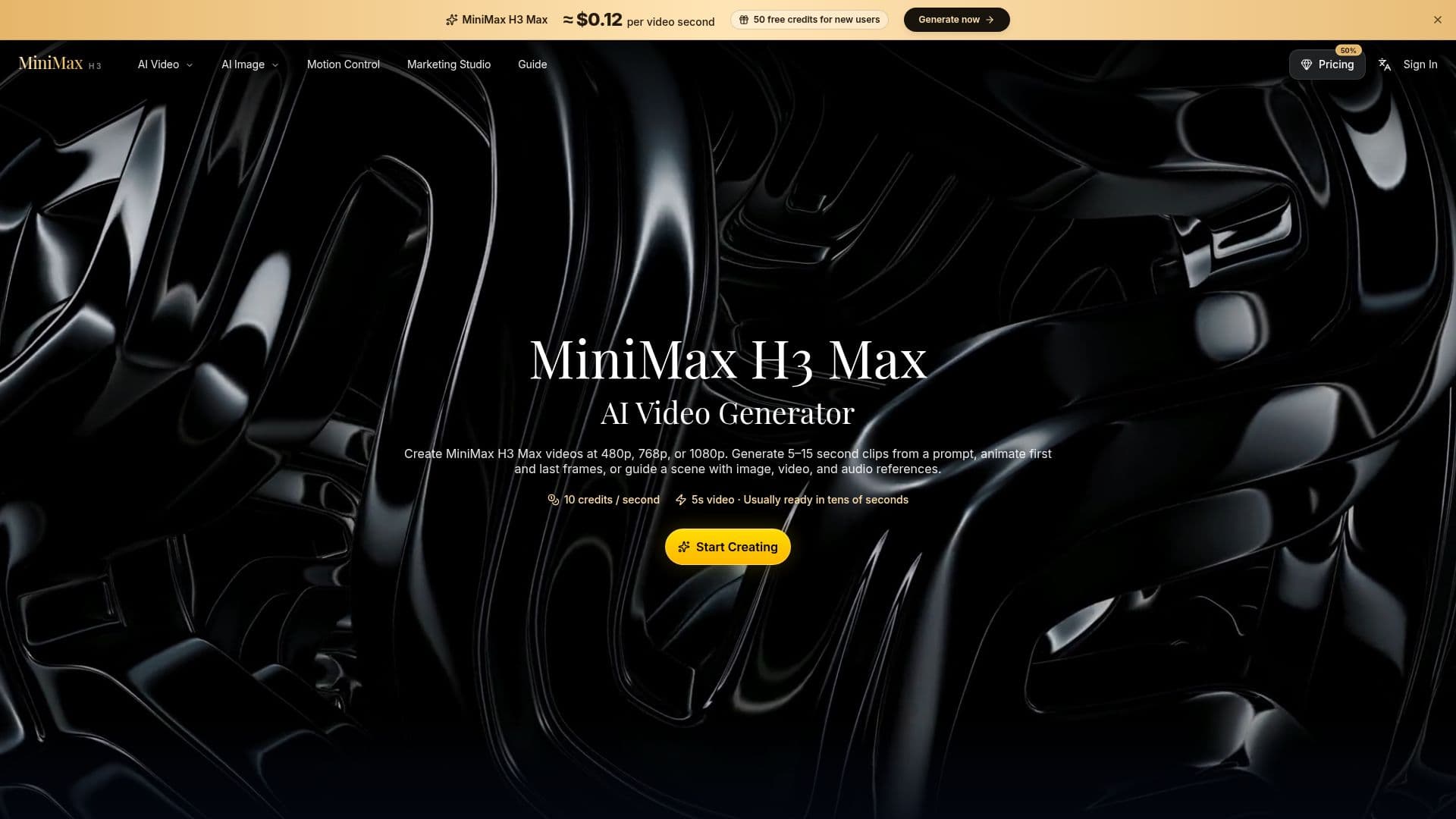
MiniMax H3 Max AI Video Generator is a versatile tool designed for creating short-form videos from text prompts, images, and audio references. It supports video resolutions of 480p, 768p, and 1080p, allowing users to generate clips ranging from 5 to 15 seconds. The platform is particularly useful for creators, marketers, and small teams who require fast visual ideation tools.
Read More
The tool offers a multimodal workflow, enabling users to animate the first and last frames of a video or guide a scene using various media inputs. This feature is beneficial for creating coherent short stories, film previsualizations, and character-led narratives. Users can explore camera movements, lighting, and atmosphere before committing to full production, making it a valuable asset for film and commercial content creation.
MiniMax H3 Max provides different pricing plans to cater to various user needs. The Basic Yearly plan is suitable for individuals and hobbyists, offering 30,000 credits for video generation. The Plus Yearly plan is aimed at creators and professionals, providing 72,000 credits and 4K video resolution. For teams and businesses, the Pro Yearly plan offers 180,000 credits and the fastest processing speeds.
The platform emphasizes safety and compliance, using automated moderation controls to ensure content policy adherence. It also offers customer support for account, billing, and product inquiries, ensuring a responsive service experience. Overall, MiniMax H3 Max AI Video Generator is a comprehensive tool for generating high-quality, AI-assisted videos efficiently.
- CategoryAI Video Generators
- Pricing ModelSubscription
- DeploymentCloud
- PlatformsWeb
MiniMax H3 Max AI Video Generator's Core Features
Generate videos from text prompts
Support for 480p, 768p, and 1080p resolutions
Animate first and last frames
Guide scenes with image, video, and audio references
Multimodal workflow for coherent storytelling
Film previsualization tools
Character-led narrative support
High-resolution commercial content generation
How to use MiniMax H3 Max AI Video Generator?
Upload: Add images or videos as references
Configure: Set video resolution and duration
Generate: Create video from prompts or references
Review: Edit and finalize the video output
MiniMax H3 Max AI Video Generator's Use Cases
- Short-form storytelling
- Film previsualization
- Character narratives
- Commercial content
- Social media campaigns